Video Teleprompter

Video Teleprompter Summary
Video Teleprompter is a free, with in-app purchases iOS app in Photo And Video by Teleprompter Apps Ltd. Released in Nov 2018 (7 years ago). It has 16K ratings with a 4.75★ (excellent) average. Based on AppGoblin estimates, it reaches roughly 8.4K monthly active users and generates around $<10K monthly revenue (100% IAP / 0% ads). Store last updated Jul 16, 2022
Recent activity: 13 new ratings this week View trends →
SDK intelligence: AppGoblin detected 3 development tools(e.g. Google),and 1 analytics: product integrated into Video Teleprompter. View full SDK list →
Video Teleprompter SDKs Summary
Video Teleprompter was last scanned for SDKs on 2026-06-23. Below is the overview of third-party companies detected in the app. The full list of SDKs, permissions and unknowns is available here.
 Google
 nanopb
 SDWebImage
 Firebase
4.75★
Ratings: 16K
Screenshots
App Description
Many other apps copy ours, but we're the original Video Recording Teleprompter! Perfect for video presentations, vlogging, video resumes, product explainer videos and much more!
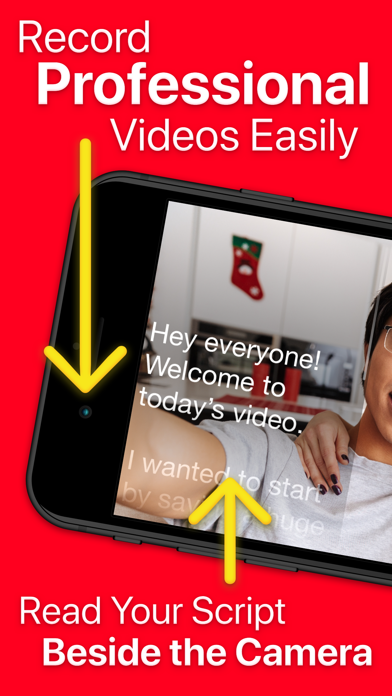
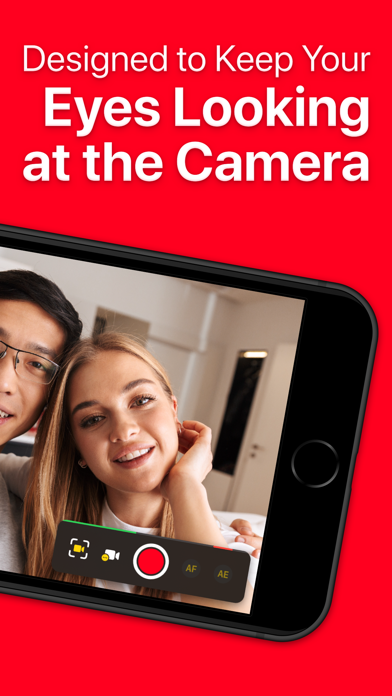
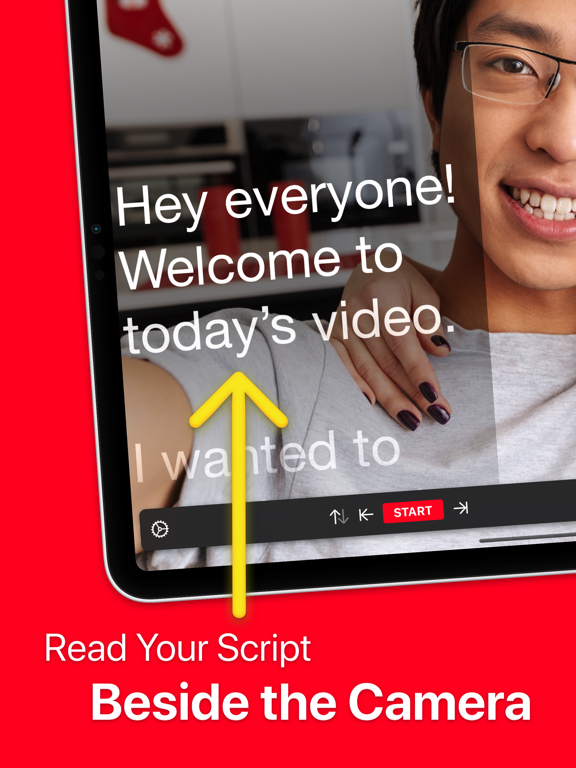
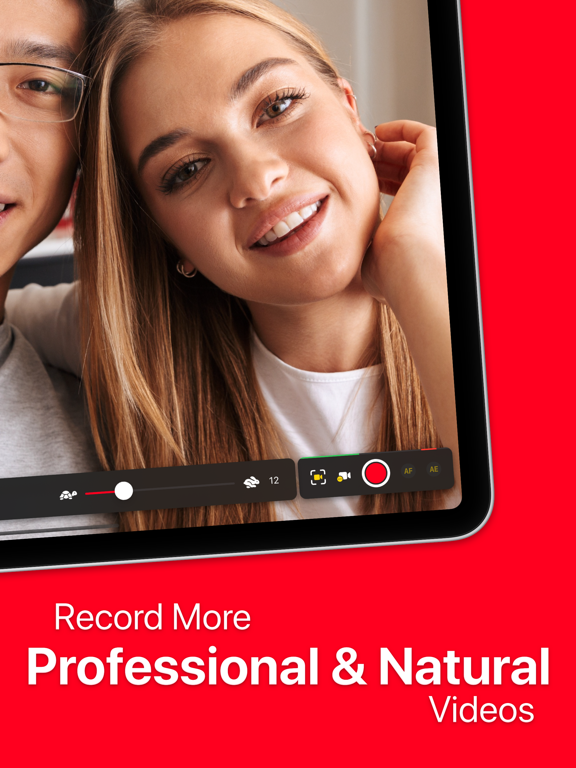
Video Teleprompter helps you to record professional and natural videos. Read your script beside the camera so that you're always looking towards the camera. No need to memorise lines or glance away at notes!
Whichever way you position your device, Video Teleprompter will place your script directly beside the camera.
Video Teleprompter is the original video recording teleprompter app to pioneer this idea!
It's super easy... Just read your script!
How can Video Teleprompter help you to record more professional and natural looking videos?
• You'll be looking directly at the camera as you read your script
• No more paper scripts or notes
• No need to memorize what to say
• No more glancing off-camera at your notes or prompts
• Fewer mistakes
• Fewer re-shoots
Main Features & Benefits:
• Present your videos just like a professional
• Maintain better eye-contact with the camera
• 4K video recording (for devices that support 4K video)
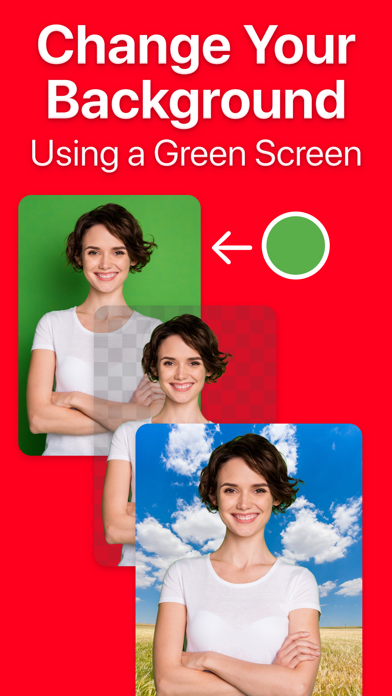
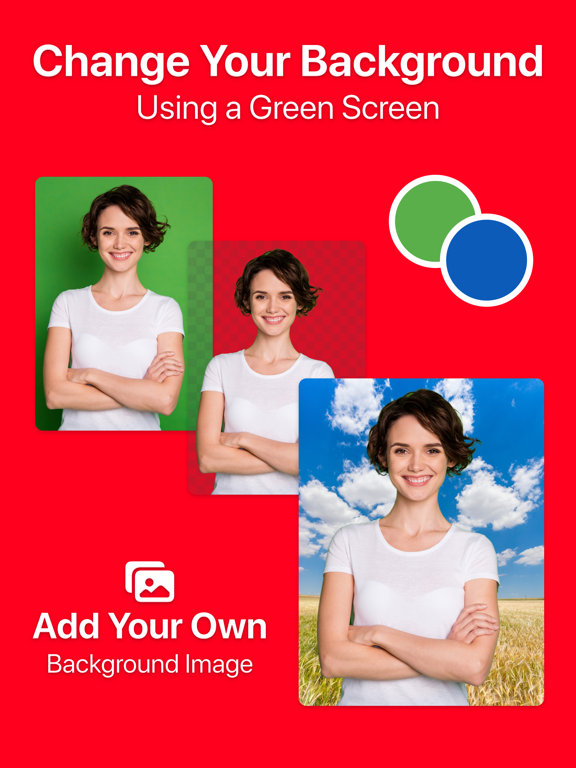
• Green Screen feature to add your own background to your videos
• Countdown timer to let you prepare for recording
• Import your scripts from any location including Dropbox, Google Drive, iCloud Drive and any others
• Import Word, txt, rtf and pdf documents
• No character limit or script limit
• Record in landscape or portrait orientation
• Record with either the front-facing or rear-facing camera
• Tap to focus and expose
• Lock the autofocus and autoexposure
• Custom shutter speed and ISO controls
• Support for connected microphones
• Audio level monitoring
• Adjustable text window
• Control Scrolling & Recording from any connected keyboard (customizable keys)
• Control Scrolling & Recording from a media remote (customizable buttons)
• Control Scrolling & Recording using a gaming controller including PlayStation and XBOX controllers
• Control Scrolling & Recording from a connected foot pedal or page turner (customizable buttons)
• Control Scrolling & Recording from Apple Watch on iPhone
• Select between "Continuous" or "Paging" scroll modes
• Create, import, edit, save and share unlimited scripts
• Export your scripts as Rich Text (.rtf) files to edit on any computer, tablet of smartphone
•