Screen Recorder: Create & Edit

Screen Recorder: Create & Edit Summary
Screen Recorder: Create & Edit is a free, with in-app purchases iOS app in Photo And Video by AppSmartz. Released in Jan 2019 (7 years ago). It has 7K ratings with a 4.39★ (good) average. Based on AppGoblin estimates, it reaches roughly 4.6K monthly active users and generates around $<10K monthly revenue (100% IAP / 0% ads). Store last updated Mar 17, 2026
Screen Recorder: Create & Edit SDKs Summary
App not yet scanned for SDKs.
4.39★
Ratings: 7K
Screenshots


App Description
Screen Recorder helps you to record screen on iPhone, or iPad.
TOP FEATURES
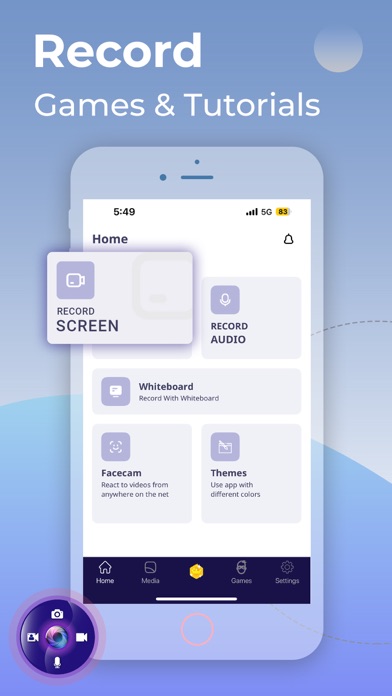
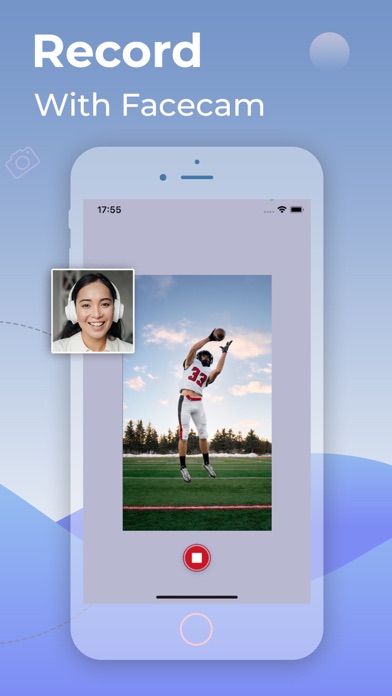
+ Record the entire screen with audio & facecam
+ Record full HD videos(720p/1080p/4k)
+ Recorder internal or system sound
+ No recording time limits
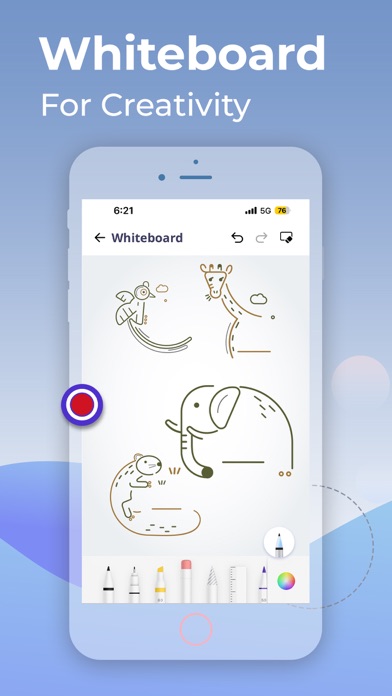
+ Whiteboard recording
+ Easy taking Screenshot
+ Audio/voice Recording
+ Record Streaming
+ No Watermark
+ Convert Video to GIF
Screen Recorder is an efficient and easy-to-use professional stable video recording tool for iPhone, iPad. Screen Recorder for iPad enables you to capture everything that happens on your screen as a video with great quality up to 1080p. It has all the advanced features needed to create professional-looking demonstrations of new applications, record online, capture amazing game tricks or gameplays, presentations, and image slideshows on your iPhone screen! The whiteboard feature helps the artist or the teacher to create drawings or tutorial videos!
What you can do with our Screen Recorder app
- Create the demonstration video for any app program
- Get creative with whiteboard & create tutorial videos for school and or collage class
- Start recording with one click
- Capture audio with a system built-in microphone or any audio input devices
- Enable the camera to record reaction videos
- Create a game reaction or commentary videos
- Record YouTube live videos
- Camera Roll Videos are supported
- No Ads at all
To access the app you'll need to Subscibe to Screen Recorder app. Choose from weekly, monthly 3-day trial, or yearly plans for the ultimate screen recording experience on iPhone and iPad.
Privacy Policy & Terms and Conditions of Use: https://appscreenrecorder.com/privacy-policy-macos
Feel free to share your valuable feedback or suggestions at support@appscreenrecorder.com