Namaz App: Learn Salah Prayer

Namaz App: Learn Salah Prayer Summary
Namaz App: Learn Salah Prayer is a free, with in-app purchases iOS app in Books And Reference by Nursultan Askarbekuly. Released in Dec 2018 (7 years ago). It has 73K ratings with a 4.89★ (excellent) average. Based on AppGoblin estimates, it reaches roughly 236K monthly active users and generates around $<10K monthly revenue (100% IAP / 0% ads). Store last updated Sep 6, 2026
Recent activity: 39 new ratings this week View trends →
Namaz App: Learn Salah Prayer SDKs Summary
Namaz App: Learn Salah Prayer was last scanned for SDKs on 2026-09-23. No known SDKs were detected. Check the raw list of SDK parts detected here and feel free to request unknown SDKs be added to AppGoblin.
4.89★
Ratings: 73K
Screenshots

App Description
Learn Salah/Namaz from scratch, memorize surahs of the Quran, learn Dua, and check prayer times. Suitable for beginners.
What is Namaz?
Namaz is the daily muslim prayer, also known as Salat or Salah. It is one of the five pillars of Islam and the best way of worshipping Allah the Almighty.
Description:
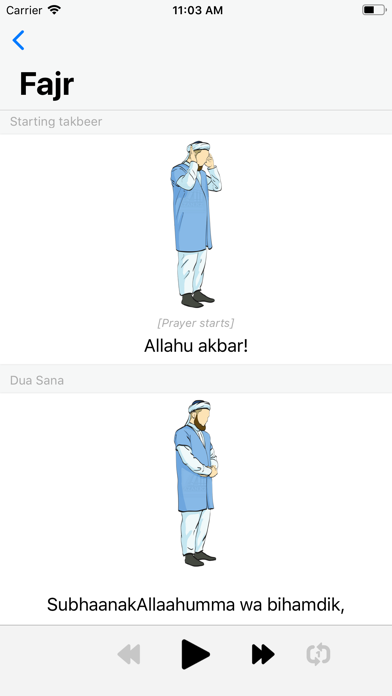
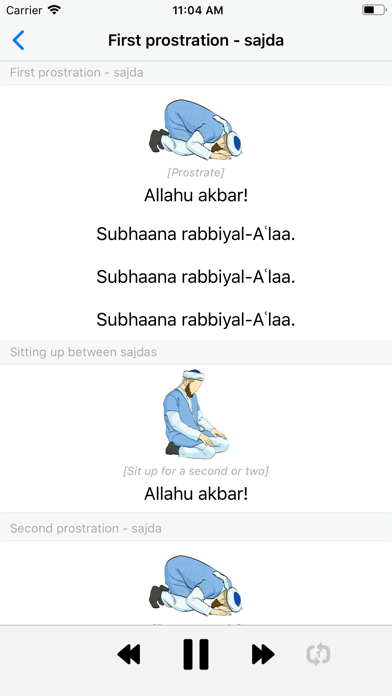
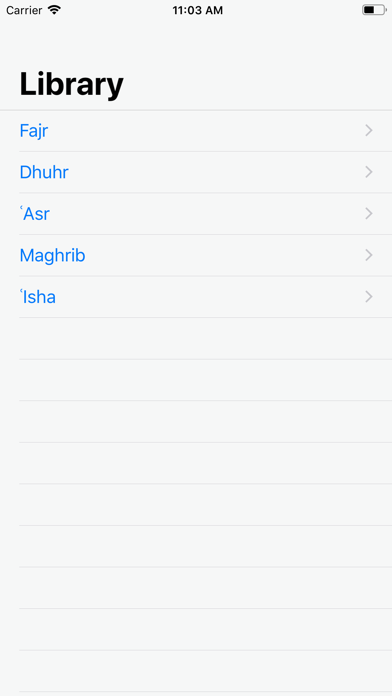
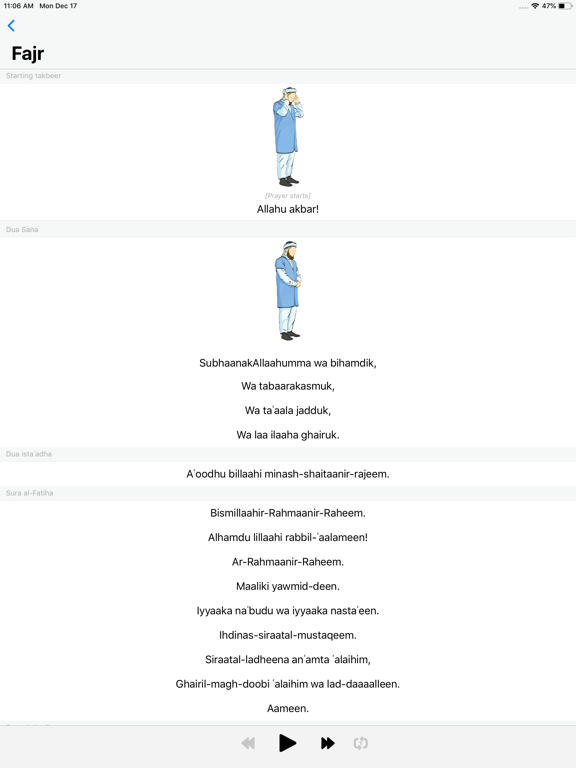
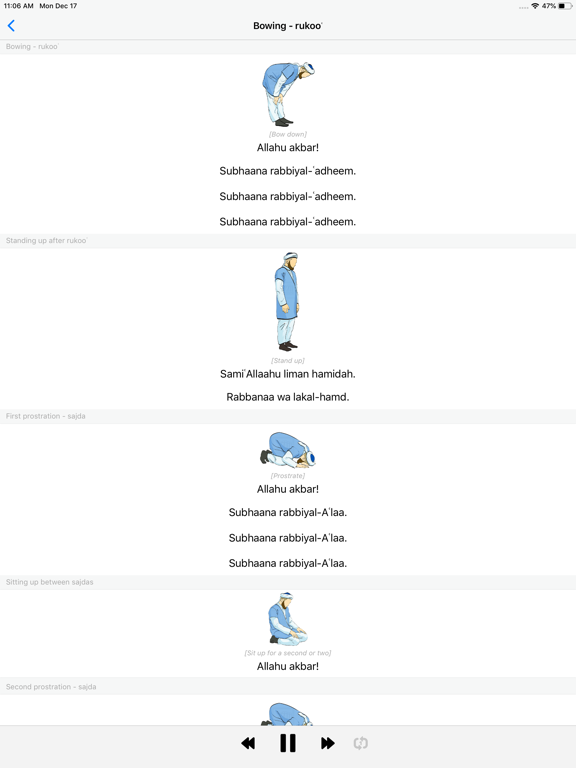
This app is an audio player for you to listen to the correct pronunciation of the prayers in Arabic. It will help you to learn the dua-invocations and parts of the Quran that are read inside the prayer. You will also have the texts in English transliteration and some illustrations to help you navigate through the process. All content is in accordance with the rules of the Hanafi school of law.
Important to understand, that this is a companion app, and it is not sufficient to fully learn the prayer on its own. We also strongly recommend that you learn to read Arabic, as English letters and phonemes are not sufficient to convey all sounds found in Arabic. Learning to read Arabic will allow you to perform your prayers in the best way and will give you access to the Holy Quran. The easiest and most effective way to learn both prayer and reading Arabic is to find a good teacher.
Attribution:
- Prayer images were kindly provided by the Muslim web portal Azan.kz
- Prayer times are fetched from the open API of Aladhan.com
- The Charity elements icon pack used in the "Support us" module was created by Eucalyp - Flaticon (https://www.flaticon.com/packs/charity-elements-4)
- The Calendar icon used in the "Recurring Donation" screen was created by Freepik - Flaticon (https://www.flaticon.com/free-icons/year)
The Terms of Use: https://www.apple.com/legal/internet-services/itunes/dev/stdeula/