Golden Retriever Dog Emoji

Golden Retriever Dog Emoji Summary
Golden Retriever Dog Emoji is a with in-app purchases iOS app in Entertainment by Kriscia Co. Released in Dec 2018 (7 years ago). It has 80 ratings with a 4.16★ (good) average. Based on AppGoblin estimates, it reaches roughly 191 monthly active users and generates around $<10K monthly revenue (100% IAP / 0% ads). Store metadata: updated Dec 21, 2018.
Store info: Last updated on App Store on Dec 21, 2018 .
4.16★
Ratings: 80
Screenshots
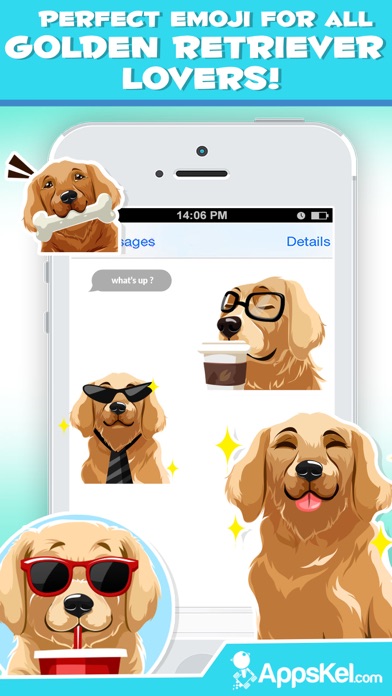
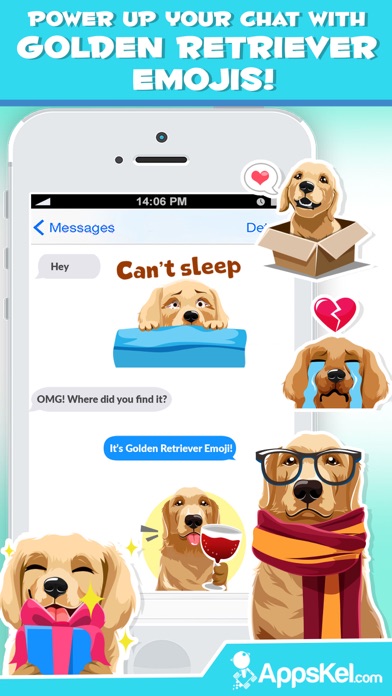
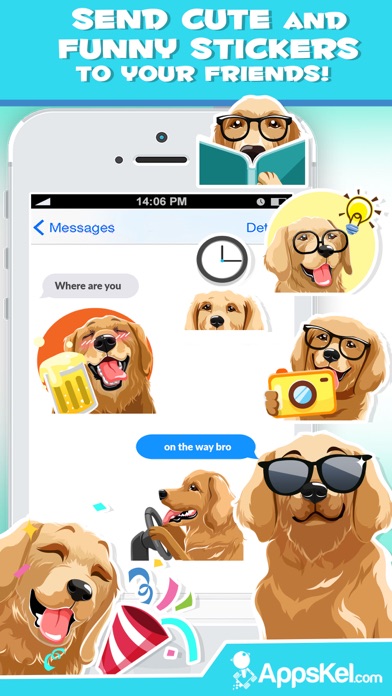
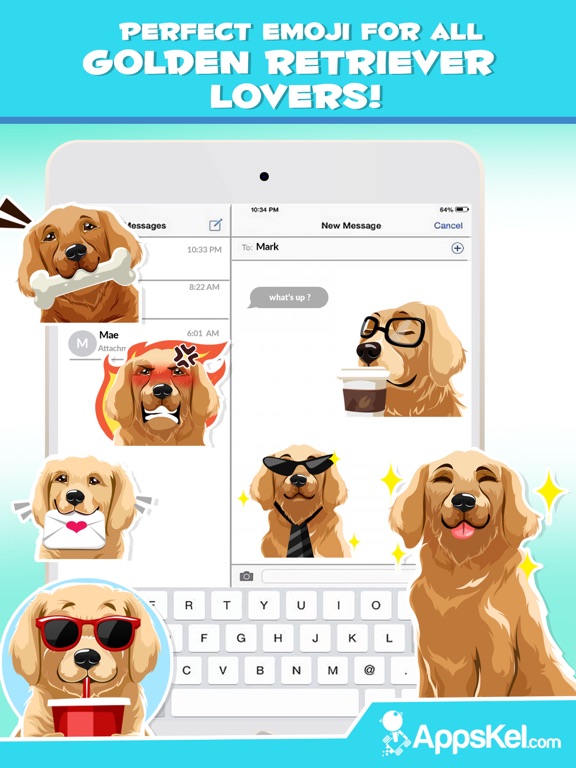

App Description
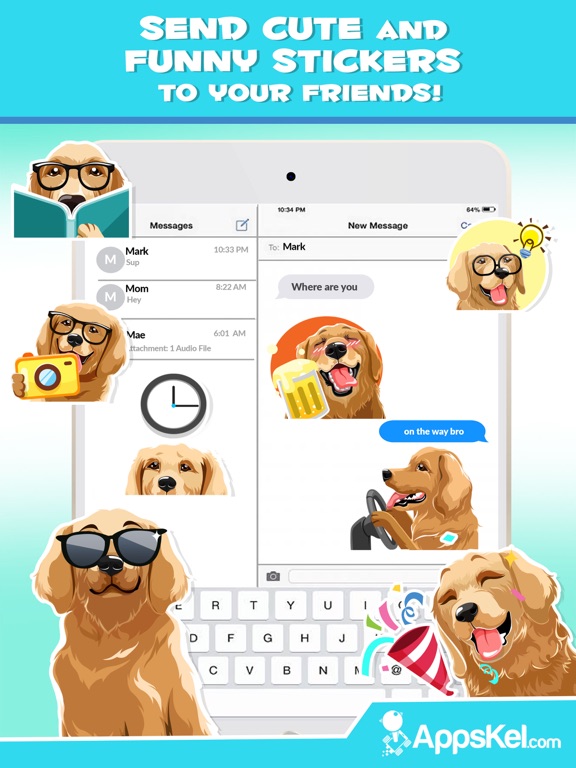
Get over 100 unique Golden Retriever emojis to text your friends and loved ones.
This is the ultimate emoji app for Golden Retriever lovers.
- Install the keyboard to copy-paste emojis into all kinds of messaging apps like FB messenger, WhatsApp, viber etc.
- Now you can even use the iMessage extension to make it easier to text friends using the iMessage. No need to install the keyboard or "Allow Full Access".
• How to access iMessage stickers
- Tap the App Store icon beside the iMessage chat field.
- then tap the 4-ovals icon in the lower left to bring up the app drawer. Then, tap the + icon to access the Store.
- Go to the Manage tab in the appstore and find "Quartermoji" to enable them.
• How to Use stickers in iMessage chat
- Tap to send, or touch and hold to put stickers on top of a bubble, other stickers, photos, and videos.
- Place sticker anywhere on you iMessages
- Customize your photos with stickers in chat or photos
- Scale and rotate stickers
• How to Use stickers in Facebook Comments (animated stickers will not work on FB comments)
- In the instruction screen, you will be asked to save all unlocked stickers to your photo gallery.
- Save all the stickers and you will be able to find them in your photos folder
- Add these stickers as photo attachment in your facebook comments. Enjoy!
A NOTE ABOUT ALL ACCESS:
Privacy is our top priority. Apple require all third party Keyboard/Emoji/Sticker apps to allow full access on the Keyboard. This is simply an iOS requirement. We take our users privacy very seriously and allowing full access does NOT give us access to any of your other keyboards, only to this Emoji keyboard. Unfortunately, the warning that Apple shows is very scary.
We do not collect anything about you. We will NEVER collect any personal information or transmit anything you type over any network. If, however, you do not feel comfortable allowing full access you can still enjoy this emoji app. You can always use the iMessage app if you're concerned as it doesn't require full access. It is installed as a sticker pack in iMessage.
Please note that if you also want to send these emojis via other messaging apps (Fb messenger, Whatsapp etc.), you will need to install the keyboard or save the stickers in your gallery.