Cubroid Manager

Cubroid Manager Summary
Cubroid Manager is a free iOS app in Education by JAE KWANG SHIN. Released in Dec 2018 (7 years ago). Store last updated May 20, 2026
Cubroid Manager SDKs Summary
App not yet scanned for SDKs.
0★
Ratings: 0
Screenshots

App Description
Meet Cubroid, the coding blocks built for the classroom.
Students build, connect, and code — learning the principles of coding and physical computing hands-on.
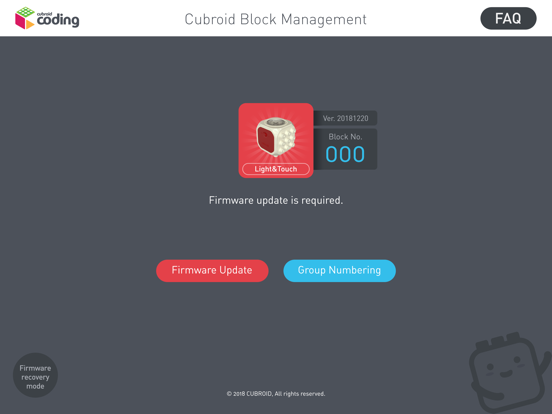
Cubroid Manager is the official companion app for managing Cubroid coding blocks in the classroom. From firmware updates to signal strength configuration and serial number registration, teachers handle everything in one place.
■ Key Features
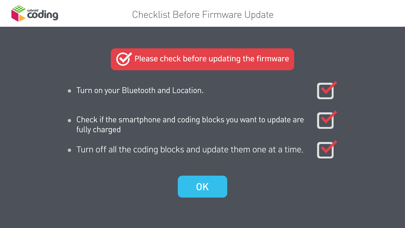
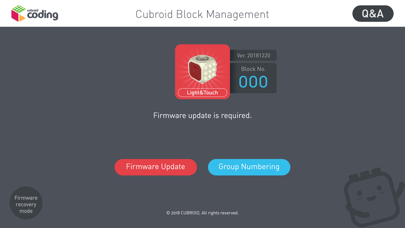
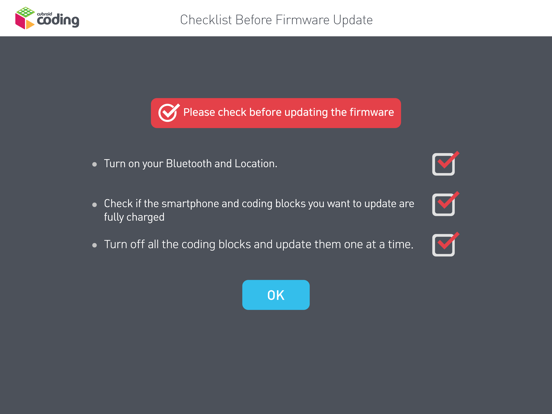
· Firmware Update: Safely update your Cubroid blocks to the latest firmware.
· Signal Strength Selection: Reduce BLE interference and maintain stable connections in classrooms where multiple students use blocks at the same time.
· Block Management: View and manage all your registered Cubroid blocks in one list.
· Serial Number Registration: Quickly register and verify new blocks.
■ Who It's For
· Teachers running coding classes
· Instructors using Cubroid blocks in schools, academies, and after-school programs
· Educators who want students to experience hands-on coding
Trusted in classrooms across 46 countries — part of Cubroid's coding education ecosystem.