Universal Smart Remote for TV

Universal Smart Remote for TV Summary
Universal Smart Remote for TV is a free, with in-app purchases iOS app in Tools by TINAC Inc.. Released in Jan 2019 (7 years ago). It has 1.2K ratings with a 3.44★ (mixed) average. Based on AppGoblin estimates, it reaches roughly 3.5K monthly active users and generates around $<10K monthly revenue (100% IAP / 0% ads). Store last updated Aug 3, 2026
Recent activity: 2.00 new ratings this week View trends →
Universal Smart Remote for TV SDKs Summary
App not yet scanned for SDKs.
3.44★
Ratings: 1.2K
Screenshots
App Description
Your iPhone is the only remote you need.
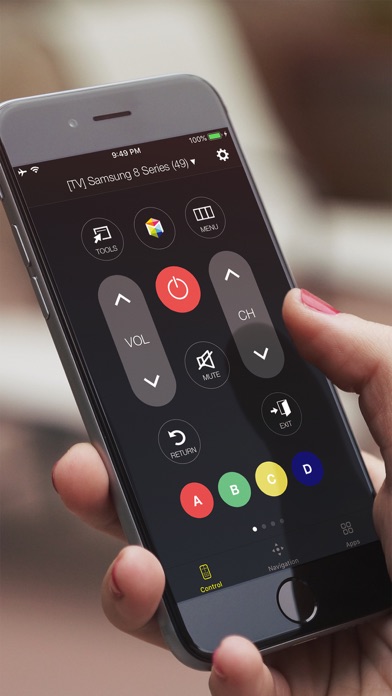
Universal Smart Remote turns your phone into a full-featured TV controller — just connect to the same Wi-Fi and you're good to go. No dongles, no IR blasters, no setup headaches.
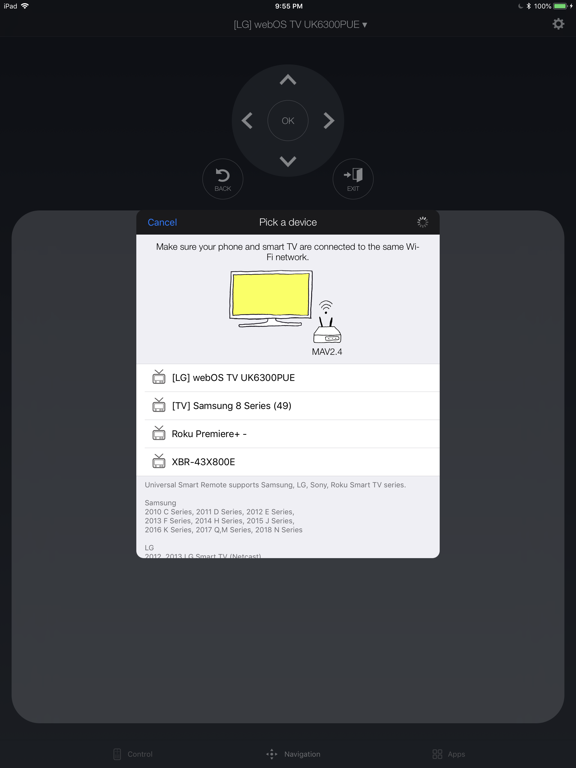
Works with Samsung, LG, Sony, TCL, Roku, and Philips.
WHAT YOU CAN DO
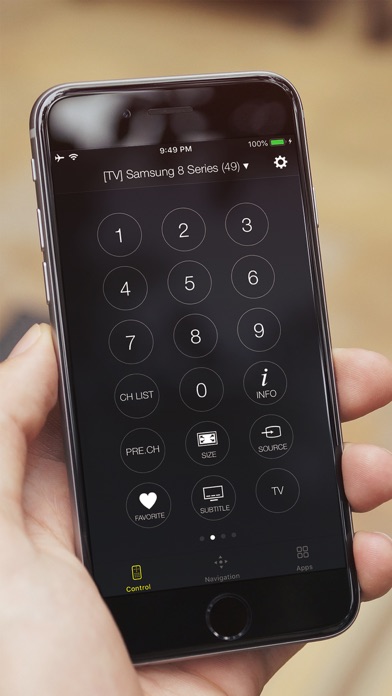
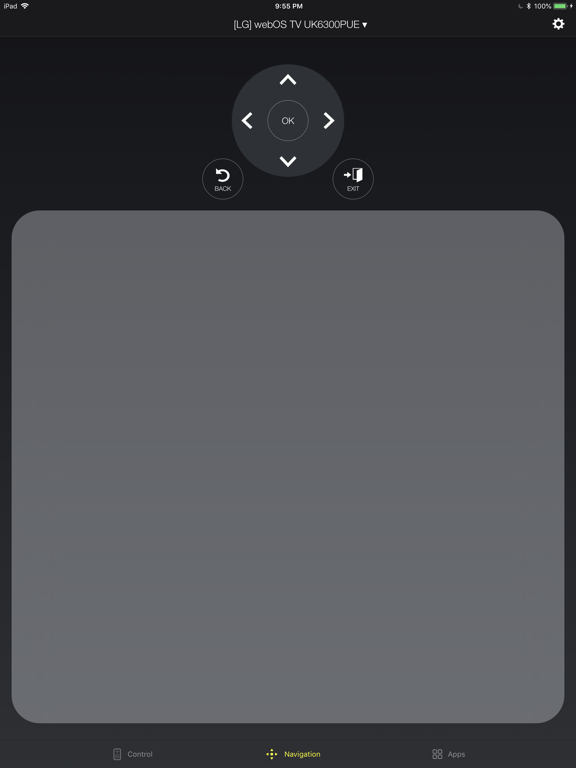
- Use a full d-pad, volume, channel, and playback controls
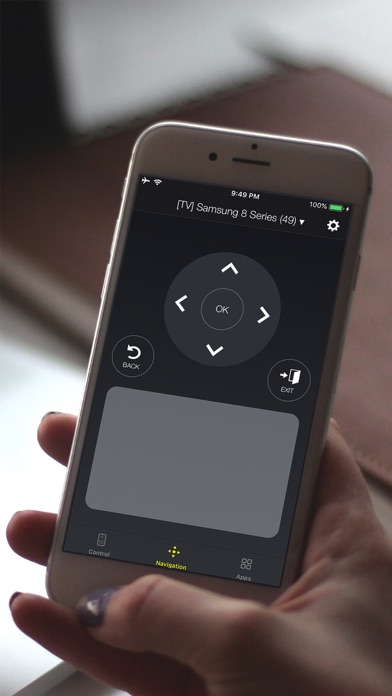
- Navigate with a touchpad — just like a laptop trackpad
- Type with your keyboard instead of clicking one letter at a time
- Launch Netflix, YouTube, and other apps in one tap
WORKS WITH YOUR TV
Samsung — Every Smart TV from 2010 to 2026. Crystal UHD, QLED, Neo QLED, The Frame — all supported.
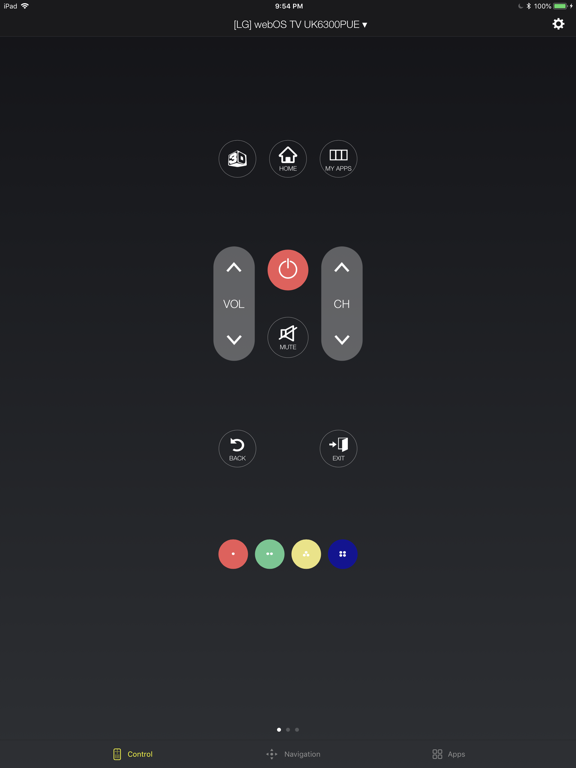
LG — All WebOS TVs and Netcast TVs (2012-2013).
Sony — Android TV and Google TV models.
TCL — All Roku-powered TCL TVs.
Roku — All Roku TVs and streaming devices.
Philips — Android TV models.
HOW IT WORKS
1. Connect your iPhone and TV to the same Wi-Fi
2. Open the app — your TV shows up automatically
3. Tap to connect. Done.
The app remembers your last TV and reconnects automatically next time.
---
Requires iOS 18.0 or later.
Universal Smart Remote is not affiliated with Samsung, LG, Sony, TCL, Roku, or Philips. Keyboard input may not work in some streaming apps.
Subscription Information:
Payment will be charged to your Apple Account within 24 hours prior to the end of the free trial period. Subscriptions renew automatically unless turned off at least 24 hours before the current period ends. Manage subscriptions in Account Settings. Any unused portion of a free trial is forfeited upon subscription.
Privacy Policy: https://www.tinacinc.com/SmartRemote/privacy_policy.html
Terms of Use: https://www.tinacinc.com/SmartRemote/terms_of_conditions.html