Keyboard Macros PRO

Keyboard Macros PRO Summary
Keyboard Macros PRO is a mobile iOS app in Tools by Dating DNA, Inc.. Released in Sep 2019 (6 years ago). It has 11 ratings with a 3.55★ (average) average. Based on AppGoblin estimates, it reaches roughly 31 monthly active users . Store metadata: updated Jun 14, 2020.
Store info: Last updated on App Store on Jun 14, 2020 .
3.55★
Ratings: 11
Screenshots
App Description
Keyboard Macros PRO is an easy-to-use yet very powerful keyboard macro app that lets you, with one tap, retype text and phrases that you use often.
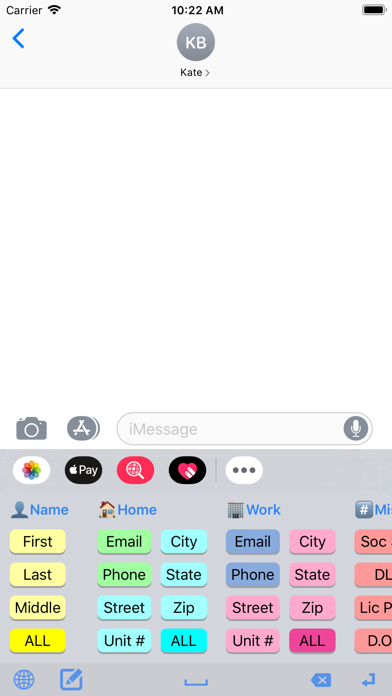
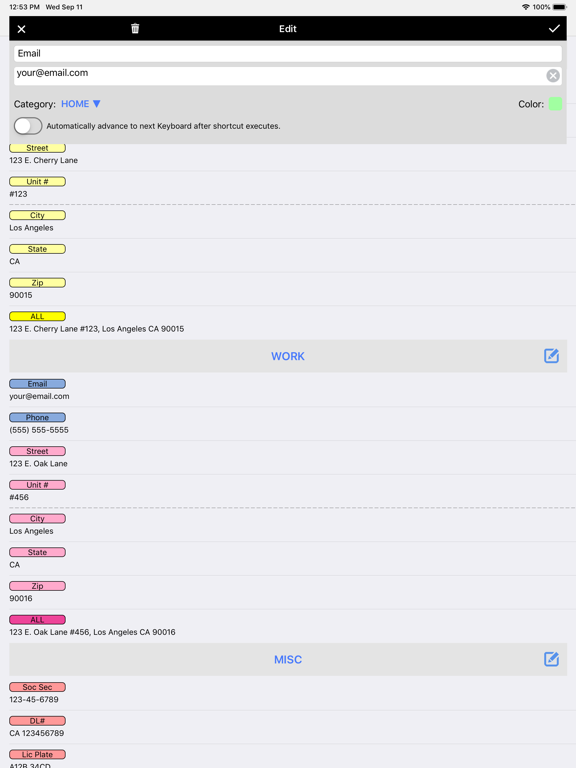
For example, when ordering items on the web, you can quickly enter your email address, name, address, etc., with just a single tap.
The app comes with dozens of example macros to get your mind working on the many creative ways you can use the app.
Here are just a few examples of who Keyboard Macros PRO is great for:
• SALESPEOPLE who repeatedly email or text message with the same replies.
• SINGLES using TINDER or other dating apps to quickly ask and reply to typical dating questions. No more typing the same thing over, and over, and over...
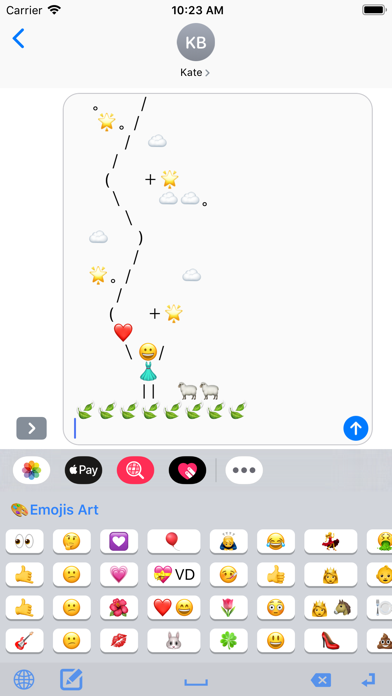
• JUST FOR FUN with text messaging your favorite EMOJIS, EMOJI ART, ASCII ART and even loads of JOKES and KNOCK KNOCK JOKES that come pre-installed.
• CUSTOMER SUPPORT reps to quickly respond with answers to common questions.
• UBER/LYFT DRIVERS to quickly text riders with usual replies.
• AIRBNB HOSTS to quickly email or text message guests with check-in instructions.
• EVERYONE! You'll be surprised all the creative ways you'll find to use it.
Check out these great features!
• KEYBOARD EXTENSION: Insert large amounts of text into any app with one tap from keyboard.
• ALL APPS: Works with iMessage, Email, Tinder, Kik, and virtually any app.
• iCLOUD: Saves your text shortcuts to iCloud so they can be shared between devices.
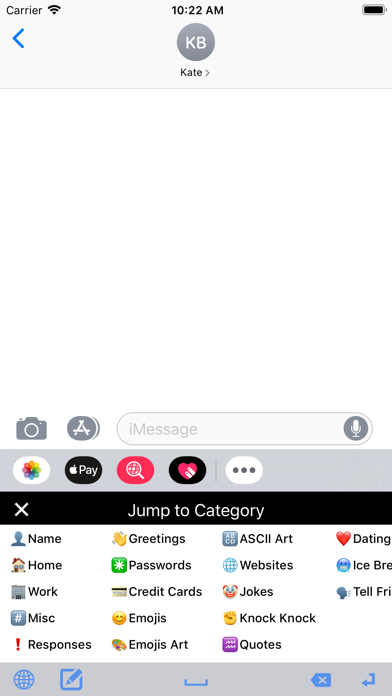
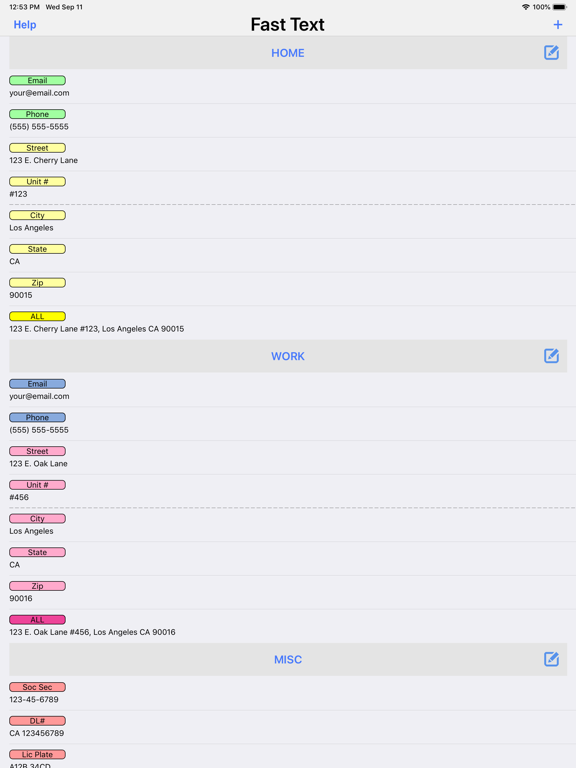
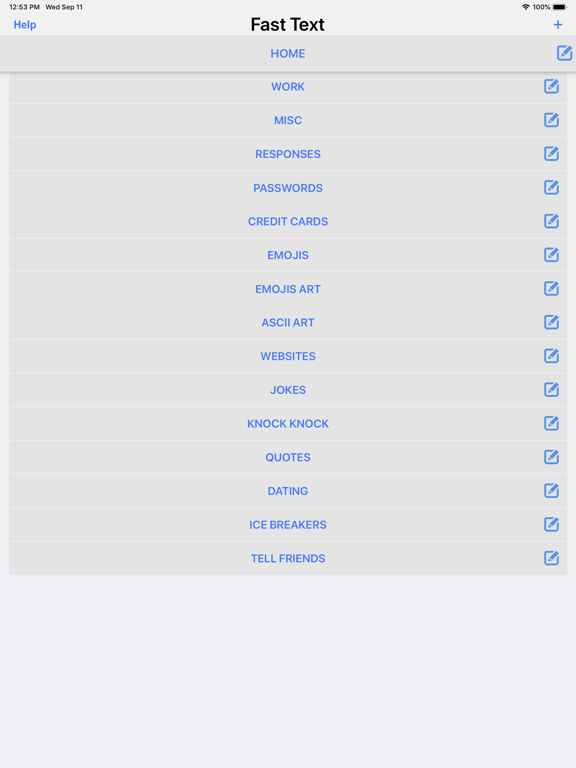
• CATEGORIES: Organize your shortcuts into unlimited Categories.
• DRAG N DROP: Reorder Shortcuts and Categories by simply dragging and dropping them.
• PRE-LOADED EXAMPLES: Comes pre-loaded with dozens of examples, including Emojis, Emoji Art, ASCII Art, Jokes, etc.
Here are the example categories that come pre-loaded with the app:
• Name (first, last, full, etc.)
• Home (email, phone, address, etc.)
• Work (email, phone, address, etc.)
• Misc. (Soc. Security number, DL number, License Plate number, etc.)
• Responses (on phone, in meeting, etc.)
• Greetings (good morning, good night, etc.)
• Passwords
• Credit Cards
• Emojis
• Emoji Art
• ASCII Art
• Websites (Facebook, Twitter, LinkedIn, etc.)
• Jokes
• Knock, Knock Jokes
• Quotes
• Dating Responses
• Dating Ice Breakers
TO INSTALL THE KEYBOARD EXTENSION:
Run your device's Settings app, then go to General > Keyboard > Keyb