Minolta Instant

Minolta Instant Summary
Minolta Instant is a free iOS app in Photo And Video by Prinics Co., Ltd. Released in Feb 2019 (7 years ago). It has 5.00 ratings with a 4.40★ (good) average. Based on AppGoblin estimates, it reaches roughly 2.00 monthly active users . Store last updated Mar 5, 2020
Minolta Instant SDKs Summary
App not yet scanned for SDKs.
4.4★
Ratings: 5.00
Screenshots



App Description
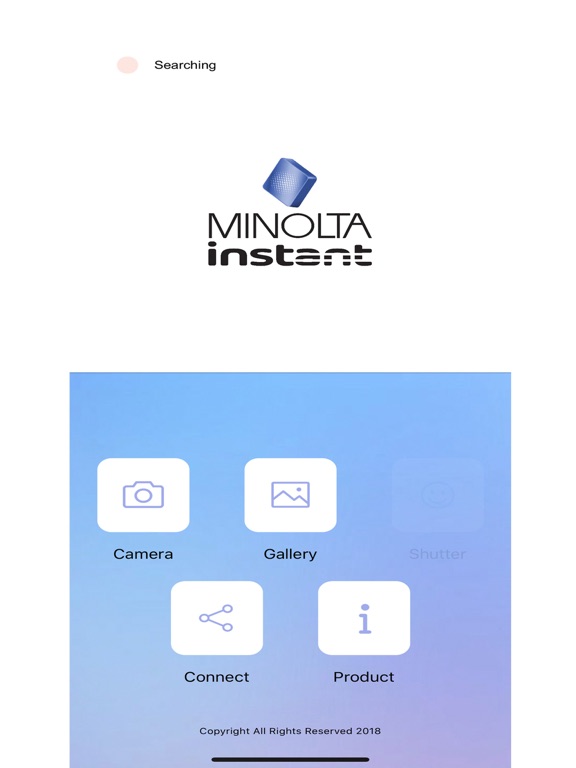
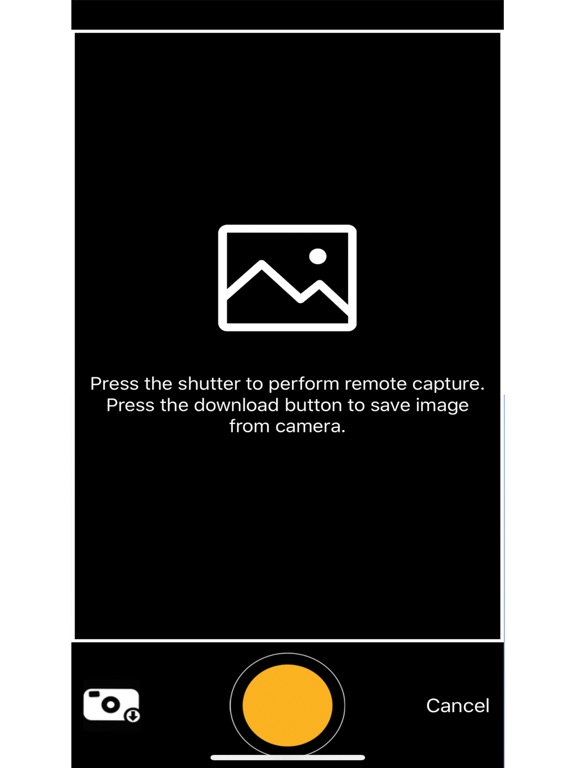
Download our free Minolta Instapix app to access an extensive collection of filters, stickers, card templates, cropping tools, borders and other editing extras! Our app also lets you use your smartphone or tablet as a handy remote shutter, so everyone can get in the shot.
Connect to any iOS device for seamless sharing using your smart device’s Bluetooth. Whether you’re snapping food shots, documenting your dream vacation or sharing family photos, the Minolta Instapix is the ultimate social media staple.
How to Print a Photo From Your Device
(1) Look for the Minolta camera in your Bluetooth settings and ensure that your camera and smartphone are connected.
(2) Launch the “Minolta Instapix” app from your smartphone.
(3) On the app, select the Gallery option.
(4) Select a photo from one of the folders on your smartphone photo library.
(5) Once you select a photo, you can edit it by tapping the Edit button.
(6) Once you are ready to print, tap the Print button in the top right corner.
** Do not exit or close the app until your photo has completed the printing process.
Doing so may cancel the print job and not complete your printing job.