PandaVPN: Fast Secure VPN

PandaVPN: Fast Secure VPN Summary
PandaVPN: Fast Secure VPN is a free, ad-supported, with in-app purchases iOS app in Tools by Wildfire Inc.. Released in Mar 2019 (7 years ago). It has 41K ratings with a 4.29★ (good) average. Based on AppGoblin estimates, it reaches roughly 121K monthly active users and generates around $10K+ monthly revenue (26% IAP / 74% ads). Store last updated Sep 19, 2026
Recent activity: 3.00 new ratings this week View trends →
SDK intelligence: AppGoblin detected 6 development tools(e.g. Google), 5 ad networks,and 1 analytics: product integrated into PandaVPN: Fast Secure VPN. View full SDK list →
PandaVPN: Fast Secure VPN SDKs Summary
PandaVPN: Fast Secure VPN was last scanned for SDKs on 2026-09-23. Below is the overview of third-party companies detected in the app. The full list of SDKs, permissions and unknowns is available here.
 Google
 Facebook
 AppLovin
 AdMob
AdMob nanopb
 Alamofire
 ReactiveX
 Firebase
4.29★
Ratings: 41K
Screenshots



App Description
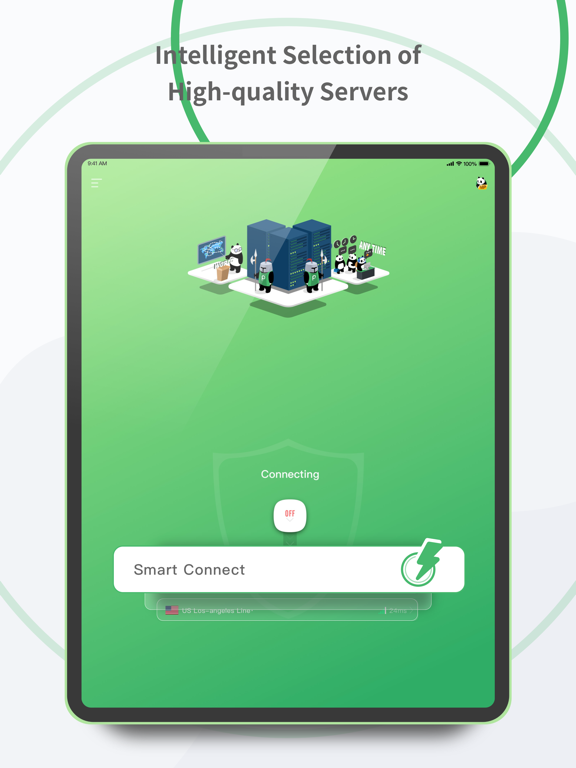
PandaVPN Pro is a fast, secure VPN for iPhone, iPad, and Apple TV. Choose PandaVPN when you want a private VPN for browsing, a secure VPN on public WiFi, or a stable proxy route for everyday networks. PandaVPN Pro keeps setup simple with global servers, split tunneling, and privacy tools for daily use.
◆ Why users choose PandaVPN Pro
● Fast, stable VPN performance with WireGuard and OpenVPN
● 6,000+ servers across 200+ locations in 100+ countries
● One-tap connect plus auto connect for quick setup
● Split tunneling, ad blocker, and DNS protection across iOS plans
● Public WiFi help for travel and shared networks
● Selected routes are available in the Free tab
● A 3-day free trial is available for eligible plans
◆ Built for daily use
▸ Use a fast VPN for browsing, streaming, and everyday apps
▸ Use a secure VPN on public WiFi in cafes, hotels, airports, and campus spaces
▸ Use a private proxy route when you want more control over your internet path
▸ Choose nearby servers for more stable speed and lower ping
▸ If you need an iPhone VPN or iOS VPN, setup takes only a few taps
◆ Features available across iOS plans
■ Split tunneling lets you choose which apps use the VPN and which stay local
■ Ad blocker helps reduce unwanted ads in supported browsing sessions
■ DNS protection adds another layer of network security
■ Auto connect can start service automatically on new networks
■ One-tap connect keeps daily use simple on iPhone and iPad
◆ Good fit for common use cases
• Public WiFi: add privacy on shared networks
• Travel: keep a reliable VPN connection on the go
• Streaming: maintain a stable connection for shows and video apps
• Gaming: choose routes designed for lower lag and steadier play
• Privacy: PandaVPN Pro follows a stated no-logs approach
◆ Access and subscription notes
√ Access in the Free tab is limited to selected routes
√ Trial availability depends on the plan and account status
√ Speed and results can vary by plan, app, network, and location
√ A VPN can help protect traffic and privacy, but it does not promise anonymous activity
◆ Subscription & Terms
Auto-Renewal Agreement: https://pandavpnpro.com/best.free.pandavpn.AutoRenewalAgreement
Privacy Policy: https://pandavpnpro.com/best.free.pandavpn.PrivacyPolicyPage
Terms of Service: https://pandavpnpro.com/best.free.pandavpn.Terms