CardCam Business Card Scanner

CardCam Business Card Scanner Summary
CardCam Business Card Scanner is a with in-app purchases iOS app in Business by Thareja Inc.. Released in Oct 2019 (6 years ago). It has 1.00 ratings with a 5.00★ (excellent) average. Based on AppGoblin estimates, it reaches roughly 3.00 monthly active users and generates around $<10K monthly revenue (100% IAP / 0% ads). Store metadata: updated Feb 13, 2020.
Store info: Last updated on App Store on Feb 13, 2020 .
5★
Ratings: 1.00
Screenshots

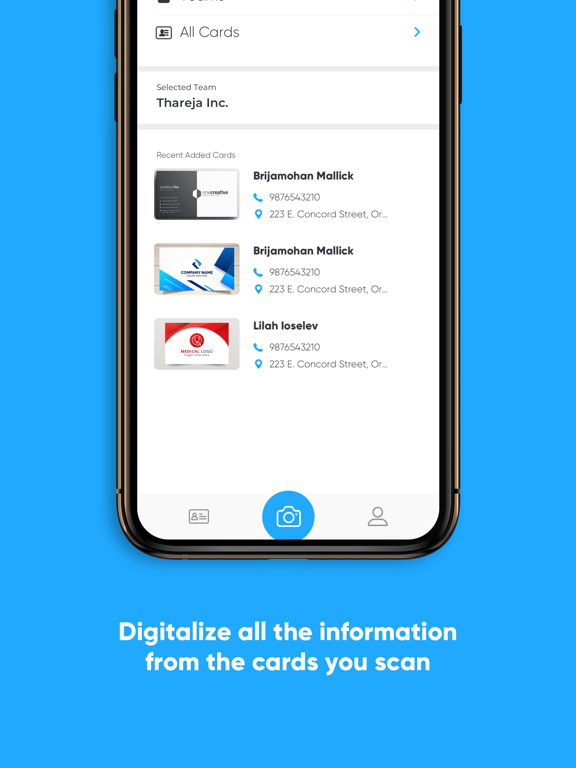
App Description
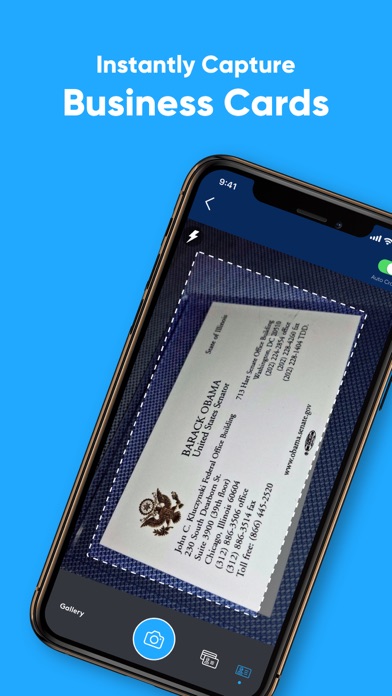
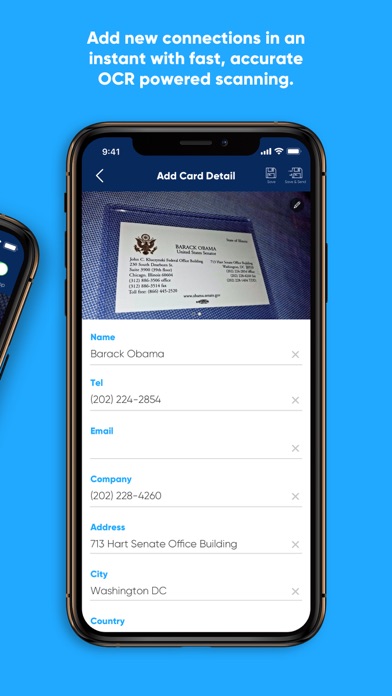
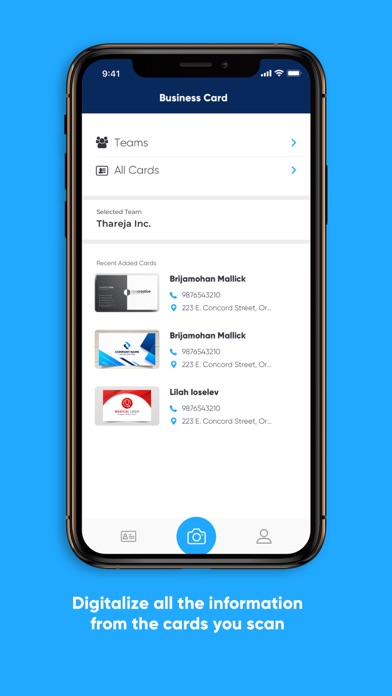
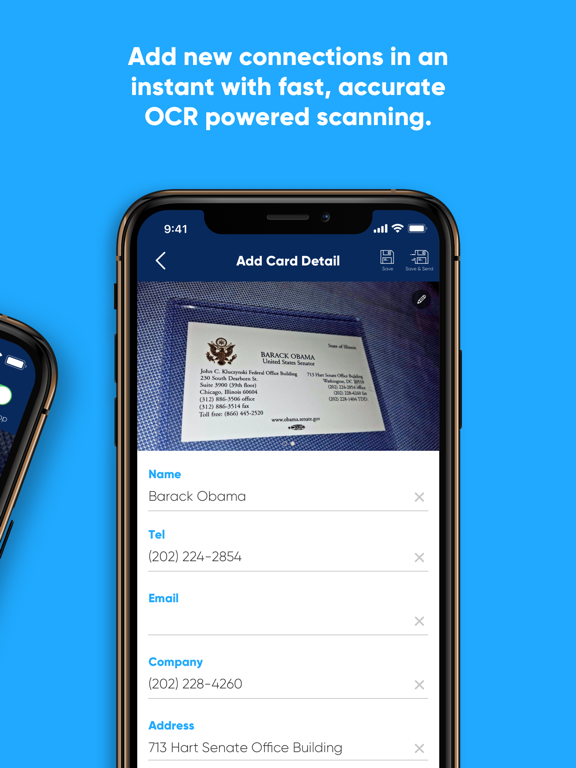
Business Card Scanner by Thareja is the easiest way to import business cards into your database and manage + exchange contact details. This is the the perfect way for business people, sales people, entrepreneurs, business developers or marketing experts, and anyone who want to be one.
Feature Packed!
* Scan and store your business cards, never lose a card
* Send card details when running out of paper cards
* Be the first one to say hi!
* Search your team's contacts
* Access contact information across multiple devices
Upgrade to Premium Account to enjoy Premium features: [Coming Soon!]
1. Unlimited times of card recognition (100 times under regular account) plus scan cards and import details
2. No ads: Remove ads in app
3. Multi-device support:You may login your account on other devices without limitations.
4. Secretary Scan Mode: invite your secretary to scan card on behalf of you.
Payment models for Premium subscription:
~$0.99 USD/month
~$9.99 USD/year
Please note:
1) Payment will be charged to iTunes Account at confirmation of purchase.
2) The subscription is automatically renewed within 24-hours prior to the end of the period unless you choose to cancel the subscription, and your account will identify the cost of the renewal.
3) Subscriptions may be managed and auto-renewal may be turned off by going to your iTunes Account Settings after purchase.
For Privacy Policy, please visit:https://thareja.org/thareja-org-website-privacy-policy/
For Terms of Service, please visit: https://thareja.org/thareja-org-website-terms-of-use/
Contact us at support@thareja.org
Follow us on Facebook | Twitter: DThareja