Bengali Keyboard - Banglish
Bengali Keyboard - Banglish Summary
Bengali Keyboard - Banglish is a ad-supported, with in-app purchases iOS app in Tools by banuchander janarthn. Released in Mar 2019 (7 years ago). It has 1.2K ratings with a 4.46★ (good) average. Based on AppGoblin estimates, it reaches roughly 2.2K monthly active users and generates around $<10K monthly revenue (27% IAP / 73% ads). Store metadata: updated May 21, 2026.
Recent activity: 1.00 new ratings this week View trends →
Store info: Last updated on App Store on May 21, 2026 .
4.46★
Ratings: 1.2K
Screenshots

App Description
--------------------------------------------
START USING BANGLA EVERYWHERE
-------------------------------------------
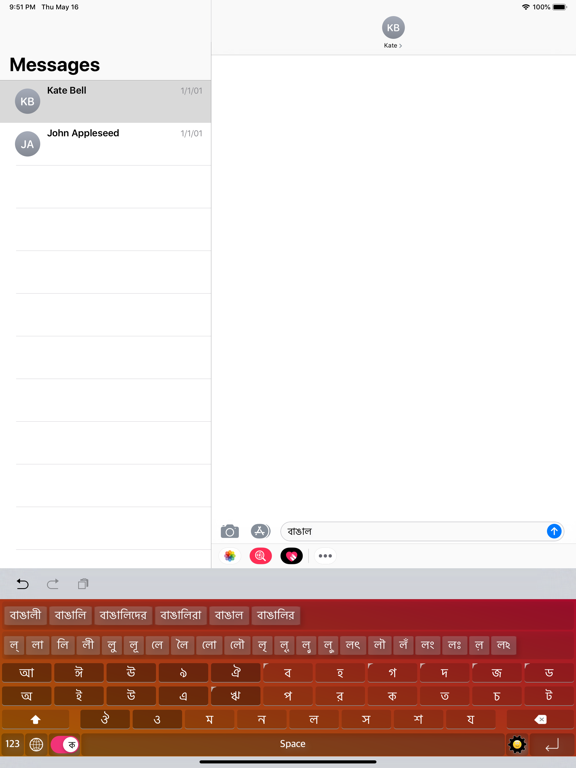
◉ Best Bangla Keyboard Ever for Bangla Speaking Peoples
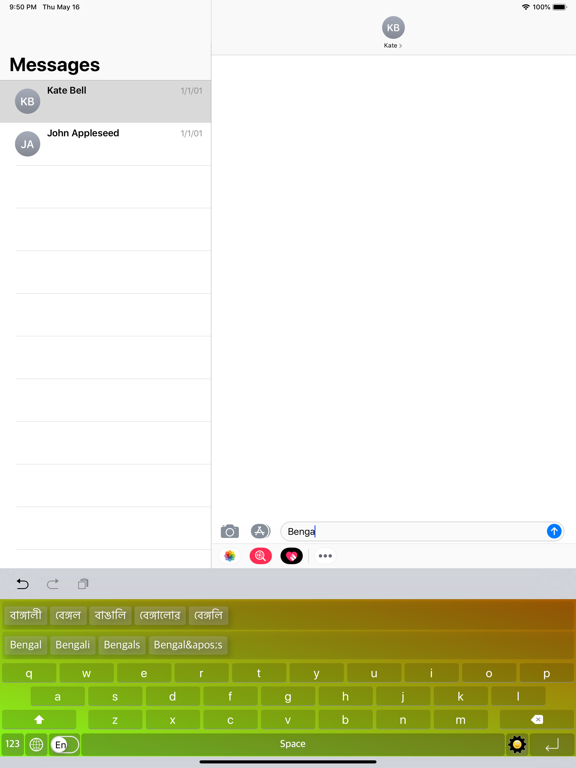
◉ Type the English word, Get the Bangla Meaning Instantly Offline
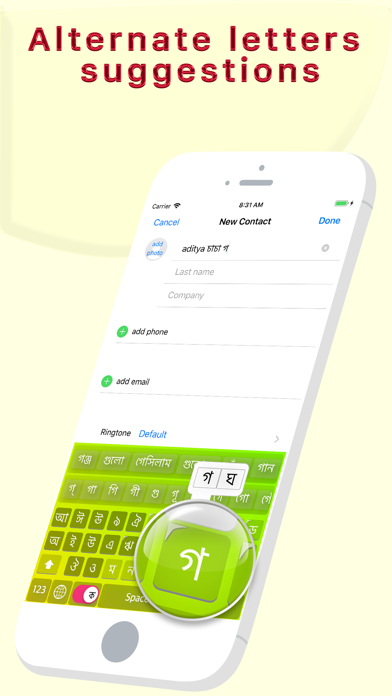
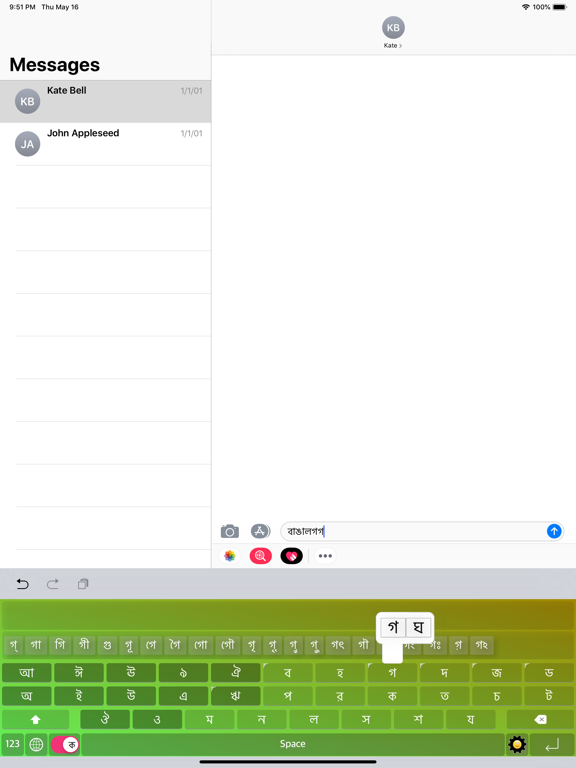
◉ Easy Letter Suggestions - Offline
◉ 50% More Faster than normal keyboards
◉ Easily differentiate the Letters
◉ Get suggestions for the letters
◉ Help Grow Bangla Community
◉ Please Support Development By sharing with others
--------------------------------------------
HOW TO INSTALL BEST BANGLA KEYBOARD
-------------------------------------------
Once you downloaded the app from Appstore.
Step 1: Go to iPhone settings.
Step 2: Find General And Click on it.
Step 3:Scroll Down to bottom and see Keyboard option, Click on it.
Step 4: Click on the Keyboards Row.
Step 5: Scroll Down the bottom of the screen and find "Add New Keyboard" Option and tap on it.
Step 6: Scroll down and find the BEST BANGLA Keyboard Option And tap on it, That's it you are done.
Now finally open any of the WhatsApp, Facebook, Email, Notes, Twitter, SMS app, and long press the Globe icon from the default keyboard, now choose the BEST BANGLA Keyboard Option.
And Start Typing In BANGLA.
The smartest Bangla keyboard for iPhone — type in English,
get Bengali script instantly.
◉ TRANSLITERATION (BANGLISH)
Type "ami tomake bhalobashi" → আমি তোমাকে ভালোবাসি.
Type "kemon acho" → কেমন আছো.
No complex layouts — just type naturally in English
(Banglish) and the keyboard converts it to perfect
Bengali script in real time.
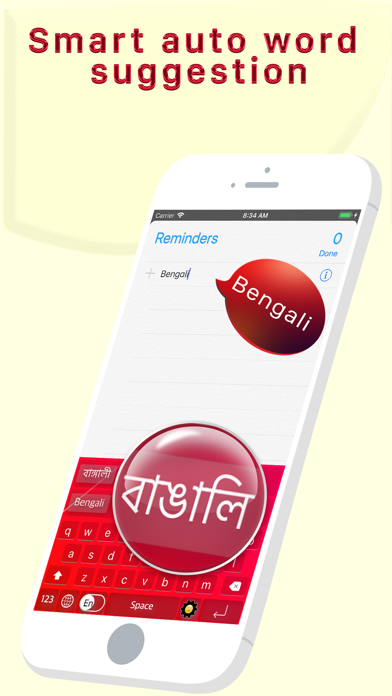
◉ SMART WORD SUGGESTIONS
As you type, see Bengali word predictions instantly from
a database of 400,000+ Bengali words. Next-word prediction
learns common word pairs so your sentences flow faster.
◉ WORKS EVERYWHERE
Works in WhatsApp, Instagram, Messages, Facebook, Gmail —
any app on your iPhone. One-tap switch between Bangla
and English.
◉ EMOJI & SYMBOL FRIENDLY
Add emojis or symbols after your word — they stay attached
when you select a suggestion. Nothing gets lost.
◉ BUILT FOR BANGLA SPEAKERS
• 400,000+ Bengali word database
• Banglish → Bengali live transliteration
• Next-word prediction (bigram model)
• Supports both Bangladesh & West Bengal vocabulary
• Works offline — no internet needed
• Clean, fast, battery friendly