FunkMojis
FunkMojis Summary
FunkMojis is a mobile iOS app in Stickers by Littleton Miller. Released in May 2019 (6 years ago). It has 3.00 ratings with a 5.00★ (excellent) average. Based on AppGoblin estimates, it reaches roughly 13 monthly active users . Store metadata: updated Oct 9, 2023.
Store info: Last updated on App Store on Oct 9, 2023 .
5★
Ratings: 3.00
Screenshots



App Description
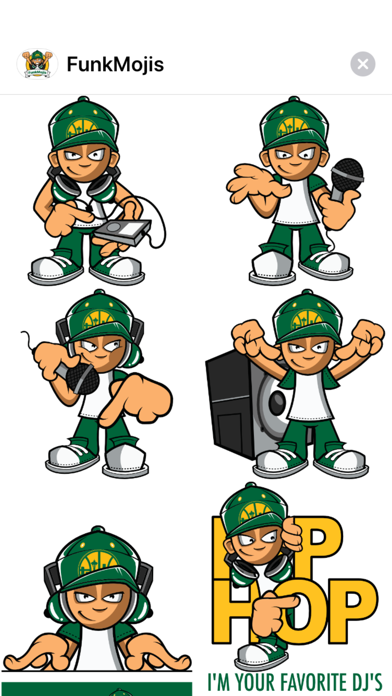
The NW Platinum Producer and DJ “Funkdaddy” has hit the scene with his very own sticker pack!
Funkdaddy has rocked stages and/or produced music with some of the industry’s best in the biz: Mac Dre, E-40, Sir Mix-a-Lot, Money B, Bad Ass, N2Deep, Baby Bash, Daz, Ross Kass, Dru Down, N.O.R.E., Proof (of D12), and many others.
DJ Funkdaddy Credits Include:
Awards:
1 Platinum and 1 Gold award for Sir Mixalot 'Seminar'
1 Platinum and 1 Gold award for E-40 'In A Major Way'
1 Platinum and 1 Gold award for E-40 'Element of Surprise'
1st Place Battle For Seattle DJ Competition
1st Place CITR DJ Competition
1st Place CITR MC competition
NW Music Awards Best Mix/Club DJ
TV & Film:
Save The Last Dance 2
I-5 North Hiphopumentary
3 Strikes
Dangerous Minds
Rhyme & Reason
Street Racing
The Girls Of Street Racing
New Features:
・Stickers now work in Facebook and other Social Media Apps that support photo sharing (via copy/paste)
・Accessibility Compatible Descriptions (blind users can hear what each sticker is saying, doing, and/or representing)
・No In-App Purchase needed, you get free updates for life
PLEASE NOTE:
This Sticker Pack is an iMessage App, you will not see an icon for this app on your device home screen. Sticker Pack icons will appear in your iMessage interface. If you don't see the app icon in iMessages, please follow these instructions to enable the app:
Open Messages and tap to start a new message or open an existing thread. From the app drawer (you’ll see a row of icons), tap “Seattle Stickers”. If you don’t see the icon, scroll to the far right and tap the icon with 3 dots. You’ll then be presented with all the sticker packs on your device, press “Edit” to enable a sticker and “+” to add it to your favorites.
Pro Tips:
to "peel" the sticker you'd like to use...
Press firmly on the sticker, while holding down... drag it to wherever you'd like to "stick it" within your current message thread.
While still holding the sticker, you can use a second finger to pinch and zoom in or out to increase or decrease the size.
While still holding the sticker, you can also use a second finger to rotate it in a different directions.