Convert pdf to excel
Convert pdf to excel Summary
Convert pdf to excel is a ad-supported iOS app in Productivity by Tu Phan. Released in Feb 2019 (7 years ago). It has 684 ratings with a 4.71★ (excellent) average. Based on AppGoblin estimates, it reaches roughly 2K monthly active users and generates around $<10K monthly revenue (0% IAP / 100% ads). Store metadata: updated Jan 11, 2024.
Recent activity: 2.00 new ratings this week View trends →
Store info: Last updated on App Store on Jan 11, 2024 .
4.71★
Ratings: 684
Screenshots


App Description
Convert PDF to Excel (Convert PDF to XLS and XLSX) quickly and editable!
Convert pdf to editable Excel file.
PDF format now is very popular because of its convenience as small size, highcompatibility with the many devices, include font, and prevent from copying and editing.
However, it is difficult for users who want to use the text content of PDF files to other text editor or edit PDF content.
Do you want to change pdf to Excel file? How to convert pdf to Excel ?? This app will help you Convert PDF to XLS and XLSX(convert pdf to Excel )
The advantages of the app:
- This is pdf to Excel converter online
- Small pdf converter, no danger permission.
- Completely free, ads are quite small and friendly, no effect to user.
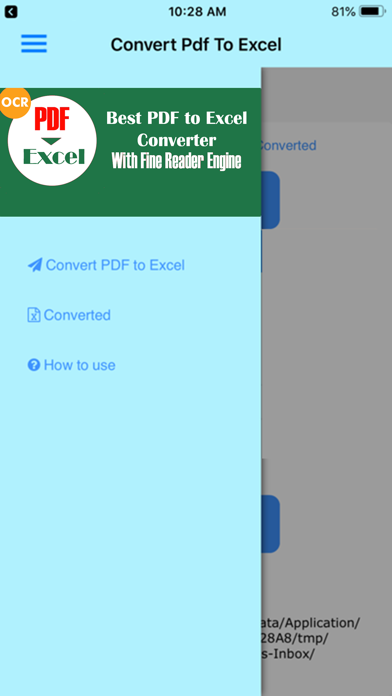
- Interface of app is very professionally designed, beautiful and easy to use.
- Text recognition accuracy to 95%.
- Allows user to specify the language of the source PDF document to improve of text recognitions.
- File Excel after complete conversion can edit, copy, update as normal.
- Support pdf to xls converter and xlsx file format which are the most popular.
- Convert is made online convert pdf to Excel so not require advanced phone.
- Convert is very fast,consuming less network traffic Wifi or 3G.
- File will be automatically deleted after conversion, complete privacy.
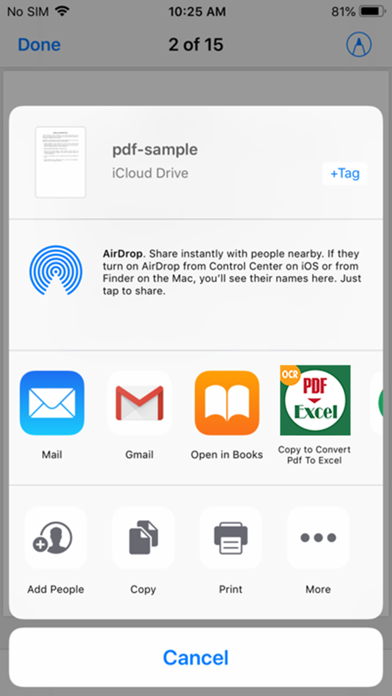
- Support multi source of PDF ( from local storage, Google Driver, OneDriver, Dropbox,...).
- Manage file XLS (XLSX)converted in tab "Converted" with app "converter pdf to Excel"
- Convert pdf to xls very fast, no need wait 1 hour, 100% free! Pro, unlimit, no need buying anything to convert pdf to Excel.
How to use pdf convert to Excel :
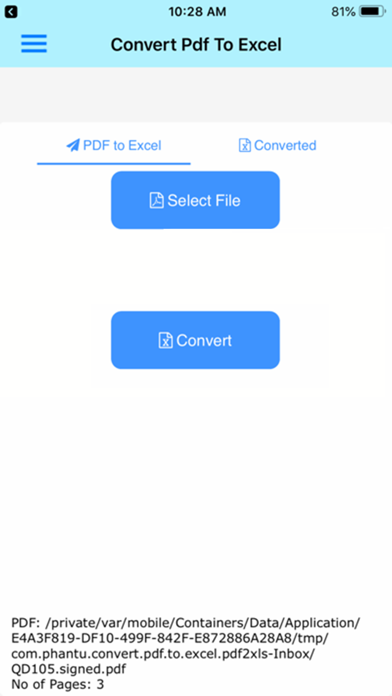
- First, you need to select PDF file in your phone or your tablet by clicking the "Select File" dialogbox.
Note : you should rename PDF to not have special characters, PDF file must dont have password and in first version only 20 pages PDF files.
App will help you choice PDF , you can manual select or auto scan PDF on your phone and select.
You can open Dropbox, Google Driver, OneDriver,... to select your PDF.
- After select PDF file, you can select the output format as Excel Xls or Xlsx files.
- An importantoption for identifying app, that is part select "Language of text files source," such you want to convert a document PDF in English,you should select it to "English" , will help to convert quick and have correct result, app will aut