SMU MyLearning

SMU MyLearning Summary
SMU MyLearning is a mobile iOS app in Education by Singapore Management University. Released in May 2019 (7 years ago). Store metadata: updated Aug 7, 2019.
Store info: Last updated on App Store on Aug 7, 2019 .
0★
Ratings: 0
Screenshots


App Description
An education game changer, SMU models to be a great and iconic global-city university in Singapore and Asia. It excels in tackling the world’s complexities and impacting humanity positively and producing leaders of tomorrow through its new way of teaching laid the foundation for SMU’s Innovative education and research programmes.
SMU MyLearning provides intuitive and engaging adult learning solution with sleek and beautiful user interface design, as well as powerful set of cutting-edge features yet easy-to-use. It is designed mainly for SMU short courses and workshops with user’s needs in mind to boost students productivity and instructors utilisation, transforming conventional classroom learning into a personal one-stop learning app and allowing users to enjoy their learning experience and stay engaged within their own learning space.
Some Interesting Features:
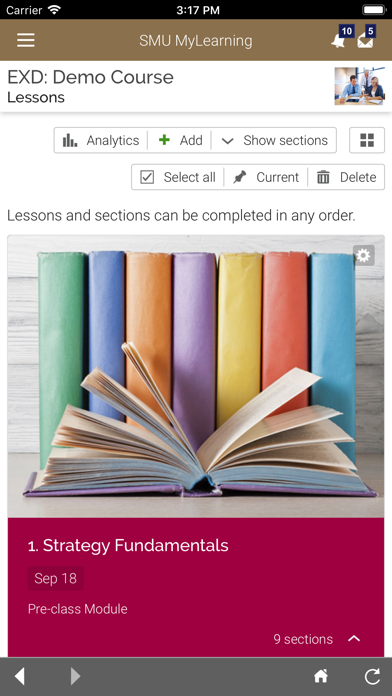
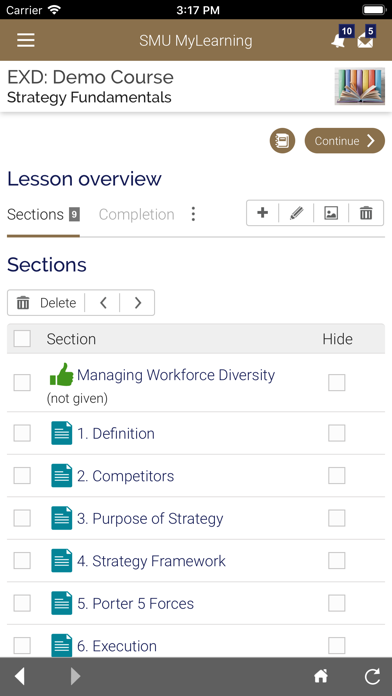
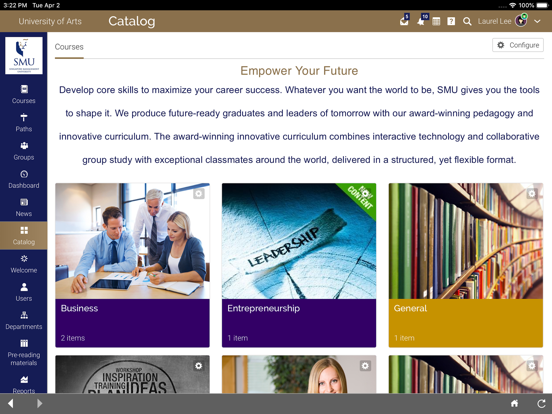
Graphical Class Catalogue – The class catalogue displays the course’s overview, description and lesson’s outline. The easy-to-use interface improves the user experience to acquire the course materials from the app.
Drip Content – Content of the courses are released to students based on their progress and skills, controlling what content to be shown to the class. Personalised content feature is seamlessly integrated with the automation system to deliver a better learning experience.
Gamification, Rules and Learning Path – Points and badges are awarded to students by completing certain learning activities with the defined rules. The gamified elements in MyLearning such as leaderboards, points and badges aid to enhance students’ learning retention as well as completion rates. Students can earn points in the class game, achieve a ranking in the game, and see the progress of other players on the leaderboard. Schedule student access to lessons using drip content rules or simply enroll students in learning paths of related classes.
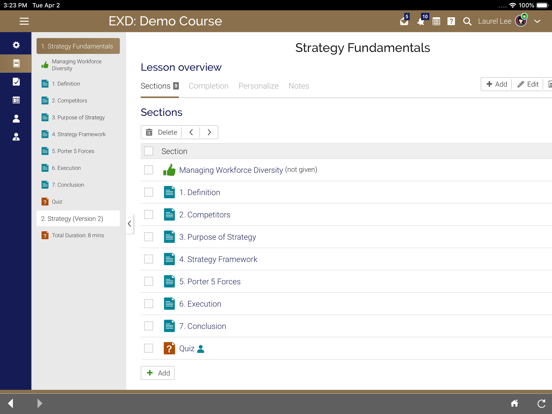
Assessment and Gradebook – MyLearning offers twelve different types of assessments, such as quizzes, freeform, offline, survey, debate, dropbox, team, discussion, SCORM, attendance, Turnitin assignment and custom LTI assignments. The powerful and reliable gradebook makes keeping track of grades easier and offers a centralized view of all student’s results. The gradebook includes pop-up analytics to show the progress of students through the assignments, which