BDC Mobile Banking

BDC Mobile Banking Summary
BDC Mobile Banking is a free iOS app in Finance by Banque du Caire. Released in May 2020 (6 years ago). It has 36 ratings with a 2.94★ (poor) average. Based on AppGoblin estimates, it reaches roughly 228 monthly active users . Store last updated Dec 29, 2020
Recent activity: 1.00 new ratings this week View trends →
BDC Mobile Banking SDKs Summary
App not yet scanned for SDKs.
2.94★
Ratings: 36
Screenshots


App Description
Banque Du Caire Mobile Banking – our bank is available 24/7!
Banque du Caire mobile banking application is offering you a wide range of features to perform your banking transactions remotely in a secured and convenient way, just download BDC Mobile Banking from apple store and get the benefits from the below features:
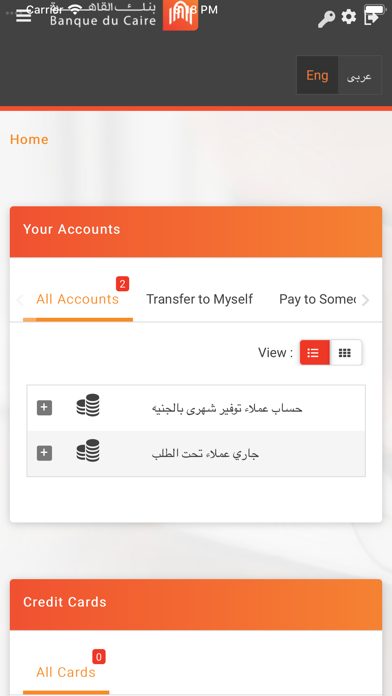
• View and monitor your accounts transactions, balance and statement
• View your credit cards balances as per last cycle
• View your loan summary and statement
• View Certificate deposits and Time deposit details
• Pay your Credit Card Bills
• Pay credit cards bills for other Bank’s
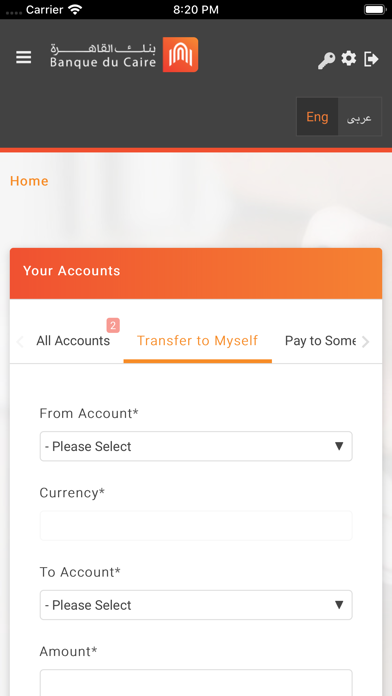
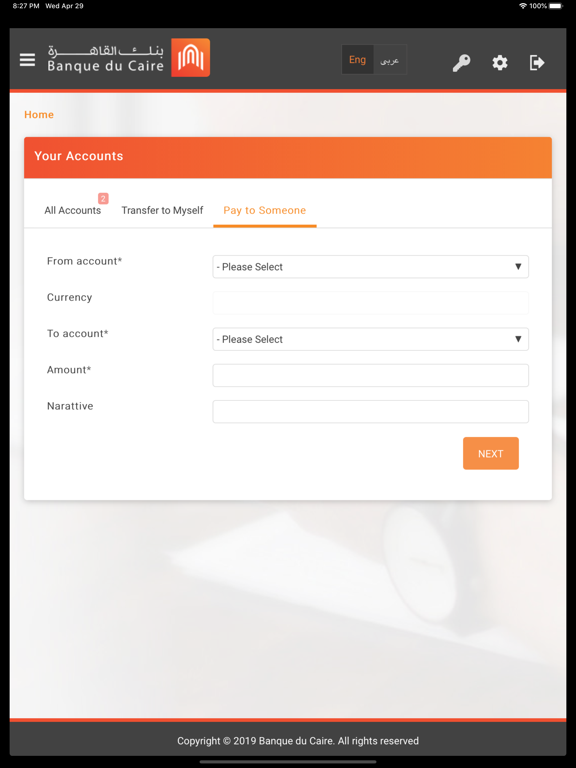
• Transfer between your own accounts or any account at BDC with EGP currency
• Transfer to any account outside BDC with EGP
• Locate the nearest ATM/Branch
And much more…
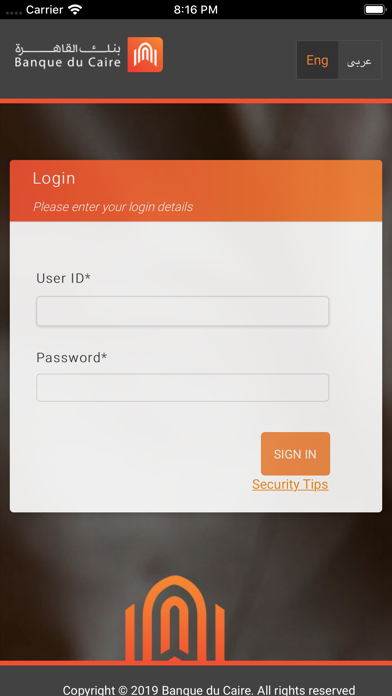
All you have to do is to download the application and login using your username and password of BDC internet banking service
If you are not registered in the internet banking service, kindly visit our nearest BDC branch to register
For more information, kindly call 16990
Terms & Conditions Apply
Security:
• BDC has no responsibility when using the application on any device or operating system that has been modified outside the mobile device or operating system vendor supported or warranted configurations. This includes devices that are, for an example, “jail-broken” or “rooted
• Select a password that is difficult for others to guess.
• Do not share your password with anyone.
• Change your password regularly
• Keep your User Id and Password Confidential.
• Please be reminded that BDC employees will never ask you to provide your online Banking User Id/password
• Always check last time you access your account through Mobile
Legal:
All transfers to other accounts inside or outside BDC, including settlement of non-BDC credit cards, require the use of OTP (“One Time Password”) token, in accordance with the regulations of the Central Bank of Egypt. The OTP token is an independent service that adds a higher level of identification and security and should be requested from BDC, as it is not included in this application.
By downloading BDC Mobile Banking application or setting up your device to download it automatically, you agree to the installation of this application, its future updates and upgrades. You can withdraw your consent at any time by deleting