Vx Remote Legacy

Vx Remote Legacy Summary
Vx Remote Legacy is a free iOS app in Tools by Trent Barclay. Released in Mar 2019 (7 years ago). It has 2.00 ratings with a 5.00★ (excellent) average. Based on AppGoblin estimates, it reaches roughly 5.00 monthly active users . Store last updated Mar 20, 2021
Vx Remote Legacy SDKs Summary
App not yet scanned for SDKs.
5★
Ratings: 2.00
Screenshots


App Description
Features include:
- standalone command line
- presets & palettes
- pan & tilt track pad
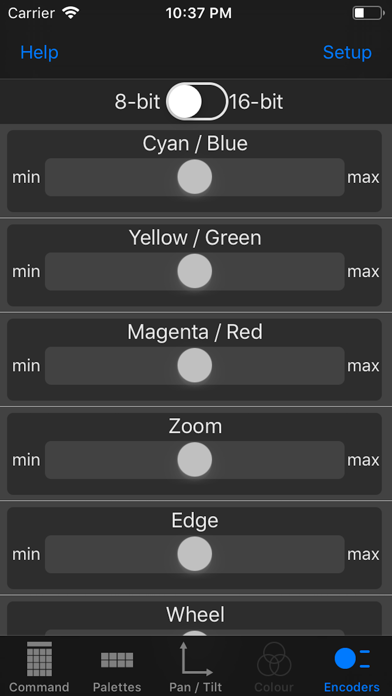
- encoder control
- command line history
- store multiple connection settings
Setup Instructions
This app uses both SSH and OSC and these need to be configured on the console.
- I recommend connecting your WiFi access point to the Aux network port on your console.
- You need to enable Remote Login. Navigate your way to System Preferences -> Sharing and enable Remote Login.
- In the Vx76 application, navigate to Settings -> DMX In/OSC and enable DMX In/OSC Enable.
You will need to add the consoles details to the Vx Remote App
If you have yet to add a console, the app will ask for these details automatically.
- Console Name: Use this to label the connection
- Host / IP: either [computer name].local or IP address
- Port: This is the SSH port, the default is 22
- Username & Password: of the User account on the console