Foxit eSign

Foxit eSign Summary
Foxit eSign is a free iOS app in Productivity by FOXIT SOFTWARE INCORPORATED. Released in Jun 2019 (7 years ago). It has 24 ratings with a 2.50★ (poor) average. Based on AppGoblin estimates, it reaches roughly 68 monthly active users . Store last updated Jul 10, 2026
Foxit eSign SDKs Summary
App not yet scanned for SDKs.
2.5★
Ratings: 24
Screenshots
App Description
Upload documents, create templates, assign recipients, and send for signing – all while on the go. Once completed, you have a tamper-proof and legally-binding signed document. Use Offline Mode and Document Sync to get signatures when the internet is not available.
Features Include:
Upload PDF and other document formats such as DOC, DOCX, XLSX, XLS, PPT, PPTX, CSV, TXT, RTF, and PNG
Drag and drop document preparation with easy signature fields, date fields, data entry fields, and advanced field additions
Offline mode enables users to continue preparing, signing, and managing documents when disconnected from the internet - simply sync and send once connected
Save often-used forms and documents that you and your team utilize as templates in your personal library to save time later
Automate signing tasks and processes by using pre-built integrations available for 1000s of popular applications through Zapier
Confidently use electronic signatures knowing that all mobile signing meets ESIGN, UETA, and eIDAS legal and regulatory requirements
Meet and exceed industry compliance requirements, such as HIPAA, FERPA, FINRA, 21 CFR Part 11, CCPA, and more, all through our mobile iOS signing solution
Utilize features, such as knowledge-based authentication (KBA), to ensure compliance more easily with IRS forms, 21 CFR Part 11 documentation, banking documents, and more
Ensure optimal security and privacy with our strict network security rules and firewall controls, along with 256-bit encryption, which enables your documents to be locked and always secured
Stringent SOC 2 Type 2 compliance and AICPA trust principles of privacy, confidentiality, security, processing integrity, and availability are strictly enforced with all documents on all devices
Ensure accurate and valid documents through identity verification options, such as two-factor (2FA) and multi-factor authentication (MFA), allowing you to establish and prove signer identities throughout the mobile signing process
Bulk sending and signing features allow for multiple signatories to complete documents quickly and easily
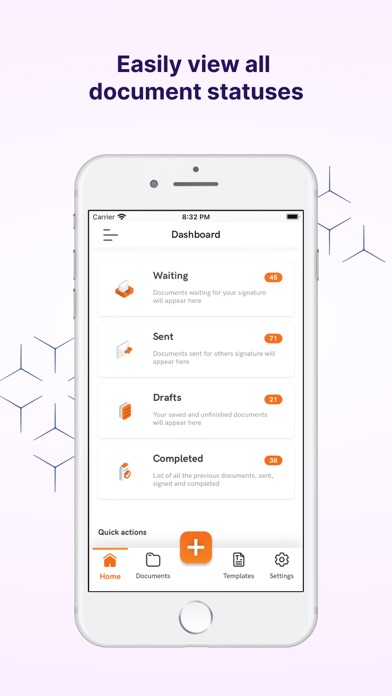
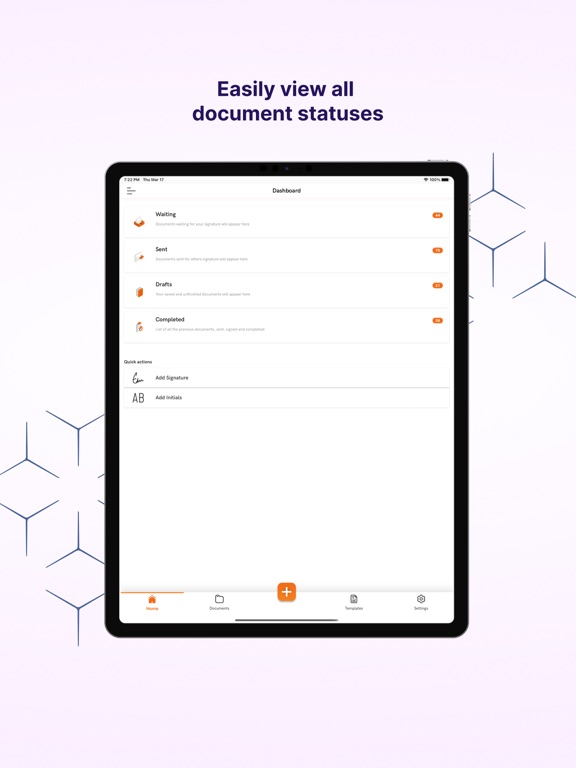
Easily view the signing status of documents and send reminders to recipients when needed
Generate a unique signing link in one click to email clients, allowing them to sign on any device connected to the internet
Parallel workflow-based interface fluidly guides you fr