Secret Photo Album ++

Secret Photo Album ++ Summary
Secret Photo Album ++ is a free, with in-app purchases iOS app in Tools by Sunny Studio. Released in Aug 2019 (7 years ago). It has 27K ratings with a 4.63★ (excellent) average. Based on AppGoblin estimates, it reaches roughly 49K monthly active users and generates around $<10K monthly revenue (100% IAP / 0% ads). Store last updated Feb 26, 2020
Recent activity: 27 new ratings this week View trends →
SDK intelligence: AppGoblin detected 4 development tools(e.g. Google), 3 ad networks,and 2 analytics: product integrated into Secret Photo Album ++. View full SDK list →
Secret Photo Album ++ SDKs Summary
Secret Photo Album ++ was last scanned for SDKs on 2026-07-10. Below is the overview of third-party companies detected in the app. The full list of SDKs, permissions and unknowns is available here.
 Google
 nanopb
 Alamofire
 MongoDB
 Facebook
 Snap Inc.
 Snap
Snap Firebase
 Amplitude
4.63★
Ratings: 27K
Screenshots
App Description
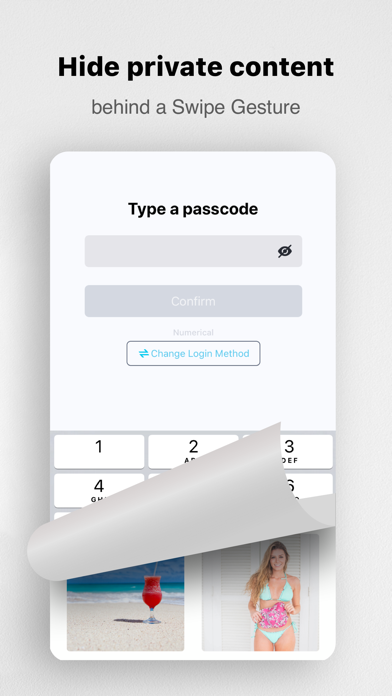
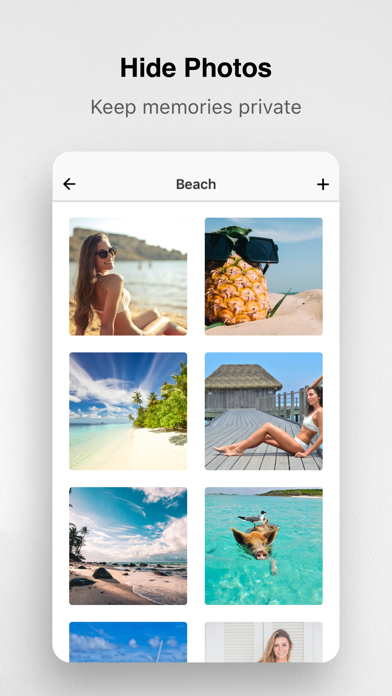
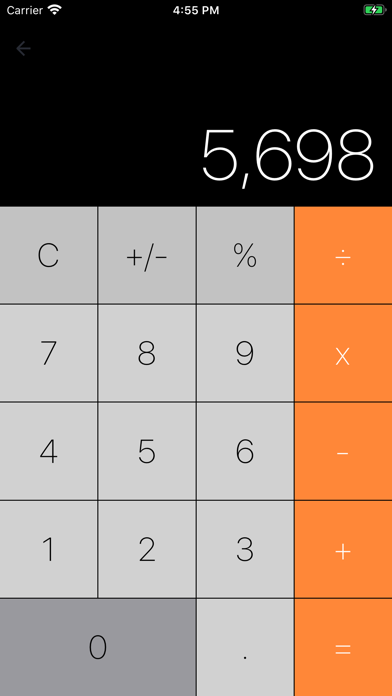
Secret | Calculator secures private photos by locking them down with a gesture PIN protection and the best encryption. It’s the secret and safe place to store your private photos, passwords, notes, and contact information. With this app, you can protect your secrecy and precious memories.
Your personal data is protected by a gesture PIN, where you swipe your finger to draw a unique pattern. Unauthorized attempts to access will be blocked. If you forget your gesture PIN, you can reset with Touch ID.
Use this app for these purposes:
- Preserve great and precious memories
- Store family photos and trip album
- Store private contact information
- Store passwords, and never forget them
- Take notes of your driver license, ID cards, and credit cards
- Privately surfing the Internet, without leaving any traces
Basic features:
- Beautiful and intuitive UI design
- A secure, and easy-to-use swipe gesture PIN
- Create photo albums and store your personal photos
- App is immediately auto locked when you leave it
- Take notes, store passwords, surf the web
We take the security of our customers very seriously. Read our Terms of Service at:
https://secret-photo-album.flycricket.io/terms.html
and our Privacy Policy at:
https://secret-photo-album.flycricket.io/privacy.html
• You can subscribe for premium features inside the app; subscriptions are billed monthly or annually at the rate selected depending on the subscription plan.
• Alternatively a one-time payment plan is available (this is not a subscription).
• Payment will be charged to your iTunes account at confirmation of purchase.
• Subscriptions will automatically renew unless auto-renew is cancelled at least 24 hours before the end of current period.
• Your account will be charged according to your plan for renewal within 24 hours prior to the end of the current period.
• You can manage or turn off auto-renew in your Apple ID account settings at any time after purchase.
• To manage your subscriptions or turn off auto-renewal:
- Go to Settings > iTunes & App Store
- Tap your Apple ID at the top of the screen
- Tap View Apple ID. You might need to sign in or use Touch ID.
- Tap Subscriptions.
- Tap the subscription you want to manage.
- Use the options to manage your subscription.
• No cancellation of the current subscription is allowed during the active subscription period. Onc