Filmora HD-Video Editor&Maker

Filmora HD-Video Editor&Maker Summary
Filmora HD-Video Editor&Maker is a free, with in-app purchases iOS app in Photo And Video by Shenzhen Wondershare Software Co., Ltd. Released in Jun 2020 (6 years ago). It has 8.4K ratings with a 4.65★ (excellent) average. Based on AppGoblin estimates, it reaches roughly 3.3K monthly active users and generates around $<10K monthly revenue (100% IAP / 0% ads). Store last updated Dec 22, 2025
Recent activity: -1 new ratings this week View trends →
SDK intelligence: AppGoblin detected 6 development tools(e.g. Google), 2 ad networks, 2 analytics: product,and 1 analytics: attribution integrated into Filmora HD-Video Editor&Maker. View full SDK list →
Filmora HD-Video Editor&Maker SDKs Summary
Filmora HD-Video Editor&Maker was last scanned for SDKs on 2026-10-16. Below is the overview of third-party companies detected in the app. The full list of SDKs, permissions and unknowns is available here.
 Google
 Airbnb Engineering
 nanopb
 Alamofire
 Facebook
 Snap
Snap Firebase
 SensorsData
 Adjust
4.65★
Ratings: 8.4K
Screenshots


App Description
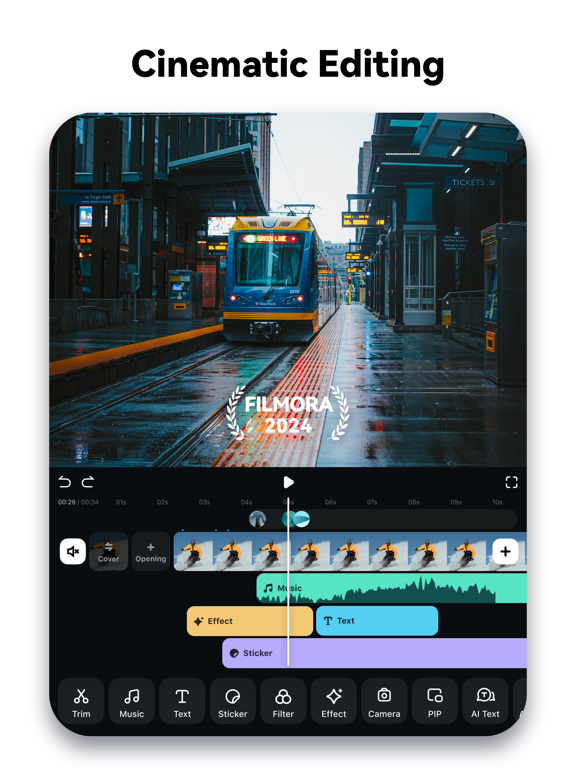
Filmora is an easy yet powerful video editor, enables you to quickly and easily create video stories from your video clips, photos, and music. An easy-to-use video editing app with advanced features and tons of music, stickers, filters, effects and transitions to be creative. You’ll save time and have a blast.
[What you can do with Filmora Video Editor]
- When you are on vacation, you’d like to make a vlog and share on YouTube / TikTok / Facebook / Instagram in short time.
- When you are on business, you need to make a creative project presentation video on the road.
- You could continue to finish the rest of the iPad/iPhone video project on your Mac. You could edit anywhere anytime.
[Why you’ll love Filmora Video Editor]
POWERFUL VIDEO EDITING
[NEW] - Mask
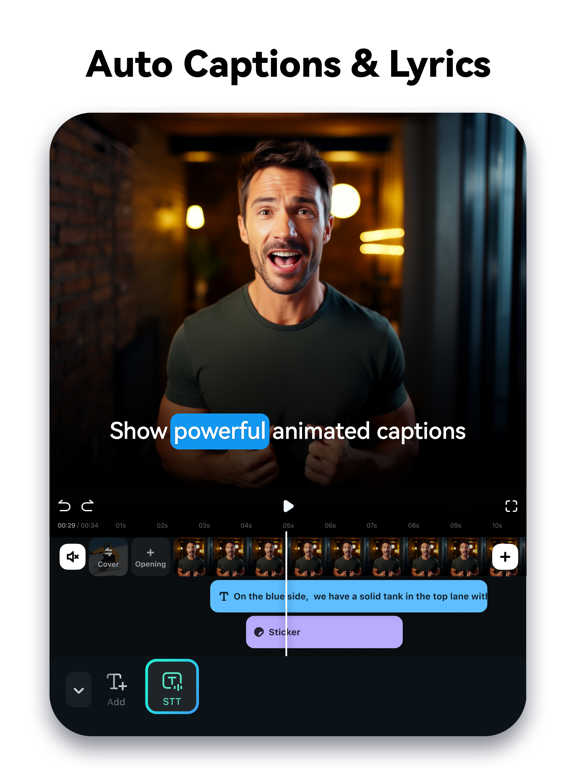
- Speech To Text (STT)
- Speed Ramping(Curve Speed)
- Keyframe
- Tons of Tracks
- Intuitive Timeline Zooms
- Trim or Split Video
- Adjust Video Speed
- Rearrange Clips
- Copy / Paste / Rotate Clip
- PIP (Add Videos on Your Clips)
- 4K export
- User-friendly gesture for iPad
[NEW] - Save in the cloud, edit videos anytime and anywhere
AUDIO/MUSIC
NEW - Beat detection
- Music Library
- Sound Effects
- Voice Recording
- Split Audio Clips
- Volume Controls / Mute
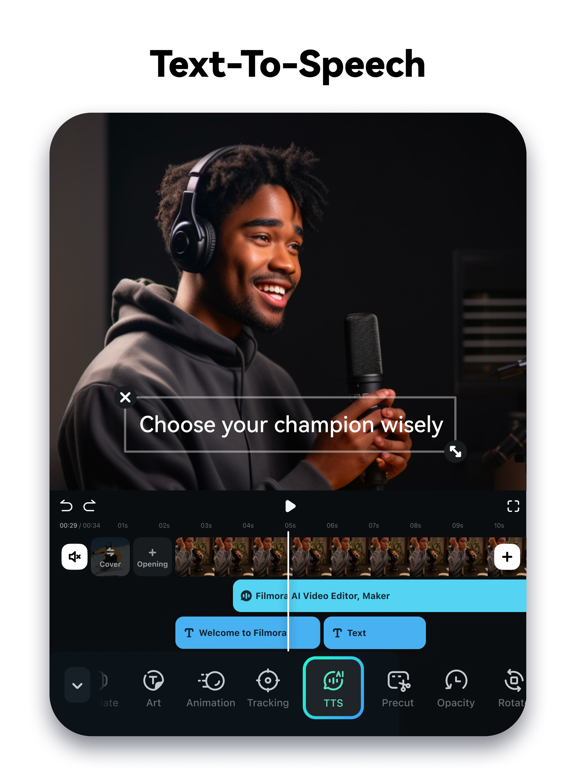
- Voice-Over
TEXT / STICKERS
- Add Texts or Stickers on Video or Photo
- Fun Stickers
- Personalize Text
EFFECTS
- Brightness, Temperature
- Customize Filters and Overlays
- Various Cool Transition
[Filmora Video Editor Subscription Info]
- With Filmora Unlimited subscription, you have access to all features and paid editing materials including stickers, exclusive filter, audio effects, 4K video export, etc. Also, watermark will be removed automatically.
- Subscription length: Monthly, Annually or One-time Purchase.
- No cancellation of the current subscription is allowed during active subscription period
- Subscriptions will automatically be renewed unless auto-renew is turned off at least 24 hours before the time of renewal.
- You can turn off auto-renewal at any time through your Account Settings.
- Any unused portion of a free trial period, if offered, will be forfeited when the user purchases a subscription.
[Terms of Use]
https://www.wondershare.net/company/terms_conditions.html
[Privacy Policy]
https://www.wondershare.net/privacy.html
[Contact Us]
We value your feedback.
Facebook: @filmoravideoeditor
Twitter: @Filmora_Editor
Inst