PowerTimer

PowerTimer Summary
PowerTimer is a with in-app purchases iOS app in Tools by Sasquatch Studio Inc.. Released in Jun 2019 (6 years ago). It has 10 ratings with a 4.20★ (good) average. Based on AppGoblin estimates, it reaches roughly 39 monthly active users and generates around $<10K monthly revenue (100% IAP / 0% ads). Store metadata: updated Mar 20, 2023.
Store info: Last updated on App Store on Mar 20, 2023 .
4.2★
Ratings: 10
Screenshots

App Description
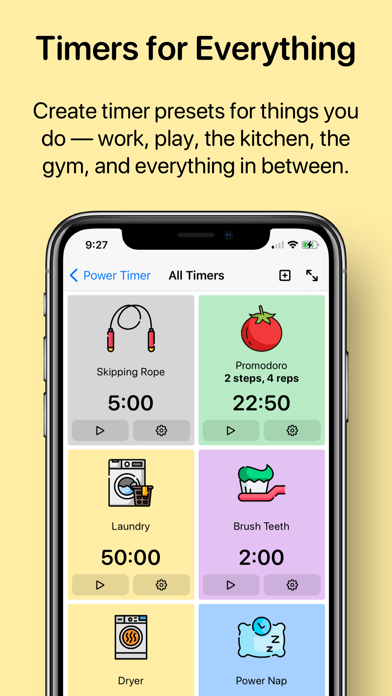
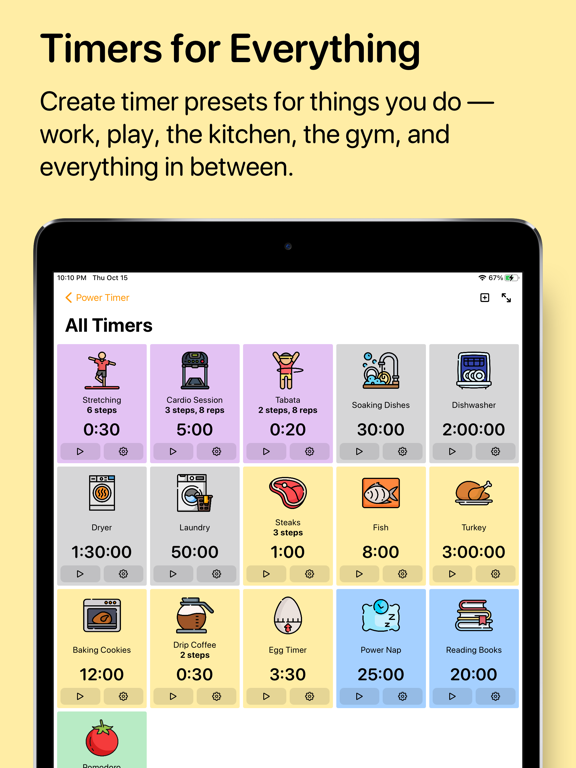
Powerful timers, put up on the big screen. PowerTimer allows you to create complex timer routines, and use full-screen mode to keep track of time.
#### Full Screen, Full Focus ####
Full screen mode gives you large text that is legible from across the room. Your iPhone or iPad will stay awake, too.
Full screen mode is perfect for your workout routine, cooking in the kitchen, or for your work and study.
#### Power to the Timers ####
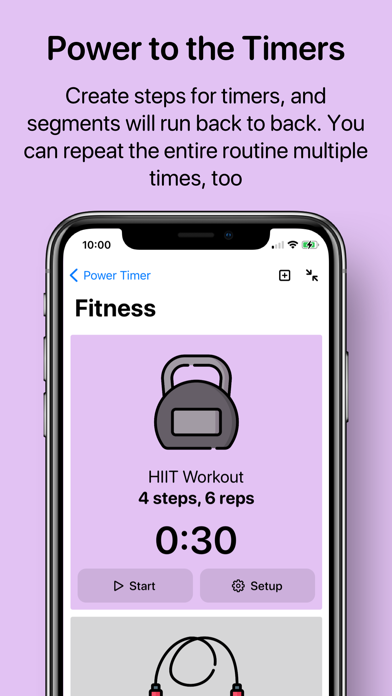
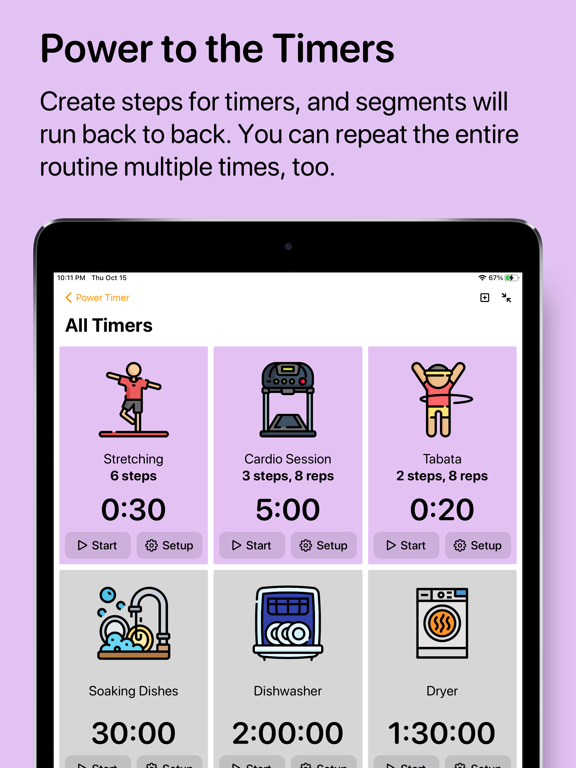
Add steps to timers so that segments will run back to back. Loop the steps several times to cater to your most complex timing needs.
You also have the option to receive multiple alerts after timer expires, so that you don’t forget.
#### Nice to the eye; nice to the ear ####
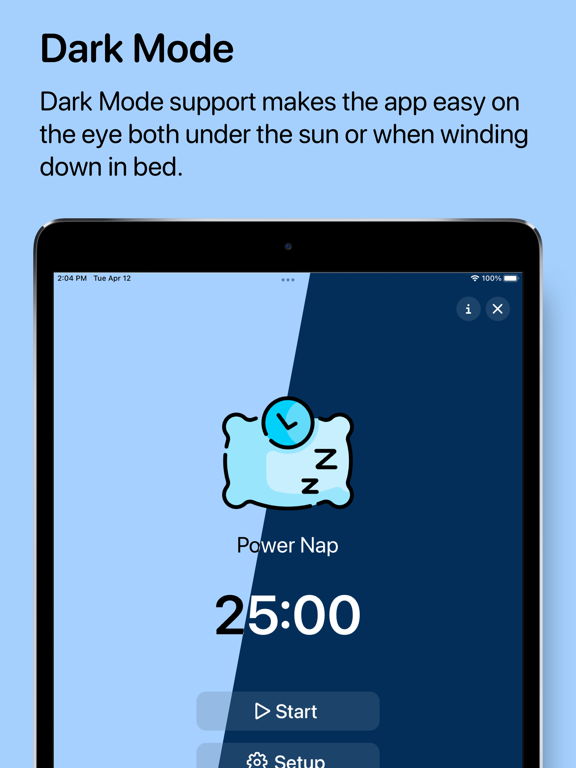
Dark Mode support. Dynamic types. More discernible colours. More ringtones to choose from. Power Timer 2.0 looks and sounds better in so many ways.
Enter full screen mode to see a timer in extra large types — you can essentially see the timer from across the room! On the iPad, there’s a more efficient layout and support for split screen.
#### Full Siri integration ####
As you set up the timer, you can tell Siri to trigger it with a custom voice command, such as “Doing my laundry” or “Brushing my teeth.” Power Timer has been designed to work with as little touching as possible.
If you are looking for more, you can add timer actions into your own shortcuts. It’s easy to create a shortcut that “Start a 20-minute timer when I open Netflix.”
Power Timer is also tapping into iOS system intelligence. Siri will pick up on your patterns of timer usage, and suggest starting certain timers as appropriate.
#### Widgets ####
Pin a specific timer on your Home Screen with newly added widgets. You can even launch the timer and enter full-screen mode with one tap.
#### And there’s more ####
We’ve updated the apps to have more and better ringtones, as well as giving you a range of fully vector-based icons so that they look nice and sharp even when scaled up.
There’s also URL Scheme support such as `powertimer://expired` or `powertimer://timer?id=ABCD` to help you integrate Power Timer into your workflow.
Version 2.0 will be requiring iOS and iPadOS 14.