Hollycool - Pro Video Editing

Hollycool - Pro Video Editing Summary
Hollycool - Pro Video Editing is a free iOS app in Photo And Video by 巧霞 詹. Released in Sep 2019 (6 years ago). It has 903 ratings with a 4.52★ (excellent) average. Based on AppGoblin estimates, it reaches roughly 449 monthly active users . Store last updated Oct 1, 2019
Hollycool - Pro Video Editing SDKs Summary
App not yet scanned for SDKs.
4.52★
Ratings: 903
Screenshots
App Description
Hollycool is a powerful and easy-to-use video editor & movie maker. It provides high-end video editing features that let you make outstanding videos.
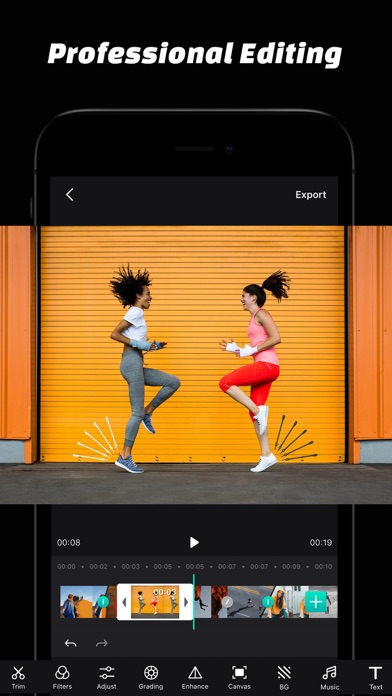
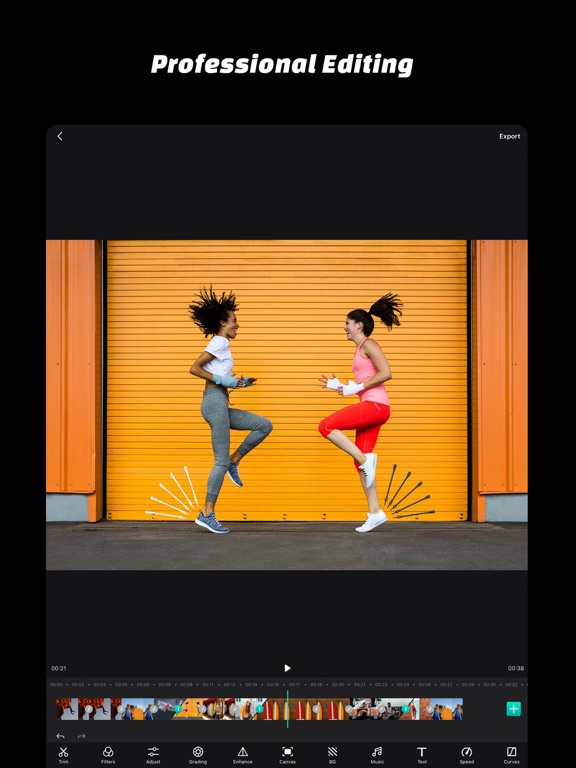
Video Editing
· Editing Tools: Trim, Split, Rotate, Flip, Reverse, Delete, Duplicate.
· Compositing: Merge Videos, Photos, Live Photos.
· Reorder Video Clips.
Color Correction
· Adjustment Tools: Exposure, Brightness, Contrast, Shadows, Highlights, Brighten, Temperature, Tint, Saturation, Vibrance, Hue, Fade.
· Grading Tools: HSL, CMY, Split-Toning, Toning, Color Accent.
· Video Filters
· Curves Adjustments.
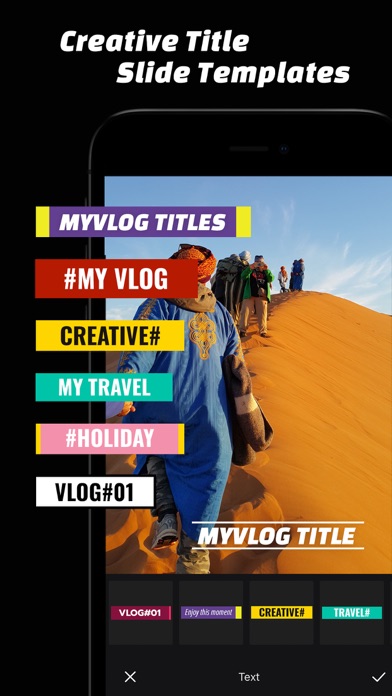
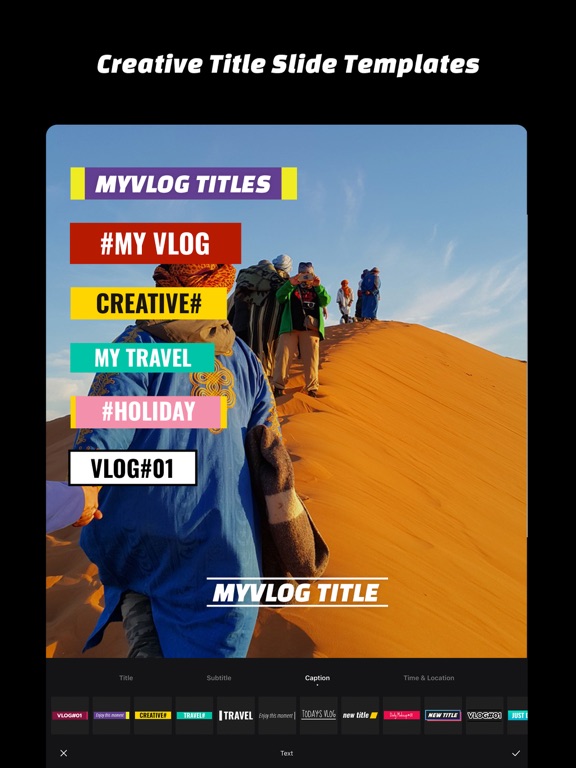
Text Slide Template
· Creative Text Slide Animation Collections, Low Third, Subtitles
· Unlimited Text Tracks, Flexible Animation Edit
· Text Style: Text Color, Stroke, Text Shadow, Background Color, Paragraph
Music & Audio Effects Edit
· Music Edit Tools: Trim, Fade-In & Fade-Out, Echo, Feedback, Pitch, Rate, Speed, Equalizer, Distortion, Reverb.
· Perfect Soundtracks.
· Record Audio With Effects.
Details Enhancements
· Enhancement Tools: HDR, Beautify, Bloom, Ambient, Clarity, Grain, Sharpen, Fringing, Vignette.
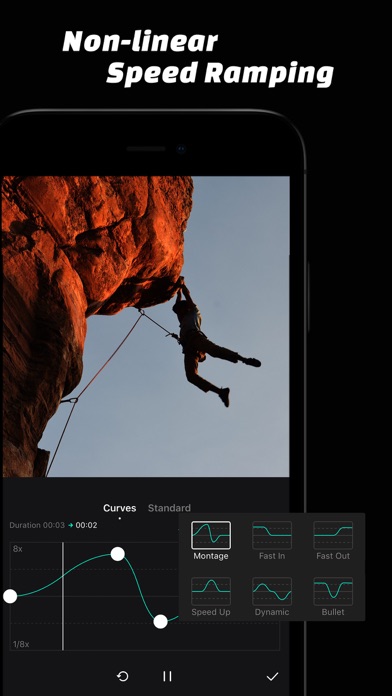
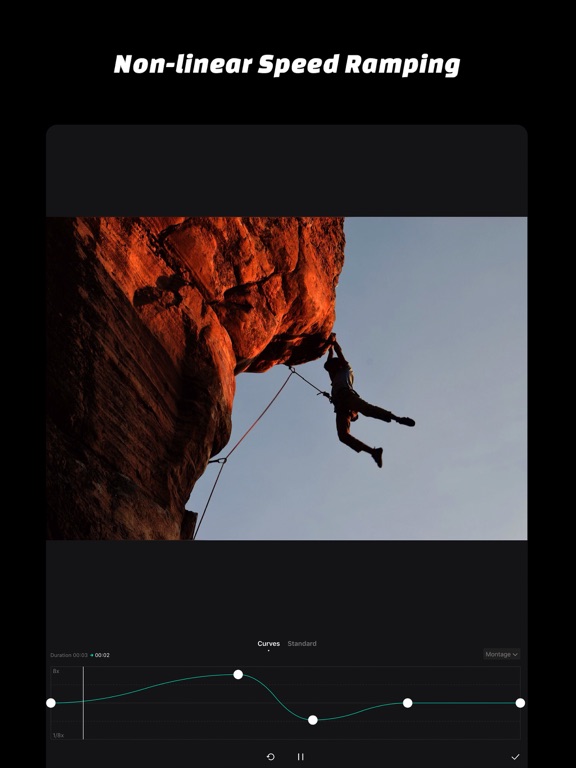
Non-Linear Speed Ramping
· Curves Adjustment for Video Speed Ramping.
· Curve Presets for Video Speed Ramping.
Video Transitions
· Beautiful Video Transitions.
· Transition Duration Adjustable.
LUT Color Grading
· Import your LUT files from other devices created with Davinci resolve, AE, PR, Photoshop and Lightroom.
· Save your color grading as LUT preset
· Provide a set of LUT
Fashion Backgrounds
· Flexible Canvas Settings.
· Video Background: Blur Photos, Colors, Patterns, Gradients.
We read every email, comment, and review.
If you have any questions or suggestions, please let us know at youthpe.contact@gmail.com