TaHoma by Somfy

TaHoma by Somfy Summary
TaHoma by Somfy is a free iOS app in Lifestyle by SOMFY SAS. Released in Jun 2023 (3 years ago). It has 109K ratings with a 4.12★ (good) average. Based on AppGoblin estimates, it reaches roughly 898K monthly active users . Store last updated Oct 5, 2026
Recent activity: 13 new ratings this week View trends →
SDK intelligence: AppGoblin detected 4 development tools(e.g. Google), 2 analytics: product,and 1 ad networks integrated into TaHoma by Somfy. View full SDK list →
TaHoma by Somfy SDKs Summary
TaHoma by Somfy was last scanned for SDKs on 2026-07-29. Below is the overview of third-party companies detected in the app. The full list of SDKs, permissions and unknowns is available here.
 Google
 Airbnb Engineering
 nanopb
 Alamofire
 Firebase
 Amplitude
4.12★
Ratings: 109K
Screenshots



App Description
WORKS WITH THE TAHOMA SWITCH & THE TAHOMA (BEECON) HUB
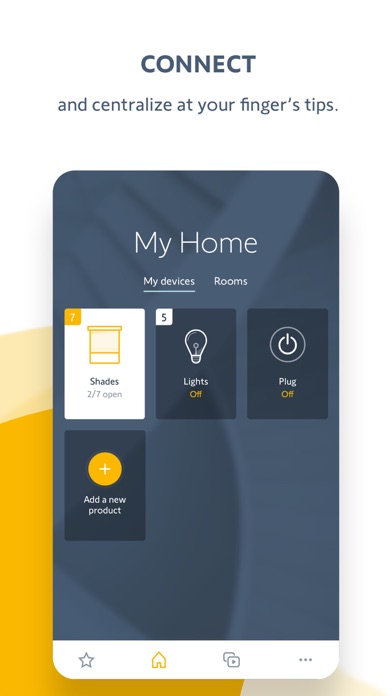
The TaHoma app allows you to stay connected to your home from your smartphone or tablet.
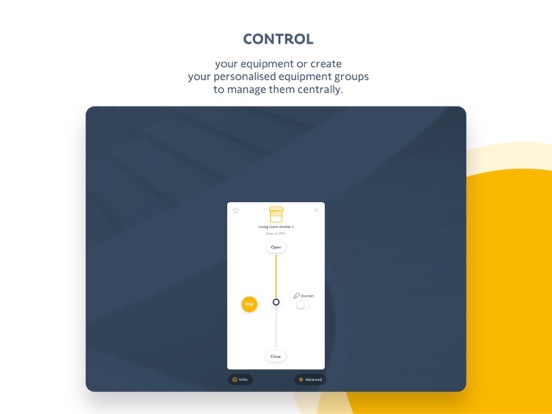
Simply connect your devices such as shades, blinds, or draperies to TaHoma. You can now control them from the TaHoma app, remotely, by voice, or by adding a voice assistant (Amazon Alexa, Google Assistant or Apple HomeKit*).
TaHoma is compatible with a wide range of major home brands (Samsung SmartThings, Philips Hue, etc.). You can add new ones at any time.
Create a comfortable connected home with TaHoma switch! The app will help you configure your TaHoma switch in just a few easy steps. Make your everyday life easier by creating personalized scenes. Use your imagination, discover all the possibilities:Control your home with the touch of a button
Create a customized menu to quickly find your favorite device, room, or scene.
*Manual scenes (to launch when you want them)
*Scheduled scenes (according to a time or date)
*Advanced scenes (with multiple conditions and sensors)