Ai Photo Retouch -Video Editor

Ai Photo Retouch -Video Editor Summary
Ai Photo Retouch -Video Editor is a free, ad-supported, with in-app purchases iOS app in Photo And Video by OZCAN ERTUN. Released in May 2019 (7 years ago). It has 89K ratings with a 4.47★ (good) average. Based on AppGoblin estimates, it reaches roughly 34K monthly active users and generates around $<10K monthly revenue (49% IAP / 51% ads). Store last updated Dec 11, 2025
Recent activity: 2.00 new ratings this week View trends →
SDK intelligence: AppGoblin detected 4 development tools(e.g. Google), 3 ad networks,and 1 analytics: product integrated into Ai Photo Retouch -Video Editor. View full SDK list →
Ai Photo Retouch -Video Editor SDKs Summary
Ai Photo Retouch -Video Editor was last scanned for SDKs on 2026-06-27. Below is the overview of third-party companies detected in the app. The full list of SDKs, permissions and unknowns is available here.
 Google
 AppLovin
 Snap
Snap nanopb
 SDWebImage
 Reachability
 Firebase
4.47★
Ratings: 89K
Screenshots
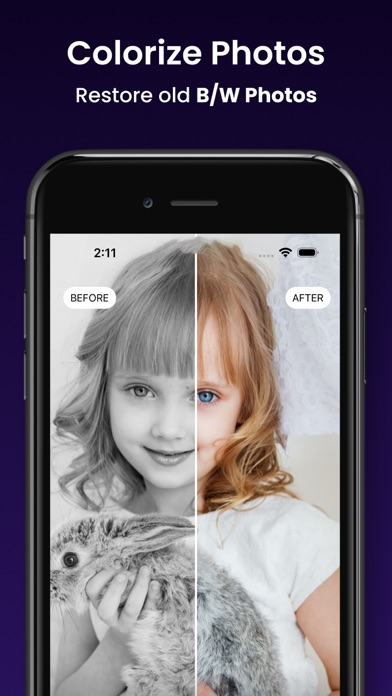
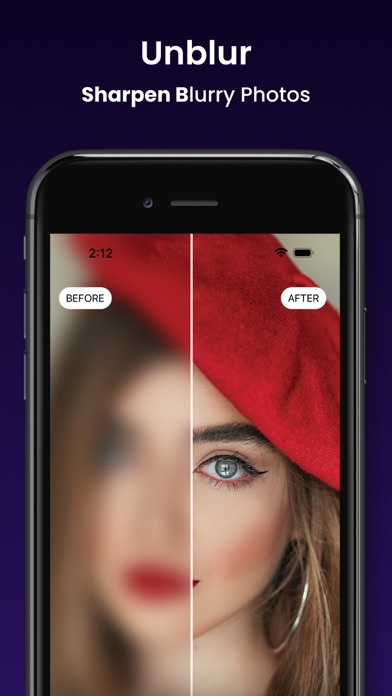
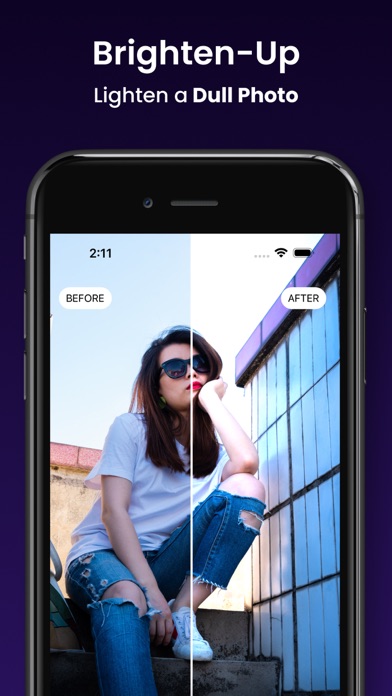
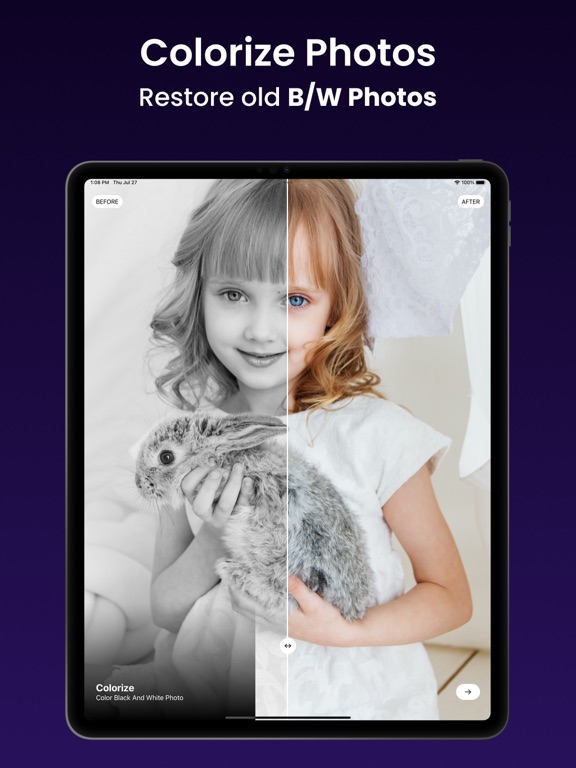
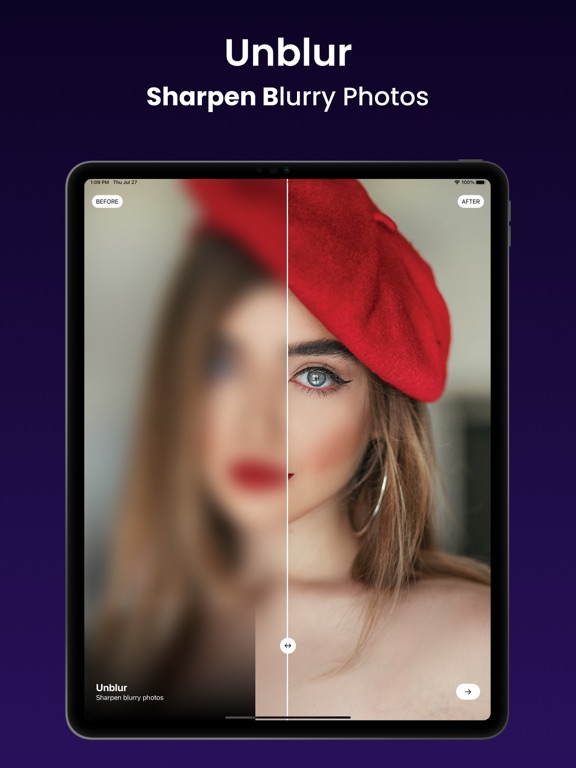
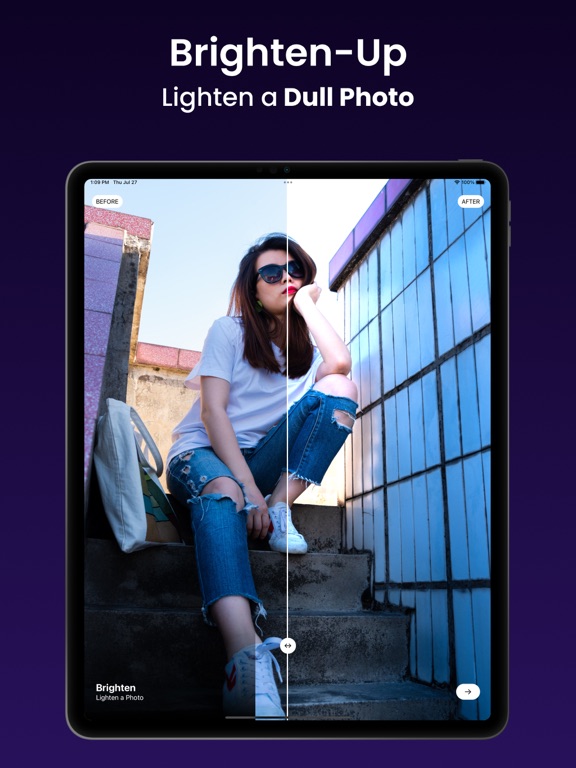
App Description
Ai Photo Retouch -Video Editor & Make Video With Music is a video editing tool with powerful Video Editor! It has all the features you would ever want in an Music Video Editor Video Cutter, merge two or more audio and video files, and more features
Main Features
- Cut Video : Trim part of the video or audio stream
- Merge Video : Join multiple videos into one
- Mute Video : Remove audio stream from video
- Gif Video : Convert your favorite part of the video into animated GIF file and share to social network
-Choose the video from the list.
- Cutting a video.
- Cut the video using forward and backward selector.
- Playing video before cutting.
- Merge two or more video into a single video
You may purchase an auto-renewing subscription through an In-App Purchase to enjoy all App Features without Ads:
• Auto-renewable subscription
• Your subscription will be charged to your iTunes account at confirmation of purchase and will automatically renew (at the duration selected) unless auto-renew is turned off at least 24 hours before the end of the current period.
• Current subscription may not be cancelled during the active subscription period; however, you can manage your subscription and/or turn off auto-renewal by visiting your iTunes Account Settings after purchase
Read our full Terms of Service and our Privacy Policy at:
* Link to Privacy Policy: https://skyneslab.com/PrivacyPolicy.html
* Link to Terms of use: https://skyneslab.com/TermsOfUse.html