Piano Visual Player - Light

Piano Visual Player - Light Summary
Piano Visual Player - Light is a mobile iOS app in Music And Audio by Hitoshi Yasui. Released in May 2019 (6 years ago). It has 10 ratings with a 3.00★ (mixed) average. Based on AppGoblin estimates, it reaches roughly 35 monthly active users . Store metadata: updated May 24, 2019.
Store info: Last updated on App Store on May 24, 2019 .
3★
Ratings: 10
Screenshots

App Description
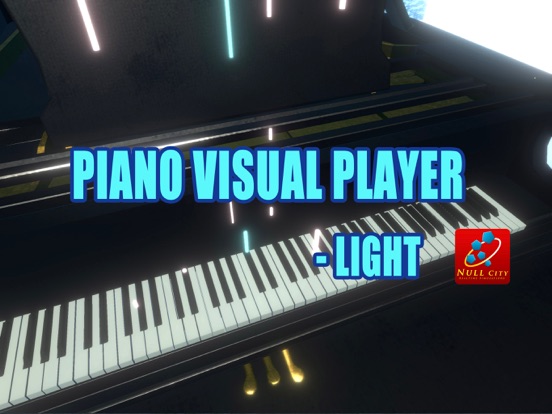
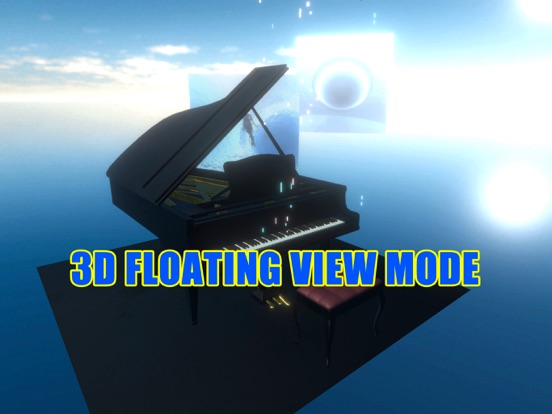
It is an application that displays MIDI performance piano performance data as a beautiful 3D image.
Shining light comes down from the sky and plays the grand piano in the virtual space.
Because the intensity of the sound (the thickness of the light) and the sustain pedal are also expressed, it is possible to feel as if the performer is playing there.
If you spend a little time with video editing software, you can also use the user created piano Midi file to create beautiful piano playing video as shown in the video.
1. function
There are two functions.
(1) Piano play expression mode as final image
The courtesy of chair house is displaying the beautiful piano performance which is the end purpose of this application in the final form.
Synchronized playing of 3D piano roll expression by MIDI file and sound source file (not MIDI).
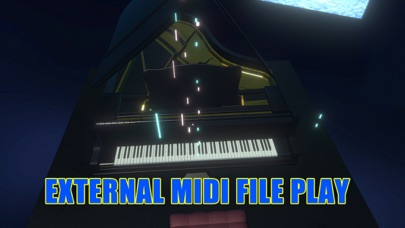
(2) Piano performance mode by user's piano performance MIDI file
Transfer piano music MIDI file (.mid format) with limited file name to this application using file sharing function of iTunes (up to 4).
The sound will be an internal MIDI sound, so it may feel poor.
If you need, you can create your own beautiful video like the mode(1). (see section 3)
2. How to use the app
・ When you launch the app, chair house's beautiful piano performance starts automatically.
・ If you touch the center of the screen once, the menu screen will appear.
・ Viewpoint mode change: It switches in the following three viewpoint modes. Please select your preferred mode.
(1) Mode in which the viewpoint moves around the piano (the viewpoint location can be changed by viewpoint position control)
(2) Viewpoint moves around the keyboard
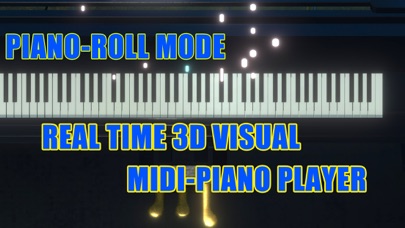
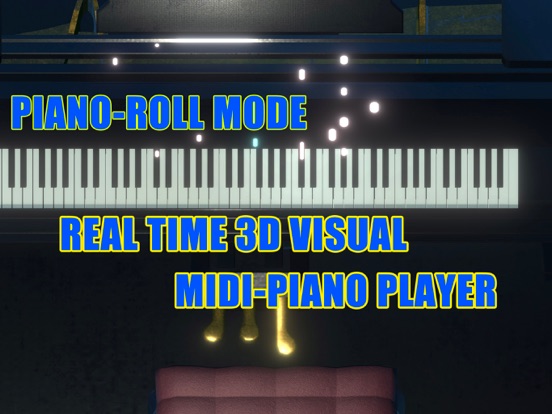
(3) Piano roll mode display
- Background weather change: The background environment is switched.
- Image change: The arrangement of the background image is switched.
- Play the selected song: Play the song selected from the music of chair house with 10 songs.
- Next, Previous: Select the song to play next.
- Stop playing: Stop the currently playing song.
- Automatic play: 10 songs of chair house are automatically played continuously.
How to play user created piano MIDI file
- Please transfer MIDI file (.mid format) of piano performance to Piano Player Light using file sharing with the application with iTunes.
- The app only recognizes up to 4 songs, so delete unnecessary files and make 4 songs if necessary.
- W