DDSA Platts Dictionary

DDSA Platts Dictionary Summary
DDSA Platts Dictionary is a free iOS app in Books And Reference by Charles Cooney. Released in Jun 2019 (7 years ago). It has 4.00 ratings with a 5.00★ (excellent) average. Based on AppGoblin estimates, it reaches roughly 8.00 monthly active users . Store last updated Aug 13, 2024
DDSA Platts Dictionary SDKs Summary
App not yet scanned for SDKs.
5★
Ratings: 4.00
Screenshots


App Description
The Platts Urdu, Hindi, and English dictionary app is a product of the Digital South Asia Library program (DSAL) at the University of Chicago. The app offers a searchable version of John T. Platts's “A dictionary of Urdu, classical Hindi, and English,” London: W. H. Allen & Co., 1884.
The Platts dictionary app can be used both online and offline. The online version interacts with a database that runs remotely on a server at the University of Chicago. The offline version uses a database that is created on the device upon first download.
By default, the app operates in the online mode.
The app allows users to conduct both headword and fulltext queries.
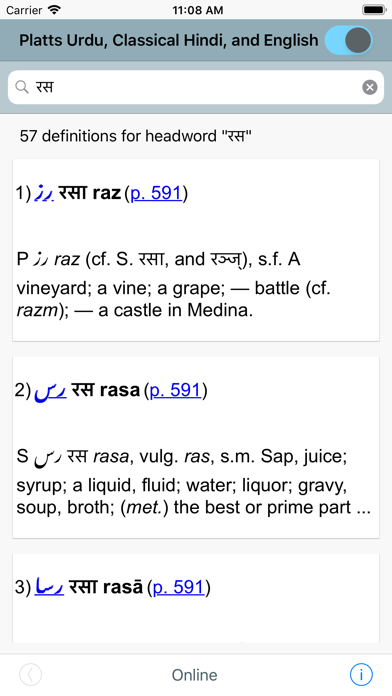
To search for a headword, touch the search bar at the top (magnifying glass icon) to expose the on-screen keyboard and begin searching. Headwords can be entered in Perso-Arabic, Devanagari, accented Latin characters, and unaccented Latin characters. For example, headword searches for ستوده, सुतोतला, sitūda, and situda all yield the definition "Praised, celebrated.”
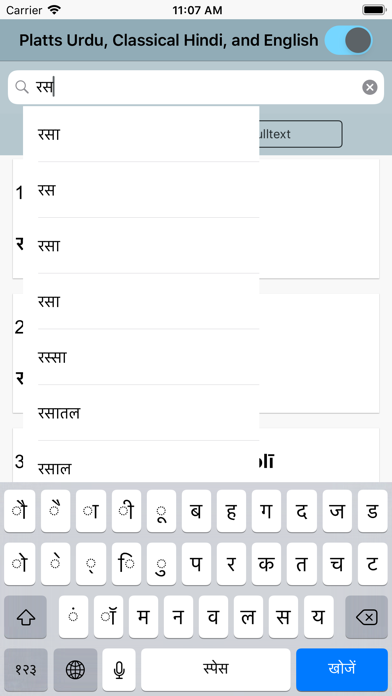
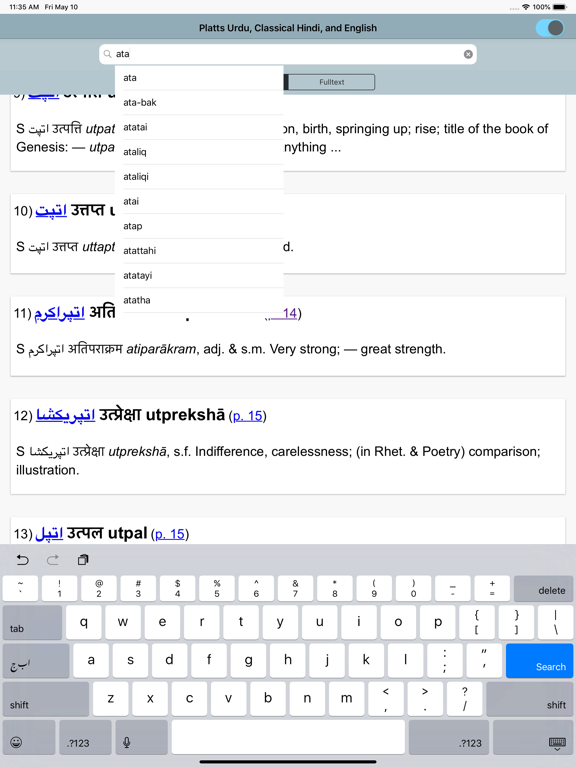
After entering three characters in the search box, a scrollable list of search suggestions will pop up. Touch the word to search for and it will automatically fill in the search field. Or ignore suggestions and enter the search term completely. To execute the search, touch the return button on the keyboard.
By default, headword searches expand off the end of the search term. In other words, searching for "ram" will generate results for headwords that begin with "ram" and have any number of trailing characters, like "rāma" (رام राम)"rāmāwat" (راماوت रामावत), etc. To expand the front of a query, users can enter the "%" character at the beginning of search term. For example, "%ram" will find "abhirām" (ابهرام अभिराम), "apramāṇ" (اپرمان अप्रमाण), etc. The wildcard character at the front of a word also expands search suggestions.
For fulltext searching, select the "Fulltext" search scope button and then enter the search term in the search box at the top.
Fulltext searching supports multiword searching. For example, the search "frisky colt" returns 1 result where "frisky" and "colt" can be found in the same definition. Multiword searches can be executed with the boolean operators "NOT" and "OR" as well. The search "frisky OR colt" returns 20 fulltext re