Coloring Watch

Coloring Watch Summary
Coloring Watch is a mobile iOS app in Entertainment by Sydvesti Oy. Released in Jul 2019 (6 years ago). It has 1.3K ratings with a 4.31★ (good) average. Based on AppGoblin estimates, it reaches roughly 3K monthly active users . Store metadata: updated Mar 6, 2026.
Store info: Last updated on App Store on Mar 6, 2026 .
4.31★
Ratings: 1.3K
Screenshots

App Description
Featured by Apple in "Must-Have Apple Watch Apps" and "Our Favorite Apple Watch Apps" collections.
Coloring is a great way to calm down and relieve stress. Now for the first time you can experience the relaxing effects of coloring directly on your Apple Watch. Designed exclusively for Apple Watch, Coloring Watch gives you a full coloring experience on your Apple Watch while introducing new mindfulness aspects to coloring.
**One-time payment - No in-app purchases - Over 200 images - All image updates for free**
Requires an Apple Watch with watchOS 8 or later. Recommended device Series 4 or later. Set Complication feature available on Series 4 devices or later.
***Color over 200 images on your Apple Watch***
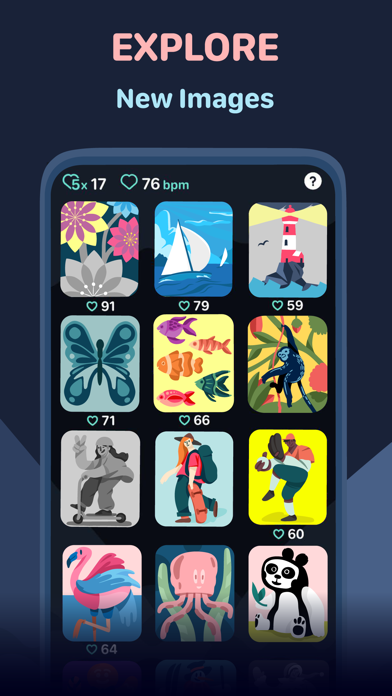
-Over 200 images available on your Apple Watch. Including animated and still images
-Tune colors smoothly by using the digital crown
-100 colors to choose from
-Your progress is automatically stored and you can continue your coloring anytime
-Toggle between image parts by tapping the screen. Tap the right half of the screen to select the next part, and tap the left part of the screen to select the previous part
-Browse through and select different images that are uniquely designed for Apple Watch and the Coloring Watch app (swipe to open menu)
***Create Watch Faces and Share your creations***
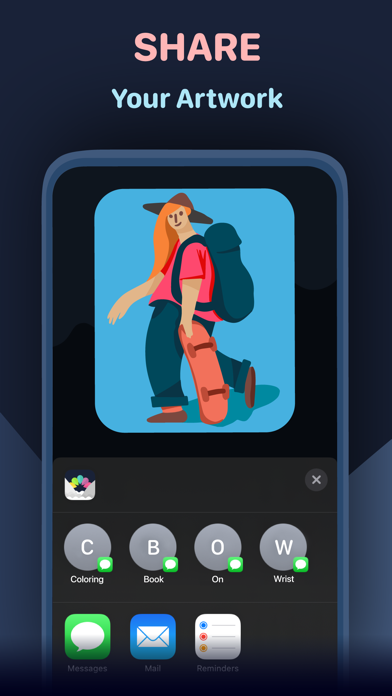
-After coloring images on the Apple Watch the results can be seen on the iPhone
-Tap images on your iPhone to open share menu
-Share menu also contains a “Create Watch Face” button that lets you use your creations as Watch Faces on your Apple Watch
-Set your favorite coloring image as a complication on the following watch faces: Infograph, Infograph Modular, Meridian, California, Modular Compact and X-Large(watchOS 7 only). -Please note that the supported complications are only available on Series 4 and later devices
***Mindful Minutes***
-Breathe calmly and start five minute Coloring Sessions that will track your heart rate while coloring or while just relaxing
-After completing Coloring Sessions examine changes in your heart rate during the five minute sessions (use digital crown to scroll through data)
-Coloring Sessions with health tracking is completely optional and can be started by opening the app menu (swipe to open the menu)
-By seeing detailed heart rate data after Coloring Sessions you can get insight on how breathing and focusing in a si