Add Text to Photos - Typorama

Add Text to Photos - Typorama Summary
Add Text to Photos - Typorama is a free, with in-app purchases iOS app in Photo And Video by CONTENT ARCADE DUBAI LTD FZE. Released in Jun 2019 (7 years ago). It has 1.4K ratings with a 4.47★ (good) average. Based on AppGoblin estimates, it reaches roughly 711 monthly active users and generates around $<10K monthly revenue (100% IAP / 0% ads). Store last updated Nov 14, 2025
Add Text to Photos - Typorama SDKs Summary
App not yet scanned for SDKs.
4.47★
Ratings: 1.4K
Screenshots


App Description
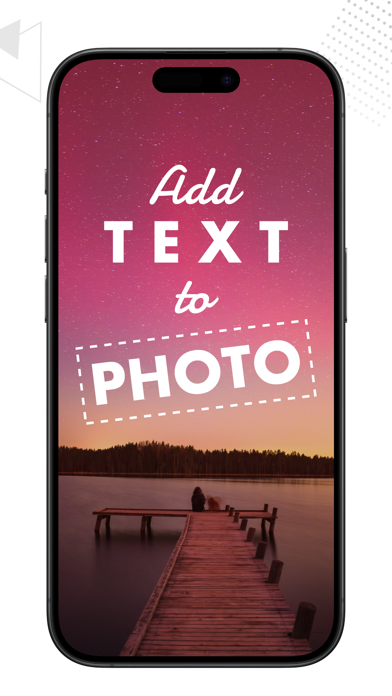
Texture Art gives you various options to modify an image before uploading it on social networks.
Organized several filters, text styles, and background effects to assist you in creating an eye-catching post for Instagram, Facebook, and Twitter.
The ratios for images are preloaded when you get into the editing phase after choosing a photo from your album or capturing one directly from the app. The following options can be seen when you select an image:
- Facebook Post
- Instagram Post
- Instagram Story
- LinkedIn Cover
- Twitter Post
- YouTube Thumbnail
- Or Four different ratios
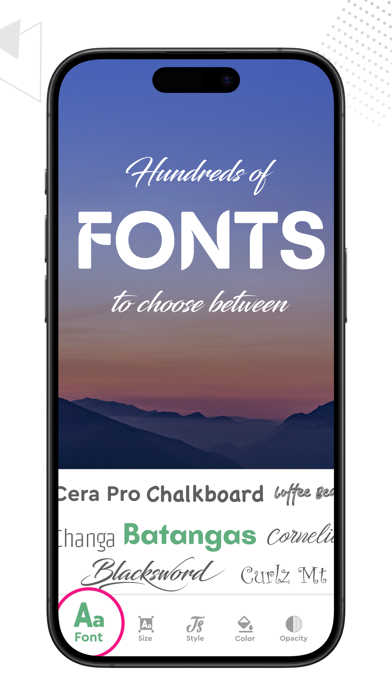
You can pick from the already saved text styles or write in your particular way by double tapping the image in the style menu. You can add more than one text layers, move them around and fix them accordingly. There is also an option found in the “Presets” menu to directly get into an empty page and create text in your unique style without any background. Amongst these features you can add filters to your photos to give an extra refined appearance and work on their details with these options:
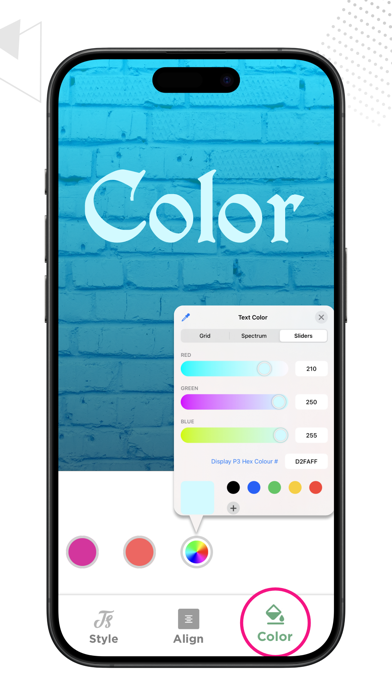
- Color Adjustments
- Shadow Enhancement
- Gradient/overlays
- 3D Rotation and Layers handler
In the Background menu, you can change the pictures, add extra overlays, choose the right filters, and make any necessary adjustments before sharing or saving the image directly from Texture Art application.
Note:
Payment will be charged to your iTunes account at confirmation of purchase. Your subscription will automatically renew unless auto-renew is turned off at least 24-hours before the end of the current subscription period. Your account will be charged for renewal within 24-hours prior to the end of the current subscription period. Automatic renewals will cost the same price you were originally charged for the subscription. You can manage your subscriptions and turn off auto-renewal by going to your Account Settings on the App Store after purchase. Read our terms of service and Privacy Policy for more information.
Privacy Policy:
https://www.contentarcade.com/privacy
Terms of Use:
https://www.contentarcade.com/texture-art-term-of-use