FlightPlan!

FlightPlan! Summary
FlightPlan! is a free iOS app in Education by Reefwing Software. Released in Dec 2019 (6 years ago). It has 9.00 ratings with a 2.44★ (poor) average. Based on AppGoblin estimates, it reaches roughly 4.00 monthly active users . Store last updated Dec 30, 2019
FlightPlan! SDKs Summary
App not yet scanned for SDKs.
2.44★
Ratings: 9.00
Screenshots
App Description
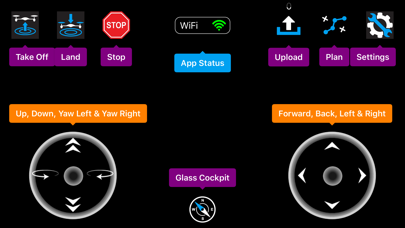
This app allows you to visually program a flight plan for the Tello Drone and then upload it to the drone for execution. You can also fly the drone manually with the app if you wish. Real time telemetry from the drone is displayed on the glass cockpit.
Tello is a mini drone equipped with a HD camera that is manufactured by Ryze Robotics and includes a flight controller with DJI smarts.
We access the Tello API by connecting to the airframe via a WiFi UDP port. Once a connection is in place, the drone is controlled using simple text commands.
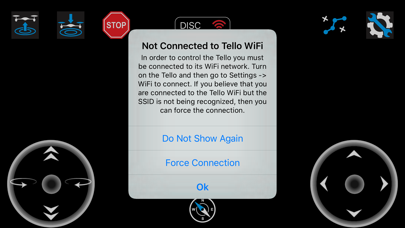
So before using the app, make sure that your Tello drone is on and the iPhone is connected to the Tello WiFi. You can check this by going to Settings -> WiFi.
The first time that you use the app it will request your permission to use Location Services. This is required to allow the app to determine the SSID of the WiFi connection so we know when you are connected to the drone. The app doesn't use location services for anything else.
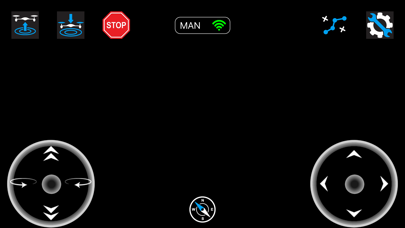
The app has two modes of operation: manual and planning / auto pilot. The app status is shown in the top centre panel. This panel also indicates whether WiFi is connected or not. It may take a few seconds for a change in WiFi status to be displayed.
If you are connected to the Tello and in manual mode, then tapping the take off icon will cause the drone to auto take off and hover. Tapping land will auto land. Only tap emergency stop if necessary as it will immediately stop all four motors and the drone will fall out of the sky!
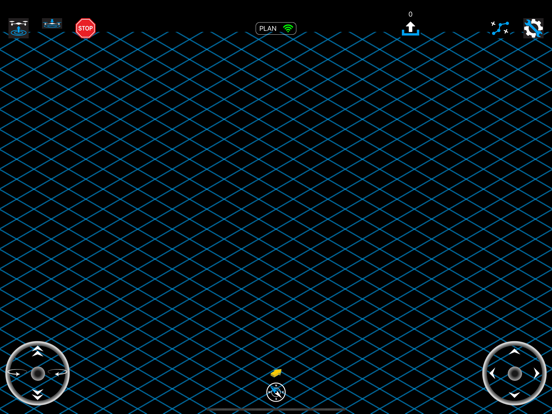
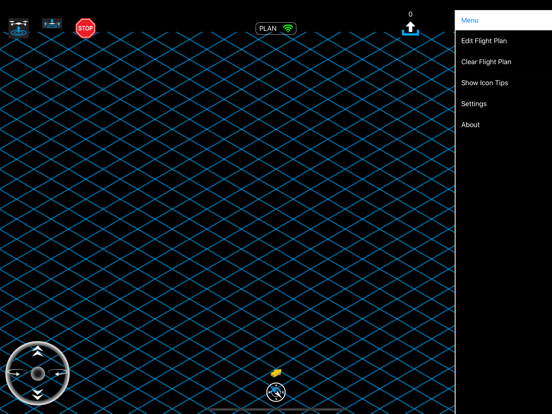
Tapping the plan button toggles the app state between planning mode and manual mode. In planning mode a grid (representing the ground) and yellow arrow (representing the drone), will appear. The arrow direction indicates the front of the drone. In planning mode, you can enter the sequence of commands which will be transmitted to your drone for execution. Start with take off or you will receive a warning message. When you are finished with your flight plan tap land. The arrow will simulate the position of the drone but is not to scale.
Tapping the upload icon will send your flight plan to the Tello and execute it. While the plan is being flown, the app will display the glass cockpit. Real time telemetry from the drone is displayed on the glass cockpit. This includes pitch, roll, yaw, velocity (x, y, z), temperature, time of flight (tof), height, battery pe