AP US Government + Politics

AP US Government + Politics Summary
AP US Government + Politics is a free, with in-app purchases iOS app in Education by Expanded Apps. Released in Apr 2020 (6 years ago). It has 9.00 ratings with a 2.22★ (poor) average. Based on AppGoblin estimates, it reaches roughly 8.00 monthly active users and generates around $<10K monthly revenue (100% IAP / 0% ads). Store last updated Nov 22, 2024
AP US Government + Politics SDKs Summary
App not yet scanned for SDKs.
2.22★
Ratings: 9.00
Screenshots



App Description
500 AP style questions with detailed answer explanations to prepare you for what you’ll see on test day
5 Steps to a 5: 500 AP U.S. Government and Politics Questions to Know by Test Day gives you 500 practice questions that cover the most essential course material and help you work toward a 5 on the test. The questions parallel the format and degree of difficulty that you’ll find on the actual AP exams and are accompanied by answers with comprehensive explanations. The questions in this app were written by expert AP teachers who know the exam inside and out, so they closely reflect what you’ll see when you’ll sit for the AP U.S. Government and Politics test.
This valuable study guide features:
• 500 AP-style questions and answers
• Detailed review explanations for right and wrong answers
• Close simulations of the real AP exam
• Updated material that reflects the latest AP exam
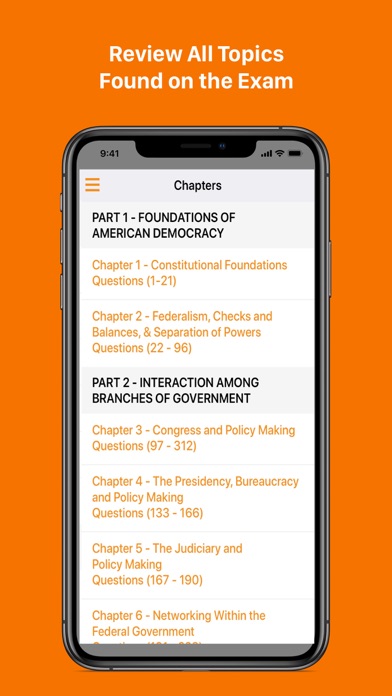
This free application includes all questions in Unit 1 - Constitutional Foundations (1-21). The remaining Units and questions are available with a subscription.
This app has been designed for the iPhone/iPad with interactive features.
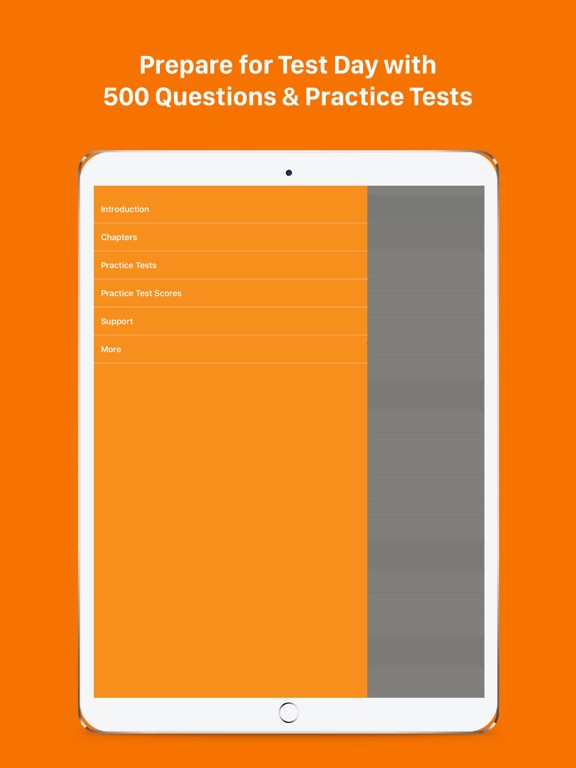
-Study/Timed Exam/Bookmark modes are available for review.
-In the Study mode, check the answers as you tackle the questions.
-In the Timed Exam mode, time yourself and review the answers after the time is up.
-In the Bookmark mode, review only the questions you have flagged for further study.
-File away correctly answered questions after each practice test.
-Opt to include questions from previous quizzes.
-Store practice test scores to track your progress.
-Save your work to the iCloud to access on multiple devices.
Expanded Apps Privacy Policy: https://expandedapps.com/privacy-policy/
Expanded Apps Terms of Use: https://expandedapps.com/terms-of-use/