BASIC Programming Compiler

BASIC Programming Compiler Summary
BASIC Programming Compiler is a free, ad-supported, with in-app purchases iOS app in Education by Ketan Appa. Released in Jun 2019 (7 years ago). It has 7.00 ratings with a 3.14★ (mixed) average. Based on AppGoblin estimates, it reaches roughly 3.00 monthly active users and generates around $<10K monthly revenue (27% IAP / 73% ads). Store last updated Mar 13, 2026
BASIC Programming Compiler SDKs Summary
App not yet scanned for SDKs.
3.14★
Ratings: 7.00
Screenshots

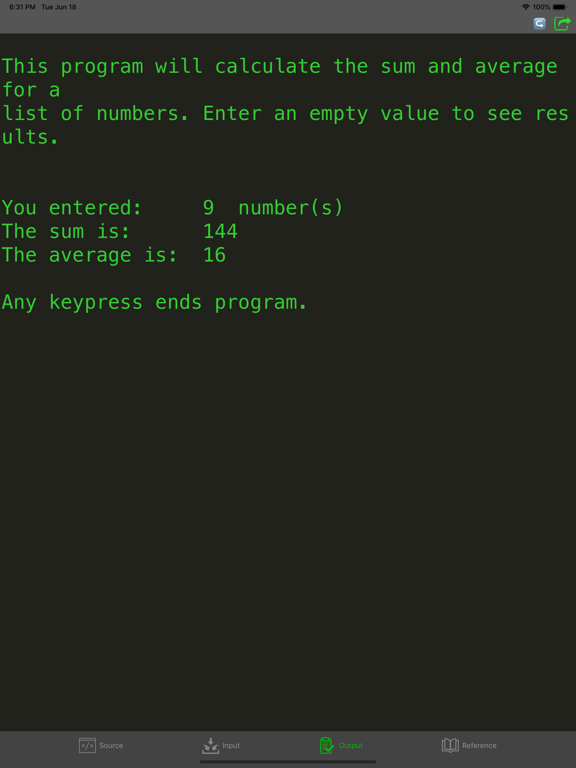
App Description
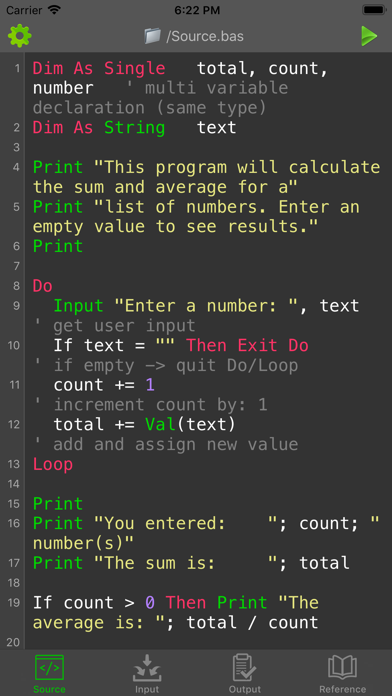
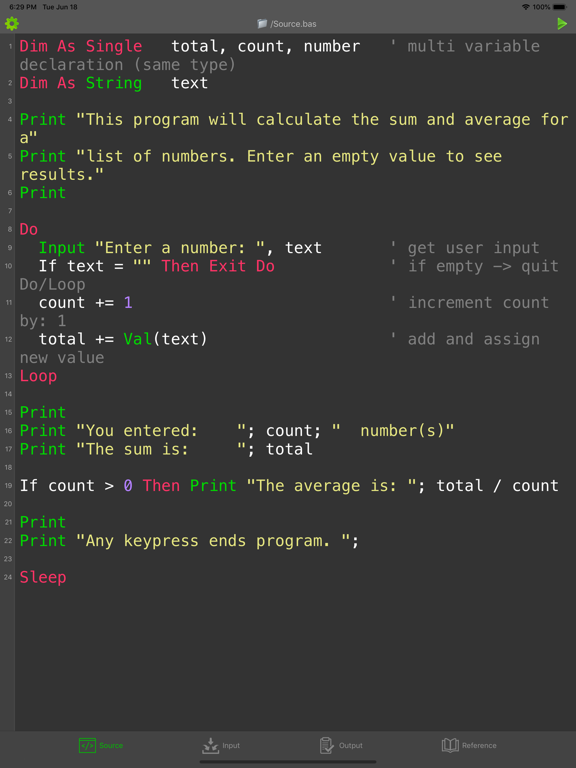
Write BASIC code directly on your iPhone, iPad and iPod Touch! This app is ideal for learning and testing code snippets!
BASIC (Beginner's All-purpose Symbolic Instruction Code) is a family of general-purpose, high-level programming languages whose design philosophy emphasizes ease of use. This app uses the free/open source (GPL) FreeBASIC compiler (https://www.freebasic.net) as backend. FreeBASIC is a high-level programming language supporting procedural, object-orientated and meta-programming paradigms, with a syntax compatible to Microsoft QuickBASIC.
Features:
- Compile and run your program
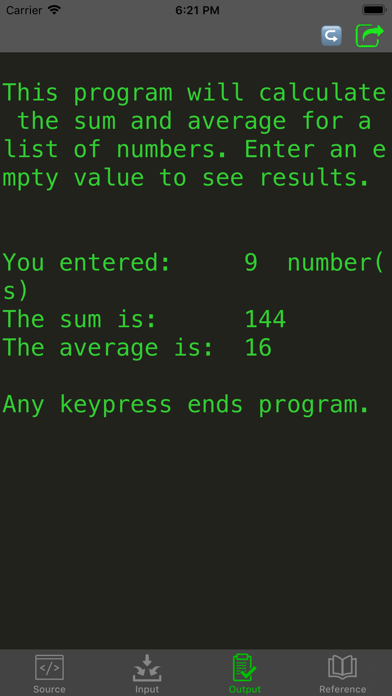
- View program output or detailed error
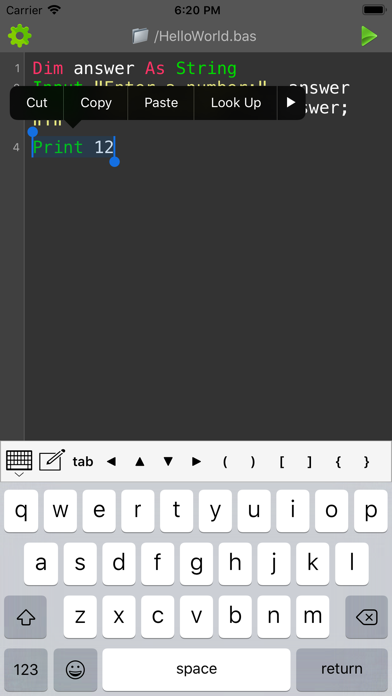
- Select and run chunk of codes
- Custom keyboard for easy input of frequently used characters
- Optimized for connecting with external physical/bluetooth keyboard
- Advanced source code editor with syntax highlighting and line numbers
- Open, save, import and share bas files.
- Language reference
- Install packages
Limitations:
- Internet connection is required for compilation
- Maximum program running time is 20s
- Some file system, network and graphics functions may be limited
- Only 1 file can be run at a time
- This is a batch compiler; interactive programs are not supported. If your program provides an input prompt, enter the input in the Input tab prior to compilation. See the Reference tab in the app for code examples