Super Screen Recorder: Full HD

Super Screen Recorder: Full HD Summary
Super Screen Recorder: Full HD is a free, ad-supported, with in-app purchases iOS app in Photo And Video by 梦想合力(北京)科技有限公司. Released in Feb 2020 (6 years ago). It has 28K ratings with a 4.66★ (excellent) average. Based on AppGoblin estimates, it reaches roughly 17K monthly active users and generates around $<10K monthly revenue (27% IAP / 73% ads). Store last updated Sep 9, 2026
Recent activity: 1.00 new ratings this week View trends →
SDK intelligence: AppGoblin detected 12 ad networks(e.g. Google), 5 development tools, 1 analytics: attribution,and 1 analytics: product integrated into Super Screen Recorder: Full HD. View full SDK list →
Super Screen Recorder: Full HD SDKs Summary
Super Screen Recorder: Full HD was last scanned for SDKs on 2026-06-27. Below is the overview of third-party companies detected in the app. The full list of SDKs, permissions and unknowns is available here.
 Google
 Facebook
 AppLovin
 Unity
Unity nanopb
 Alamofire
 ReactiveX
 Singular
 Firebase
4.66★
Ratings: 28K
Screenshots


App Description
Record your screen in Full HD—then edit and share in minutes.
Capture gameplay, Facecam reactions, tutorials, meetings, and more.
Everything you need to record and create, all in one app.
Super Screen Recorder turns your iPhone or iPad into a complete screen recording studio. Capture smooth, high-quality video, add Facecam or voice commentary, and polish your recording with an easy-to-use video editor.
Whether you’re sharing an epic game, explaining an app, creating a reaction video, or recording a presentation, you can do it all without switching between multiple apps.
## RECORD IN HIGH QUALITY
Create clear screen recordings with settings that match your needs.
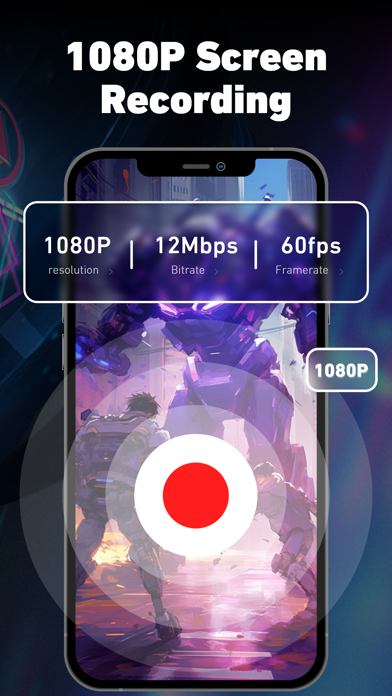
• Record your screen in Full HD
• Customize resolution, frame rate, and bit rate
• Record in portrait or landscape mode
• Capture longer sessions without a preset time limit
• Set a timer to stop recording automatically
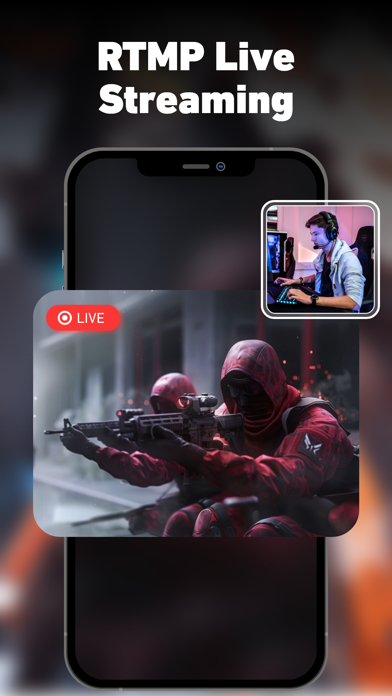
• Broadcast your screen live with supported services
From quick clips to longer gameplay and tutorials, Super Screen Recorder gives you the flexibility to capture every important moment.
## ADD FACECAM & YOUR VOICE
Make your screen recordings more personal and engaging.
Turn on the front-facing camera to add Facecam to your gameplay, tutorial, or reaction video. Capture your commentary while recording, or add narration and a voiceover afterward.
Facecam is perfect for:
• Gameplay reactions and commentary
• Reaction videos
• App reviews and walkthroughs
• Lessons and how-to videos
• Product demos and presentations
## EDIT YOUR VIDEO IN ONE APP
Your recording is only the beginning. Use the built-in video editor to create a polished video that’s ready to share.
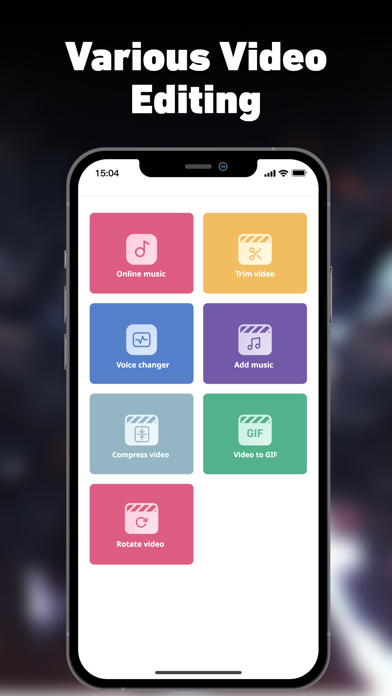
• Trim and cut unwanted moments
• Crop the frame and change the aspect ratio
• Add music, narration and voiceovers
• Rotate your video
• Compress videos for easier sharing
• Apply fun voice effects
• Turn videos into animated GIFs
• Turn videos into audio
The intuitive video editor makes it easy to clean up a screen recording, highlight the best moments, and create content that looks and sounds better.
## CREATE FOR ANY OCCASION
Super Screen Recorder is built for gamers, creators, students, teachers, and professionals.
Use it to record:
• Mobile games and highlights
• Tutorials and step-by-step guides
• Facecam and reaction videos
• Online meetings and presenta