Voice Recorder & Sound Editor

Voice Recorder & Sound Editor Summary
Voice Recorder & Sound Editor is a mobile iOS app in Tools by Khanh Le. Released in Feb 2020 (6 years ago). It has 600 ratings with a 4.56★ (excellent) average. Based on AppGoblin estimates, it reaches roughly 2.2K monthly active users . Store metadata: updated Oct 19, 2020.
Recent activity: 1.00 new ratings this week View trends →
Store info: Last updated on App Store on Oct 19, 2020 .
4.56★
Ratings: 600
Screenshots
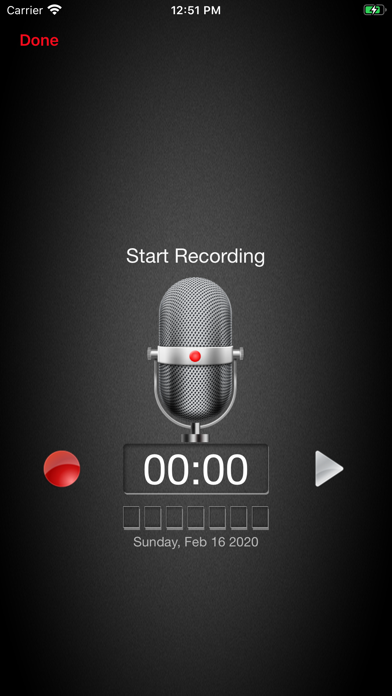

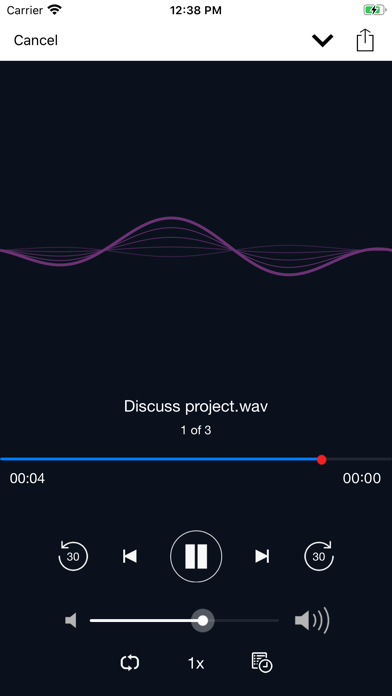
App Description
Voice Recorder - Voice Memos is a one of best audio recorders on appstore.
Voice recorder - Audio recorder
Best recorder for sound recording with high quality
Voice recorder application is totally free. It is simple and easy to use. You can reliably record your meetings, personal notes, speeches, lectures, songs. There is no time limits. This application can record most of your sound and voice. You can record a business meeting, a lecture, an interview. This app is a best choice. Other names which you can call it: voice recorder, audio recorder, sound recorder.
Features:
1. Record your meetings, personal notes, speeches, lectures, songs with high quality.
2. Simple user interface, easy to use.
3. Supported operations:
- Recording with high quality.
- Multiple audio formats file: mp3, ogg,...
- Play, pause, stop audio file.
- Send/Share your recording.
- Delete your recording right from the app.
- Save the recording file.
- Live audio spectrum analyzer
- Passcode protect recordings
- Loop recordings
- Trim recordings
- Change playback speed
- Skip backwards/forwards 15 seconds
- Favorite recordings
- Microphone gain calibration tool
- Save/pause/resume/cancel recording process control
- Easy to use recordings list
- Send/share a recording via email, sms, mms, facebook, whatsapp, dropbox, etc.
- Download recordings by USB cable or WiFi Sync onto your desktop computer
- Upload recordings to iCloud Drive, Dropbox, GoogleDrive, OneDrive and more.
- Not support call recorder
Hope you love this application.