SSH Client - Terminal & Termux

SSH Client - Terminal & Termux Summary
SSH Client - Terminal & Termux is a free, with in-app purchases iOS app in Developer Tools by Moon Technolabs Pvt Ltd. Released in Oct 2019 (6 years ago). It has 619 ratings with a 3.40★ (mixed) average. Based on AppGoblin estimates, it reaches roughly 2K monthly active users and generates around $<10K monthly revenue (100% IAP / 0% ads). Store last updated Jul 24, 2026
Recent activity: 1.00 new ratings this week View trends →
SSH Client - Terminal & Termux SDKs Summary
App not yet scanned for SDKs.
3.4★
Ratings: 619
Screenshots

App Description
Here is one of the most intelligent & advanced SSH Client apps to manage and connect remote servers for your iOS and Mac devices
About SSH Client:
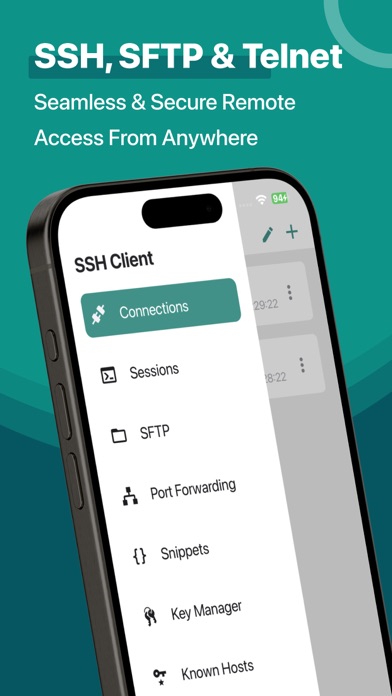
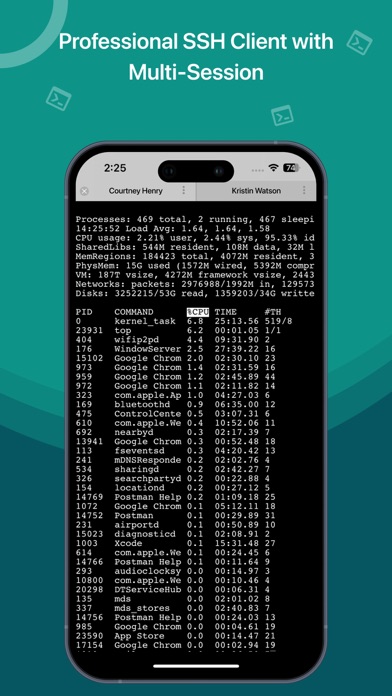
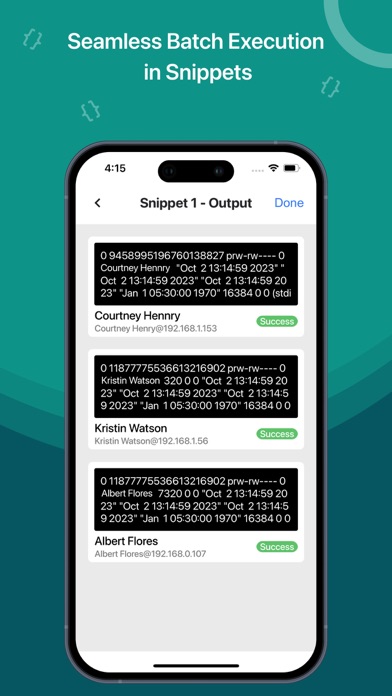
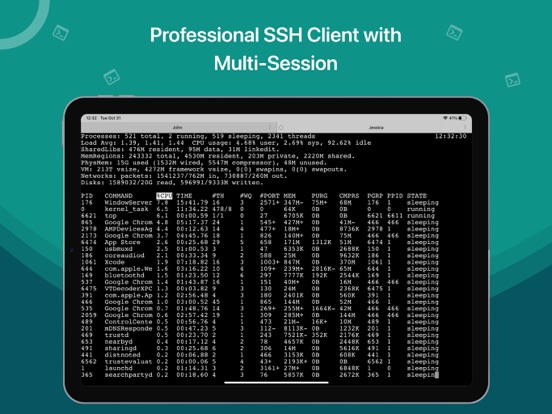
SSH Client is an on-the-go SSH-Telnet app with the best putty, console, and shell ios app with powerful remote access & terminal emulator. Our enterprise-grade mobile app is built for all kinds of server management needs. Our comprehensive features are not limited to terminal keyboard and language support, multi-session capability, and Bluetooth keyboard support but many more. Our SSH Client app can easily integrate with AWS, Azure, and Digital Ocean.
The app is most popular because of its administrator-friendly approach; we have also considered our valued customers suggestions and constantly released updates for SSH Client to become reliable and robust in real-world usage and development.
• Private key files can now be directly imported in multiple formats (RSA, DSA, Putty) using iTunes sharing from other apps and Clipboard
• RSA / DSA key generation and authentication and share it via email or Clipboard
• Get 'Local Notification Alert or blink' before the connection starts terminating
• Quick retrieval of the last top 3 connected servers to join instantly
SSH Client Functionalities:
• Launch (Run) a saved command/script at connection startup
• Connect with your servers using username, password, or private key authentication through SSH
• Configurable' Standard and Non-Standard' port
Adaptive Terminal:
• Customize Terminal like background, foreground, cursor colour selection
• Standard Terminal features, including 'Terminal Emulator with Editor.'
• Personalize Terminal Size
• Support Terminal Screen copy/paste and easy text selection
Server Folders:
• Organized groupwise server to easily and freely manage and control interoperability in a blink.
Customizable Keyboard:
• Fully External / Bluetooth keyboard support
• Special keys such as Esc, Tab, Ctrl, /, :, -, !, |, $, *
• Built-In keyboard keys with fixed keys like Ctrl, Alt, Tab, Esc, Up, Down, Left, Right and F1-12
Easy Connect:
• Run multiple prompt sessions at a time
• Active connection counts indicator at App Badge
• Configure and manage unlimited future sessions to reduce workload
Gesture Control:
• Pinch Scaling Terminal Screen
• One touch on / off for Auto scroll
• Single tap connection/disconnection f