Remove Unwanted Object

Remove Unwanted Object Summary
Remove Unwanted Object is a ad-supported iOS app in Photo And Video by Zain Ali. Released in Jan 2020 (6 years ago). It has 92 ratings with a 4.39★ (good) average. Based on AppGoblin estimates, it reaches roughly 90 monthly active users and generates around $<10K monthly revenue (0% IAP / 100% ads). Store metadata: updated Aug 5, 2024.
Store info: Last updated on App Store on Aug 5, 2024 .
4.39★
Ratings: 92
Screenshots



App Description
With this AI-powered app you can remove unwanted object of photo & video, you can eraser person, eraser object, eraser sticker or text on your photo & video. It's all free!
Compared to traditional tools, This app recreates realistic backgrounds without the need for selecting a background reference like the clone stamp tool.
Key features:
- Delete telephone wires and posts, power lines
- Remove surface breaks and scratches
- Remove unwanted person
- Erase pimples and skin blemishes
- Delete human-made objects like stop lights, street signs, trash cans
- Remove unwanted sticker or text
- Remove whatever you feel is spoiling your photos or videos
HOW TO USE?
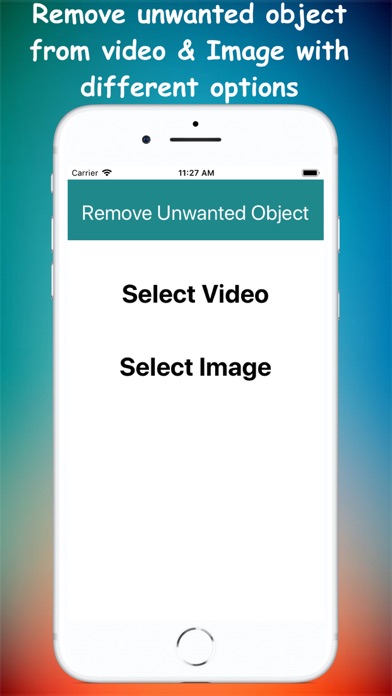
As soon as you start the app it show you option to select image or video
After selection you are you are taken to screen with preview and adjustable rectangle/lasso select with actions(specify more than 1 areas) to specify the unwanted object you want to remove.
You can also choose zoom option and pinch with fingers to better select small objects.
Press Save button and wait for process to complete and view or share the results.
FAQ'S
How to get better result
When selecting an area, you can select it a bit larger, and completely cover the part you want to remove (including the shadow), which can help the algorithm achieve better results.
Will my videos/pictures be uploaded to any server?
No. app will process your images locally and will not upload to any server.
How to improve processing speed
In edit screen(where you specify watermark area and other components)
there is a gear icon on top right corner, you can use fast/very fast processing speed but output may be not very good, to improve output select default/slow/very-slow as processing speed
How this app works
In case of images this app always use A.I model to retouch, but in case of video depending on speed selected it suppress area by interpolation of the
surrounding pixels or use A.I model.
All exports are saved in 'REMOVE UNWANTED OBJECT' album