Muslim Prayer Times Find Qibla

Muslim Prayer Times Find Qibla Summary
Muslim Prayer Times Find Qibla is a with in-app purchases iOS app in Books And Reference by Sergey Mosin. Released in Aug 2019 (6 years ago). It has 613 ratings with a 4.52★ (excellent) average. Based on AppGoblin estimates, it reaches roughly 2.9K monthly active users and generates around $<10K monthly revenue (100% IAP / 0% ads). Store metadata: updated May 20, 2026, version 129.
Recent activity: 1.00 new ratings this week View trends →
Data tracking: SDKs and third-party integrations were last analyzed on Jun 12, 2026.
Store info: Last updated on App Store on May 20, 2026 (version 129).
SDKs, Trackers & Permissions
Muslim Prayer Times Find Qibla was last scanned for SDKs 2026-06-12. Below is the overview of third party companies detected in the app. The full list of raw SDKs, app permissions and unknown SDKs is available here.
 Amplitude
 Alamofire
 Mintegral
 AppLovin
 Unity
UnityApp Details
App Store
Ads & App-Ads.txt
AppGoblin SDK Scans
4.52★
Ratings: 613
Screenshots
App Description
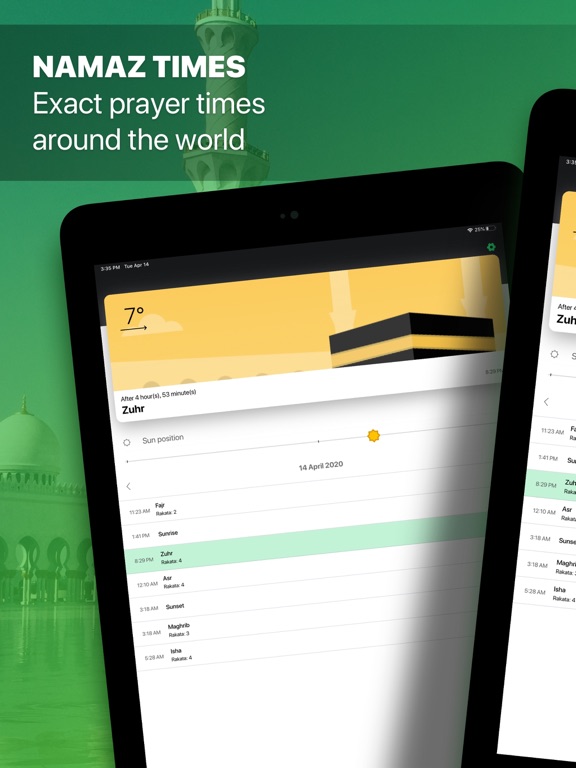
Helps app you can, accurately determine the direction to the Kaaba (Qibla) and plan your future prayers.
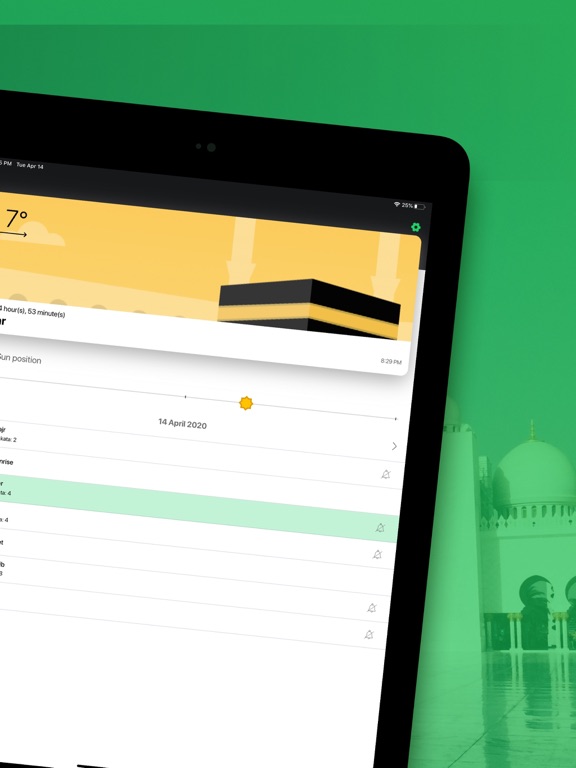
- Namaz schedule
The exact prayer timings which is determined according to your your location by the day
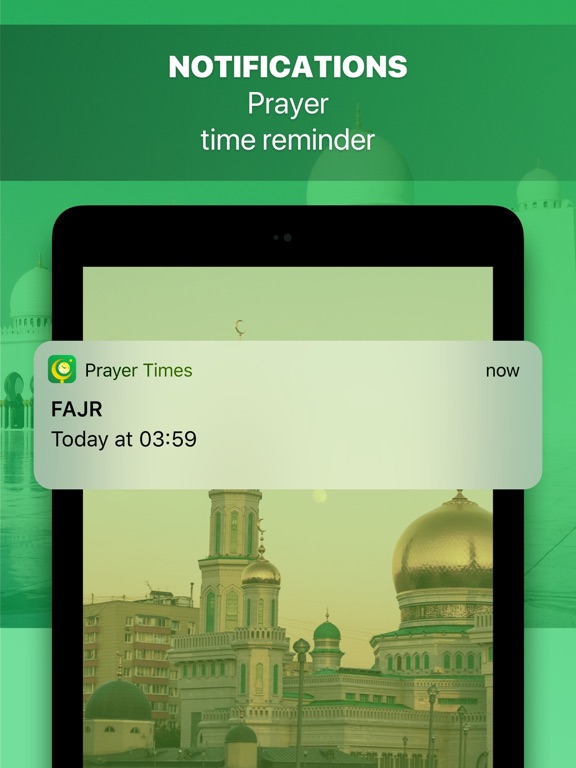
- Setting up prayer notifications
helps app you can Receive notifications of necessary prayers during the day
- Direction to the Kaaba (Qibla)
The compass will help you find the right direction for prayer.
———————————————————————————————
Terms Of Use Muslim Plus
Subscription Muslim Plus get access to all functions of the application.
• You can turn off the auto-renewal at any time: you'll find the option to do this change to a different payment plan in the settings of your iTunes and App Store account.
• The first time you can try the free trial for 3 days. After that, your account will be automatically charged for the subscription if you will not stop it before the end of the free trial.
• The length of the subscription is 1 week, this subscription is auto-renewing. You can stop the subscription at any moment;
• Account will be charged for renewal within 24-hours prior to the end of the current period, and is identical to the cost of the renewal.
• Removing the app doesn’t automatically cancel the subscription.
• You may opt out of the subscription by clicking in the settings of your iTunes and App Store account the “Opt out” button (menu “Settings” > “Accounts” > “Manage Subscriptions
ATTENTION: before you subscribe please read:
Privacy Policy(https://appsguru.ru/privacy)
Terms Of Use(https://appsguru.ru/tos/muslim)