Dat Thin Pone Physics AR
Dat Thin Pone Physics AR Summary
Dat Thin Pone Physics AR is a mobile iOS app in Education by 360ed Pte Ltd. Released in Sep 2019 (6 years ago). It has 4.00 ratings with a 5.00★ (excellent) average. Based on AppGoblin estimates, it reaches roughly 2.00 monthly active users . Store metadata: updated Oct 1, 2019.
Store info: Last updated on App Store on Oct 1, 2019 .
5★
Ratings: 4.00
Screenshots
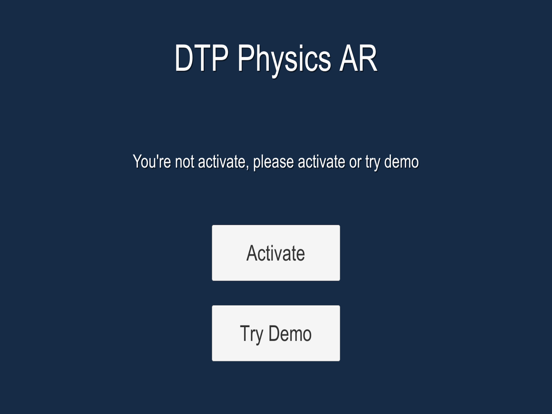
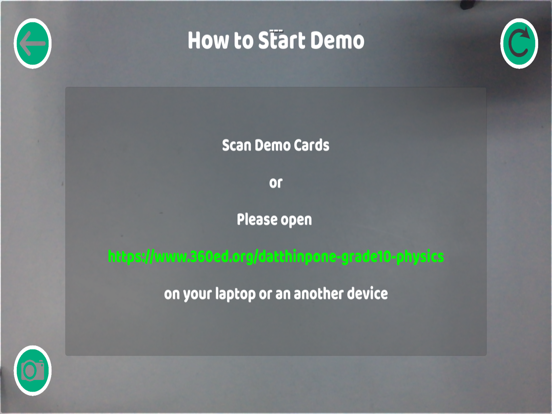

App Description
Dat Thin Pone Physics Augmented Reality (AR) Application is the application linked to Dat Thin Pone Physics. You can use the same QR code used to activate the Datthinpone Physics Application. Dat Thin Pone Physics Application is designed for high school students to learn physics in fun and engaging ways. Augmented Reality technology is especially used for the concepts and lessons that need to be visualized in multiple dimensions.
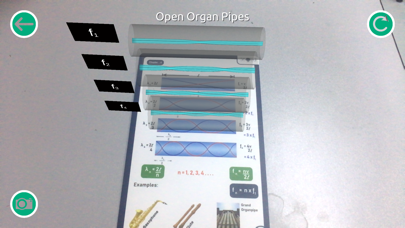
Here, students can learn physics 4D models with excitement in interactive and innovative ways. You would need to scan the cards to see the 4D interactive models. There are total 28 cards in the Dat Thin Pone Physics Box. Among total 28 Flashcards, 15 cards can exhibit interesting 4D models when they are scanned using Augmented Reality technology. The smartest learning style of 21st century with Augmented Reality technology!
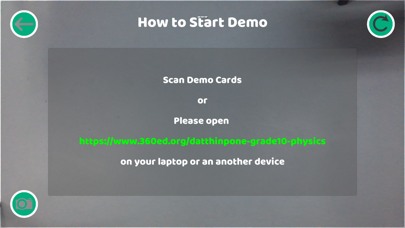
Learn more about the trial version of app at https://www.360ed.org/datthinpone-grade10-physics
You need to buy the Dat Thin Pone Physics Flashcards Box to use the Augmented Reality Section. (Buy and Learn more about our products at https://www.360ed.org/products1)
How to activate and use this application!
Step (1) Download the app
Step (2) Scan the QR code inside the box to activate
Step (3) Once you have activated, scan the AR flashcards
(AR Flashcards Numbers = 4B, 7A, 7B,12A, 20A, 20B, 21A, 22B, 23A, 25B, 26A, 26B, 27A, 28A, 28B)
You can also use the demo cards (4B, 7A, 26A) in 'Try Demo' before activation.
How to interact with 4D models!
To see the bigger models, zoom in and out with two fingers
To move the models, point and press two fingers on the models and drag along
To take pictures, use camera buttons to take pictures with 4D models.