TraceDevice - Car security -

TraceDevice - Car security - Summary
TraceDevice - Car security - is a free, ad-supported, with in-app purchases iOS app in Tools by jun ishikawa. Released in Oct 2019 (6 years ago). Store last updated Jul 12, 2023
TraceDevice - Car security - SDKs Summary
App not yet scanned for SDKs.
0★
Ratings: 0
Screenshots
App Description
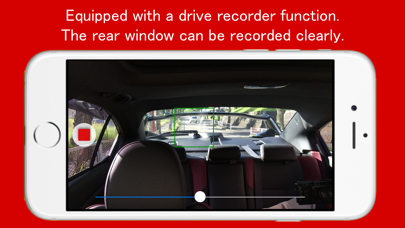
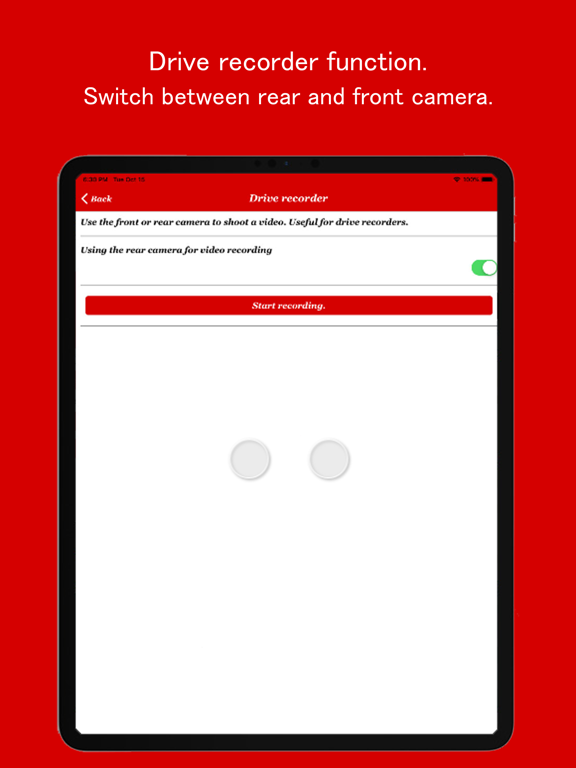
A smartphone can have the function of a drive recorder. You can always record with the front or rear camera, which is also effective for tilting. The focus can be kept constant, and the white balance is adjusted when passing through the tunnel.
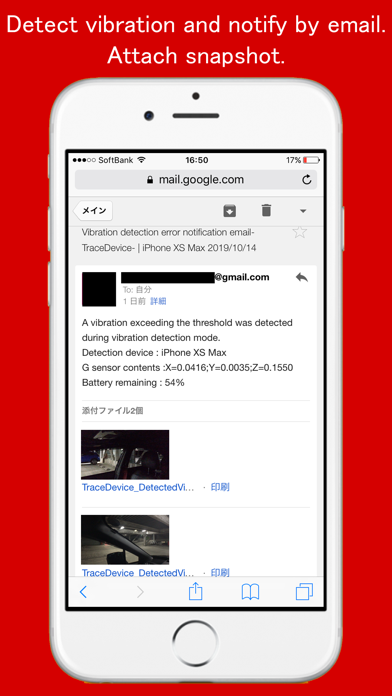
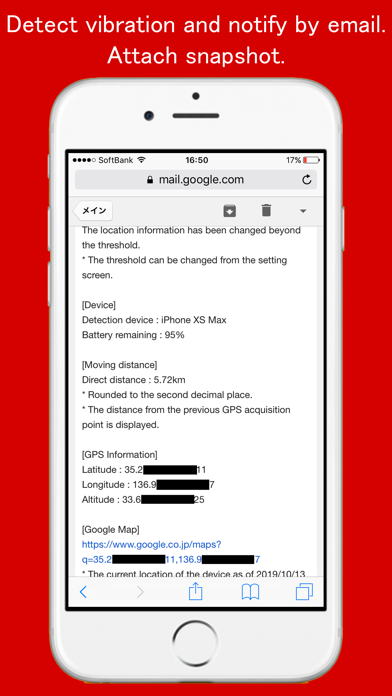
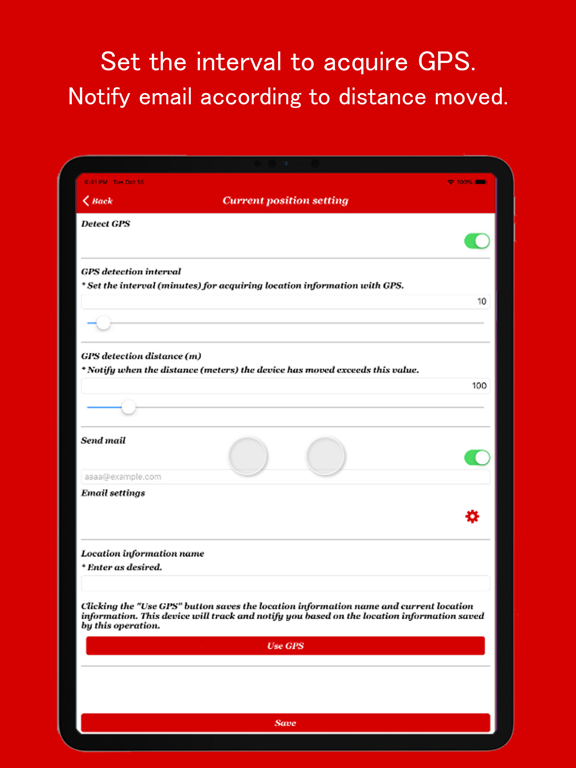
In vibration detection mode, if a gyroscope sensor detects a vibration exceeding an arbitrary threshold, it will notify you by email. A snapshot of the previous and next videos will be attached to the email. The location information notification function sends location information by e-mail when a distance exceeding an arbitrary threshold is moved at regular time intervals. It is a powerful tool for parking monitoring of your car.
[Application title]
TraceDevice
[Preparation for use]
(1) Insert a cheap SIM into a used smartphone. If you do not have an old smartphone, please use your smartphone while charging. * 1
(2) Install the app on your smartphone.
(3) Place your smartphone in the car. * 2
[How to use the drive recorder]
(1) Switch the direction of the camera you want to record back and forth.
(2) Start recording with the drive recorder.
(3) Since the focus is fixed when you tap the screen, it is ideal for recording from inside the car.
(4) Stop recording with the red stop button.
(5) Recorded videos are stored in the album app.
[How to use the parking monitoring function]
(1) Configure email settings. * 3
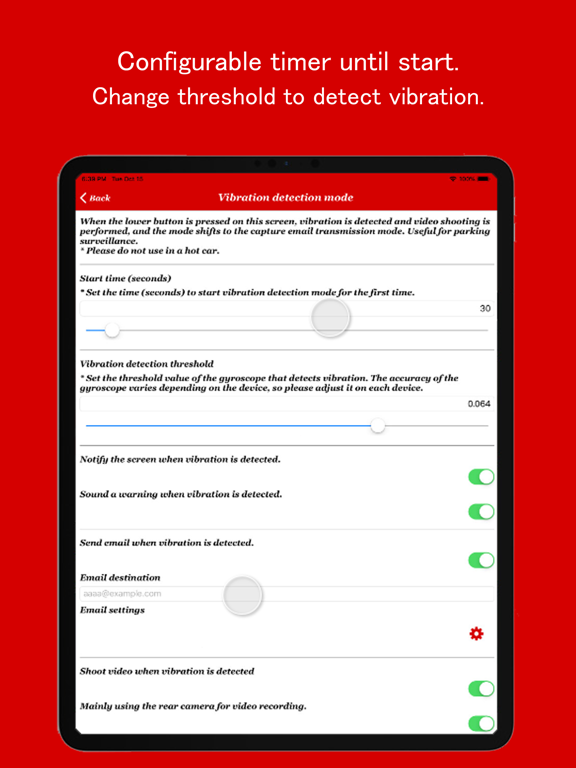
(2) Adjust the threshold to detect vibration. The threshold value varies depending on the model, so please adjust it on each terminal.
(3) Start parking monitoring.
(4) When vibration is detected, the previous and next snapshots are attached to a set e-mail address and sent as an e-mail. * 3
(4) End parking monitoring with the end button or red stop button.
[How to use the location information notification function]
(1) Configure email settings. * 3
(2) When the current position is set, the alert information moved from the fixed position acquired by GPS will be sent by e-mail.
(3) You can adjust the threshold (time, distance, etc.) for detecting position information from the setting screen.
(4) Set in the car. * 2
(5) When the car is moved, the current location information is sent by e-mail at the specified time interval.
[Explanation of precautions]
* 1: If you do not have a SIM, you will not be able to send e-mails or use the free version. The paid version can be used without a SIM.
* 2: Please r