Kiosker: Fullscreen Web Kiosk

Kiosker: Fullscreen Web Kiosk Summary
Kiosker: Fullscreen Web Kiosk is a with in-app purchases iOS app in Business by Top North AB. Released in Mar 2020 (6 years ago). It has 77 ratings with a 4.41★ (good) average. Based on AppGoblin estimates, it reaches roughly 458 monthly active users and generates around $<10K monthly revenue (100% IAP / 0% ads). Store metadata: updated May 6, 2026.
Recent activity: 1.00 new ratings this week View trends →
Store info: Last updated on App Store on May 6, 2026 .
4.41★
Ratings: 77
Screenshots
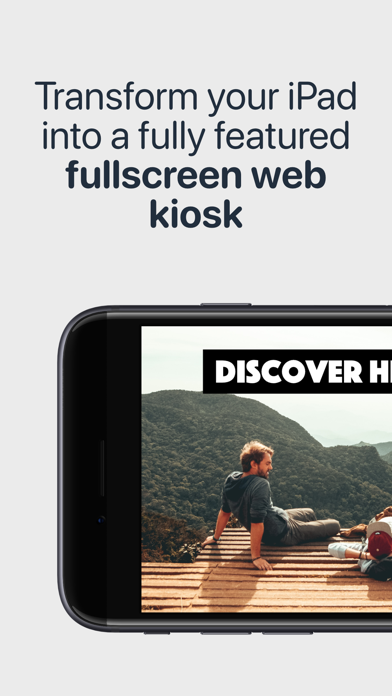
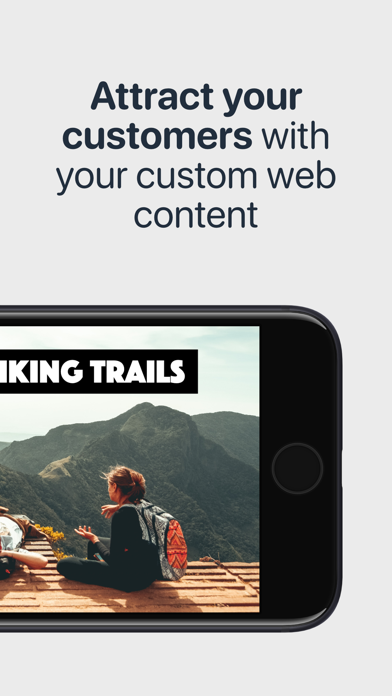
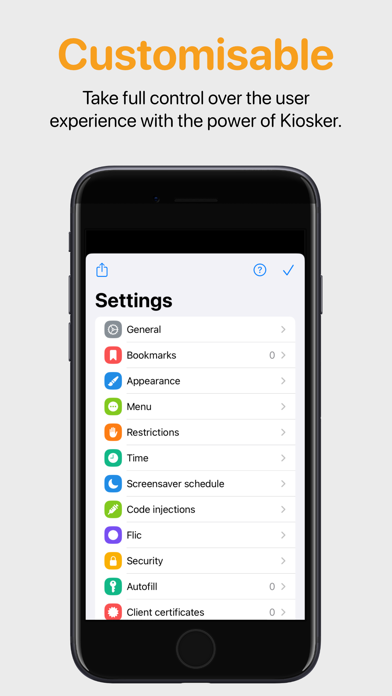
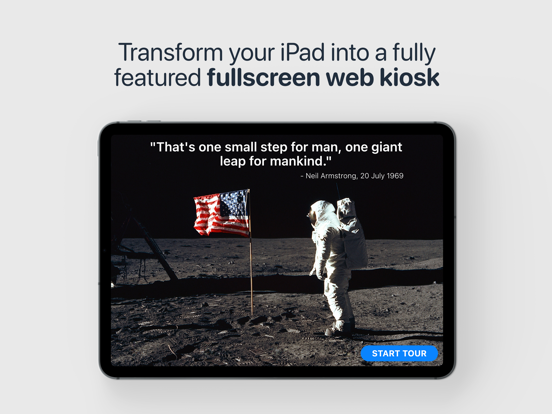


App Description
Kiosker is a configurable browser offering full-screen mode, advanced configuration, a local web server, efficient navigation, a screensaver with motion detection, and single app mode. Based on Safari's Webkit, Kiosker has the functionality of a modern browser built into the app. Kiosker is the easiest tool for creating a full-screen kiosk with your iPad® or iPhone® and can display websites, local HTML files, PDF files, images, videos, and documents.
▶ This is the subscription version of Kiosker with a free 7-day trial. We also carry a pay-upfront version. ◀
FEATURES
◼ Set a URL as the kiosk's starting point. This could be a place on the internet or a local resource.
◼ Define bookmarks for easy navigation.
◼ Limit the accessible domains.
◼ Hide or show the navigation and status bar.
◼ Navigate and control Kiosker with the movable on-screen menu.
◼ Restrict users from interacting with the website, including scrolling, zooming, selecting, etc.
◼ Set a time limit for automatic reload, browsing time, and return to home when idle.
◼ Show a screensaver when the kiosk is unused, dark mode is enabled, or the ambient light is low.
◼ Set up the screensaver as a clock, slideshow, blank screen, or displaying a website.
◼ Exit the screensaver with motion detection or a tap on the screen.
◼ Inject custom JavaScript or CSS into websites.
◼ Autofill forms with predefined content.
◼ Interact with Kiosker using JavaScript.
◼ Share your configuration with other devices.
◼ Manage configuration via MDM (Pro version only).
◼ Lock the device to Kiosker using guided access, single app mode (Pro version only), or autonomous single app mode (Pro version only).
MORE INFORMATION
Visit our website for more information, a complete feature list, and support. Email us if you have a feature request or if you have found a bug.
EULA
https://www.apple.com/legal/internet-services/itunes/dev/stdeula/