All Fonts for iPhones

All Fonts for iPhones Summary
All Fonts for iPhones is a ad-supported, with in-app purchases iOS app in Tools by MelonSoup. Released in Nov 2019 (6 years ago). It has 653 ratings with a 4.55★ (excellent) average. Based on AppGoblin estimates, it reaches roughly 2.1K monthly active users and generates around $<10K monthly revenue (42% IAP / 58% ads). Store metadata: updated Jan 26, 2021.
Store info: Last updated on App Store on Jan 26, 2021 .
4.55★
Ratings: 653
Screenshots

App Description
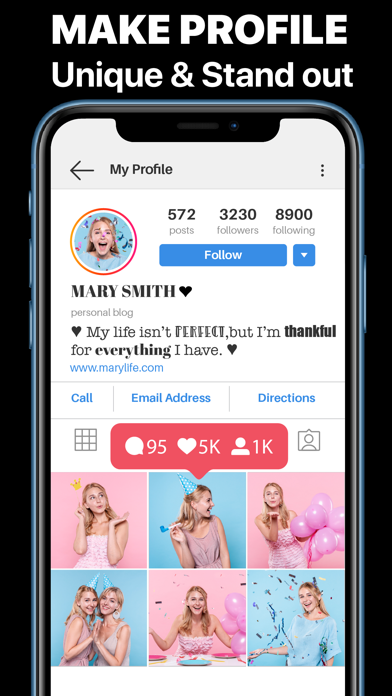
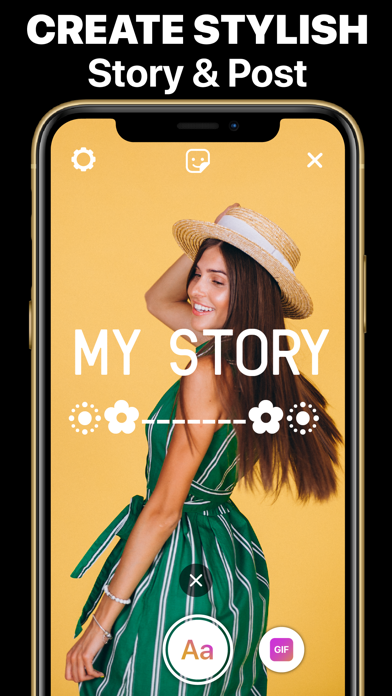
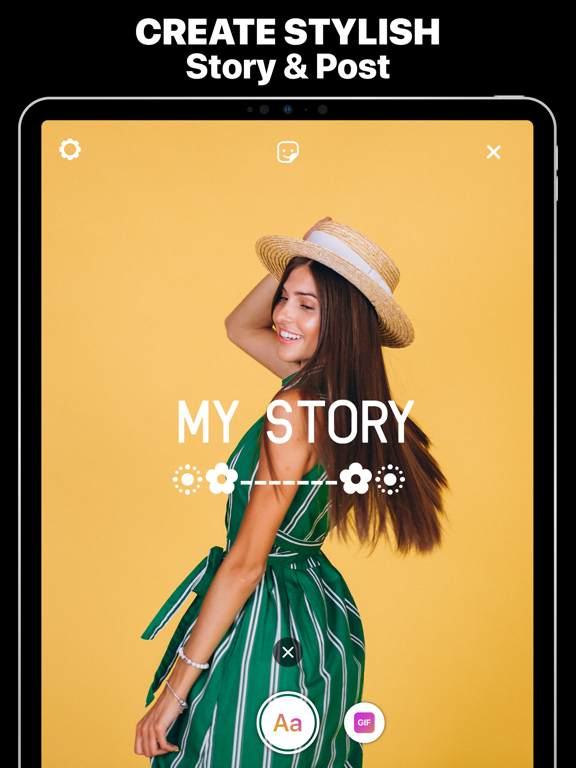
Make your Instagram posts and stories stand out with All Fonts & Keyboard Apps. Get more likes for your Facebook posts, and Wow!! Your friends with awesome Snapchat stories.
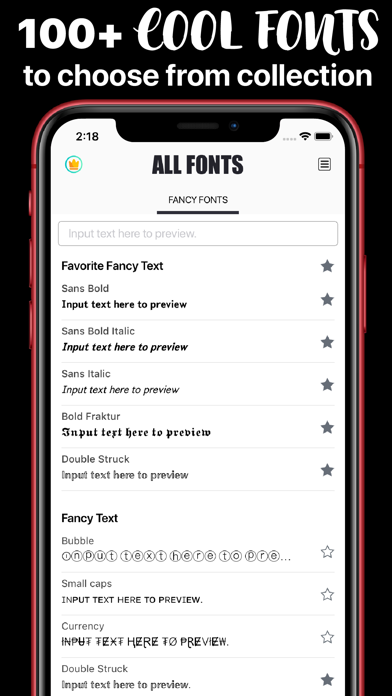
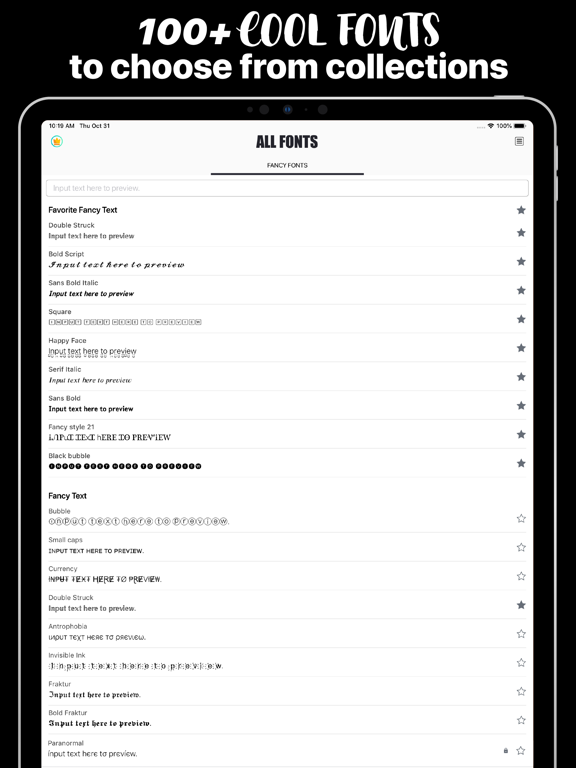
Amazing custom fonts collection on the App Store. About 100+ Awesome Fonts for iPhones and iPads!
That work in ALL APPS.
• Instagram,
• Snapchat,
• Facebook
• iMessage
• WhatsApp and all other texting apps.
Type directly into other apps or Copy and Paste from the All Fonts app without installing a new keyboard.
==== Features: ====
• 100+ unique fonts: bubble, small caps, Double Struck, Sans (regular, bold, italic), Serif (regular, bold, italic), and so much more!
• Type with awesome fonts directly into your other apps with All Fonts keyboard.
• (Or) Copy and Paste from the All Fonts app without installing a new keyboard.
• Unique Symbols and Facemojis.
Our Fonts Keyboard makes it extremely easy & fast to type in different fonts directly into other apps.
==== Perfect for: ====
• Messaging & Texting on iMessage, WhatsApp, and all other texting apps.
• Bios on Instagram and other social media apps
• Composing unique Snapchat stories & Facebook posts
Download Now & Enjoy Now!
***All Keyboard Symbols & Fonts will NEVER collect any personal information.***
==================================
▤▤▤ Get All Fonts & Keyboard VIP members. ▤▤▤
Upgrade to VIP version and get unlimited feature All Fonts & Keyboard. You get unlimited access to thousands of fancy fonts, symbols, and facemojis texts, the All Fonts & Keyboard app library.
▤▤▤ Become Premium Subscription : ▤▤▤
● A monthly subscription. $5.99
● Recurring Billing. Cancel Anytime.
● Subscription renewal
From that moment and further, subscription automatically renews unless auto-renew is turned off at least 24-hours before the end of the current period.
● Canceling subscription
You can turn off or cancel the auto-renew for the subscription whenever you want to through iTunes Account settings. Cancel must be done 24 hours before the end of a free trial or subscription period to avoid being charged. The cancellation will take effect the day after the last day of the current subscription period
● When your current trial/subscription period expires, you will be unsubscribed. The current active subscription period cannot be canceled. After your subscription expires, you will be down