Prompt+ Teleprompter

Prompt+ Teleprompter Summary
Prompt+ Teleprompter is a free, with in-app purchases iOS app in Photo And Video by Norton Five Ltd. Released in Mar 2021 (5 years ago). It has 788 ratings with a 4.62★ (excellent) average. Based on AppGoblin estimates, it reaches roughly 506 monthly active users and generates around $<10K monthly revenue (100% IAP / 0% ads). Store last updated Sep 26, 2026
Recent activity: 1.00 new ratings this week View trends →
SDK intelligence: AppGoblin detected 3 development tools(e.g. Google), 2 ad networks,and 1 analytics: product integrated into Prompt+ Teleprompter. View full SDK list →
Prompt+ Teleprompter SDKs Summary
Prompt+ Teleprompter was last scanned for SDKs on 2026-09-25. Below is the overview of third-party companies detected in the app. The full list of SDKs, permissions and unknowns is available here.
 Google
 Facebook
 nanopb
 OpenID
 Firebase
4.62★
Ratings: 788
Screenshots


App Description
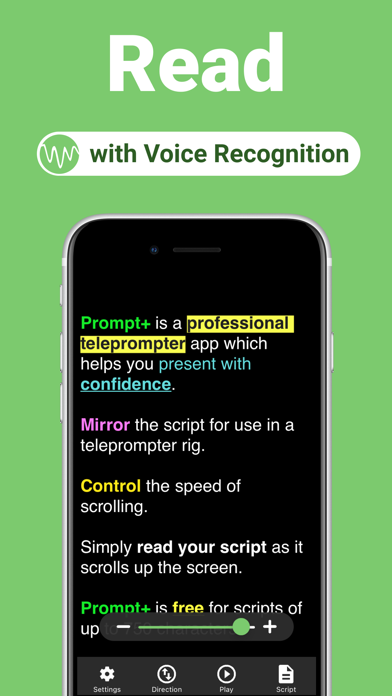
Prompt+ is a professional teleprompter app that helps you present with confidence.
Simply read your script as it scrolls up the screen.
Prompt+ can be used with the Zoom Video Conferencing app in multitasking mode on compatible iPad devices. Overlay your script on a Zoom call and read your script as it scrolls next to the camera. You will present with confidence and engage your audience with excellent eye contact.
It's free for scripts of up to 750 characters and works across all iOS devices. For longer scripts, there is a one-off in-app purchase. This app does NOT require a monthly or annual subscription.
* Scroll the teleprompter using voice recognition (iOS 13+) or speed control.
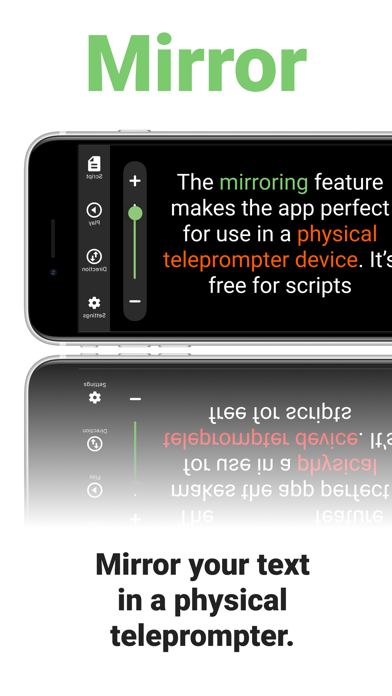
* Mirror your text for use in a physical teleprompter device.
* Display a clock to help you stick to time.
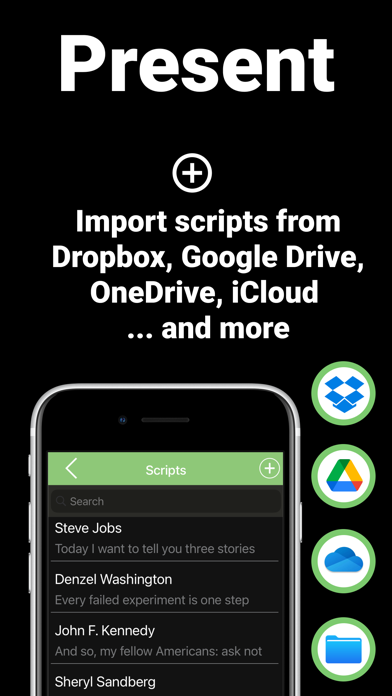
* Import your scripts from Dropbox, Google Drive, iCloud or OneDrive in .doc, .docx, .txt, .rtf or .pdf format.
* Add Rich Text formatting to make them easier to read.
* Set a countdown to get into position.
* Use in landscape and portrait orientation.
* Adjust the font size, colours, text alignment, and width of the text area.
* Control the script remotely using a Bluetooth presentation control, foot pedal, games controller, external keyboard or even another Mac or iOS device.