OmniPlan 3 Enterprise

OmniPlan 3 Enterprise Summary
OmniPlan 3 Enterprise is a mobile iOS app in Productivity by The Omni Group. Released in Nov 2019 (6 years ago). Store last updated Oct 2, 2020
OmniPlan 3 Enterprise SDKs Summary
App not yet scanned for SDKs.
0★
Ratings: 0
Screenshots

App Description
OmniPlan 3 Enterprise simplifies deployment for customers who wish to pay full-price for the Pro edition up front. For most customers, we recommend our normal edition — which uses in-app purchases to support free two-week trials, two levels of functionality (Standard and Pro), and upgrade discounts. The list price and the functionality of OmniPlan Pro are the same in both apps.
OmniPlan: Project planning made painless.
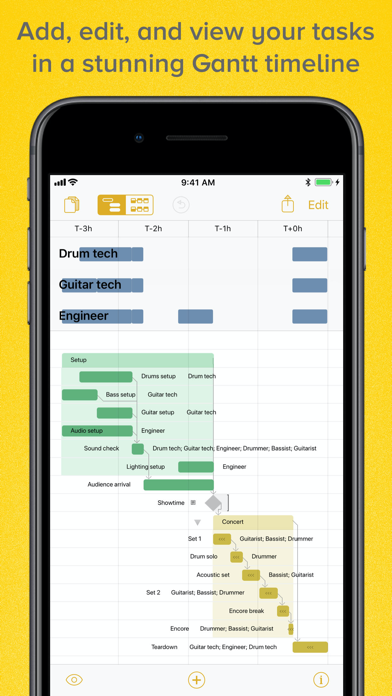
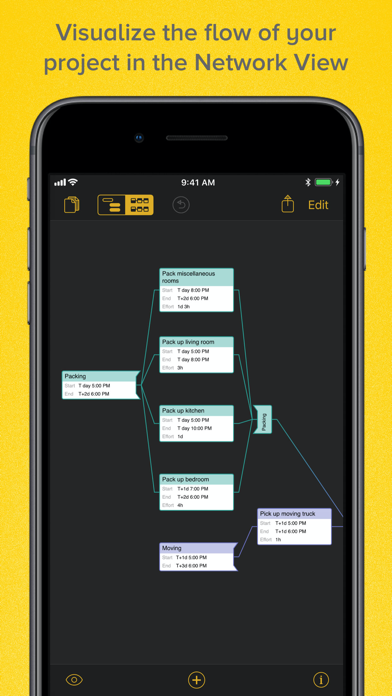
OmniPlan is designed to help you visualize, maintain, and simplify your projects. Break down tasks, optimize the required resources, and monitor your entire plan—all at a glance. Visualize your project’s tasks in a Gantt chart or Network diagram. Automatically sync projects across multiple personal devices or collaborate with your colleagues and share every detail. Run Monte Carlo simulations to forecast milestone completion dates with varying levels of confidence. OmniPlan helps you manage projects that are as simple or complex as you need them to be—without the complexity.
FEATURES
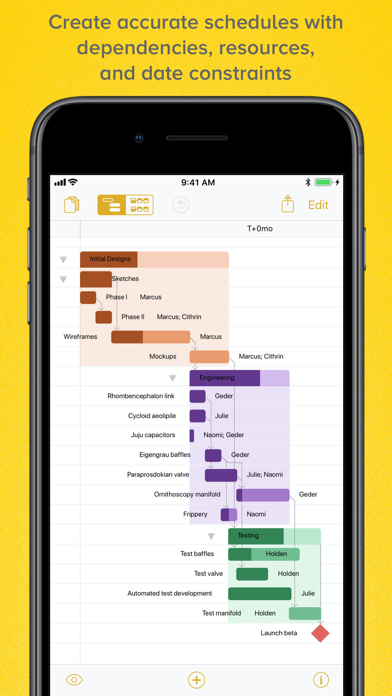
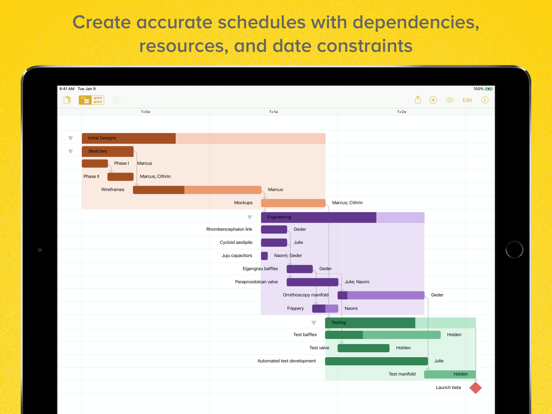
• Gantt Chart — Add groups, tasks, and milestones to your project and watch OmniPlan transform the timeline of your project into a beautiful Gantt chart. The project Gantt chart graphically shows task durations, start and stop times, dependencies, resources, or resource usage by task, all on a timeline. You can visually edit tasks and create dependencies by connecting them in the Gantt view.
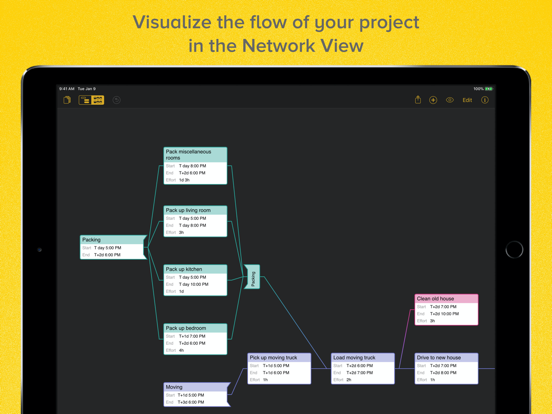
• Network Diagram View — An elegant and easy way to rapidly prototype and visualize your project’s flow as a network diagram of nodes connected by dependencies.
• Resource Leveling — Identify bottlenecks in your project and distribute workloads fairly and efficiently with OmniPlan’s resource management.
• Leveling Priority — Define leveling priority for tasks in your project.
• Violation Resolution — If your schedule has a logical impossibility, OmniPlan will find it and suggest the best course of action to restore order.
• Catch-Up and Reschedule — If everything is going as planned, bring the completion percentage of every task (or just the selected tasks) in your project up to today’s date. If you have tasks which were planned to be complete by now, but aren’t, quickly reschedule them.
• Meeting Task Type — Specify if multiple resources need to work on a task independently or simultaneously.
• Unlinked Duration and Effort —