eBoox - fb2 ePub book reader

eBoox - fb2 ePub book reader Summary
eBoox - fb2 ePub book reader is a free iOS app in Books And Reference by REDIT, OOO. Released in Dec 2019 (6 years ago). It has 81K ratings with a 4.84★ (excellent) average. Based on AppGoblin estimates, it reaches roughly 270K monthly active users . Store last updated May 28, 2026
Recent activity: 86 new ratings this week View trends →
SDK intelligence: AppGoblin detected 1 development tools(e.g. Google) integrated into eBoox - fb2 ePub book reader. View full SDK list →
eBoox - fb2 ePub book reader SDKs Summary
eBoox - fb2 ePub book reader was last scanned for SDKs on 2026-07-27. Below is the overview of third-party companies detected in the app. The full list of SDKs, permissions and unknowns is available here.
 Google
4.84★
Ratings: 81K
Screenshots
App Description
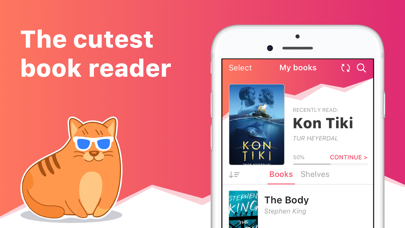
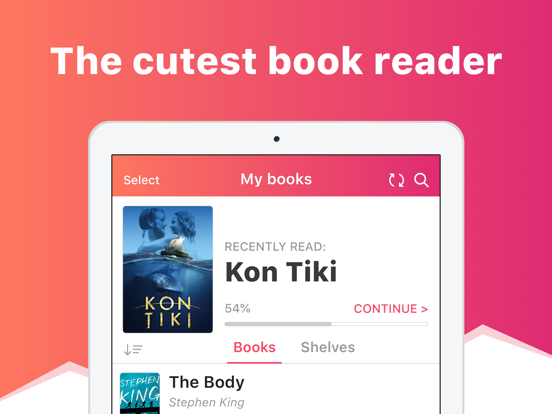
eBoox – the most pleasant book reader ever! *
*according to my mom :)
• Cute, simple and useful UI,
• Effective reading tools: bookmarks, 3-colors highlights, interactive links and notes,
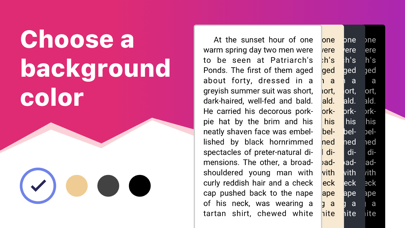
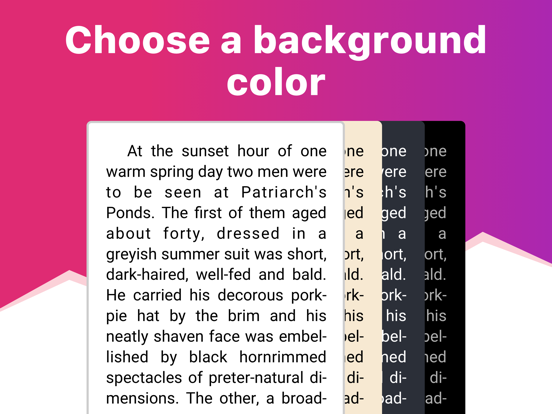
• Dark mode and offline reading,
• Customized settings - Fonts, Fields, Text size, screen Brightness, Page scrolling, ets.
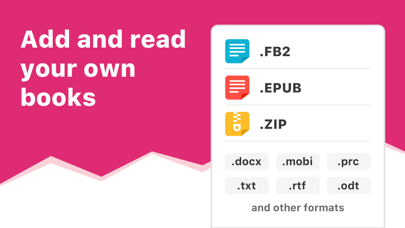
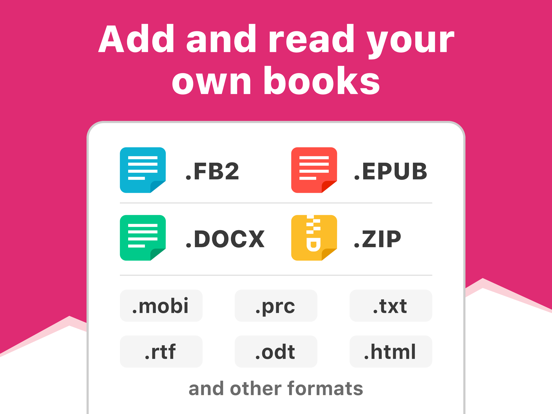
• Suppots all your e-books, even in ZIP: EPUB, MOBI, DOC, DOCX, TXT, FB2, PRC, RTF, ODT, HTML, AZW, AZW3 and others text documents,
• PDF supported (beta),
• !Completely AD-FREE,
• !Online auto SYNC of ebooks and reading progress,
• !FREE WEB e-reader available!
Start reading your e-books right now! Upload books via iTunes, import your files from the email, web browser, cloud storages (iCloud, Google Drive, Dropbox, Yandex.Disk etc) or share via AirDrop.
In the app you will find detailed guide How to add ebooks in different ways. And we've already added three classic welcome books so you can appreciate the e-reader right away!
This is a upgraded version of eBoox. The old one is no longer supported. In order not to lose your books, progress, quotes and bookmarks, install this app version. Run it on device and wait for the data transfer to finish. When you make sure that all your books appeared in eBoox 2020, you can safely delete eBoox.old. You can turn on the synchronization for backup.