Synergy - Group Communicator

Synergy - Group Communicator Summary
Synergy - Group Communicator is a free iOS app in Business by BizRTC LLC. Released in Jun 2022 (4 years ago). Store last updated Nov 14, 2022
Synergy - Group Communicator SDKs Summary
App not yet scanned for SDKs.
0★
Ratings:
Screenshots
App Description
Businesses have many ways to communicate for operational effectiveness, cost savings and customer care. Walkie-talkies were a nearly answer of group communication; which got replaced with advances in technology that included instant messaging, text messaging, unified communications, and collaboration applications as ways to perform group communications.
Businesses moved away from radio technology based Walkie-talkies to reduce cost by using infrastructure for mobile communications and giving real time voice, instant messaging, and video capabilities to mobile professionals. However, truly mobile professionals require easy to use, ubiquitous technology that can continue to drive operational efficiency to complement voice, video, and messaging technologies. Also the technology for Real Time Messaging needs to use the same infrastructure as other applications.
There are some solutions available from carriers and business application suppliers, but they are not integrated with work flow - for example office number, and may not provide acceptable in building coverage, require a dedicated device and does not integrate with other communication technologies as needed by the businesses on mobile and desktop devices. BizRTC is offering Synergy for the real time messaging for use by businesses.
There are two different deployments for Synergy deployment:
1. Cloud deployment where the bizRTC server hosts web Socket secure communication for your company that also connects to your on premise PBX or cloud phone system server.
2. On premise deployment in your local network that allows secure connectivity from anywhere with easy traversal through firewalls and SBCs as well as end to end secure transport.
If you choose to install on premise, then virtualized Synergy back-end software on servers in the corporate network is installed along with uMobility. This software can run on either physical hardware or a virtual machine configuration. After the software is installed, an administrator will add people, groups, roles and departments creating organization groups based on business communication needs.
The software for clients is available for free on the corresponding stores and runs on multiple mobile and desktop devices.
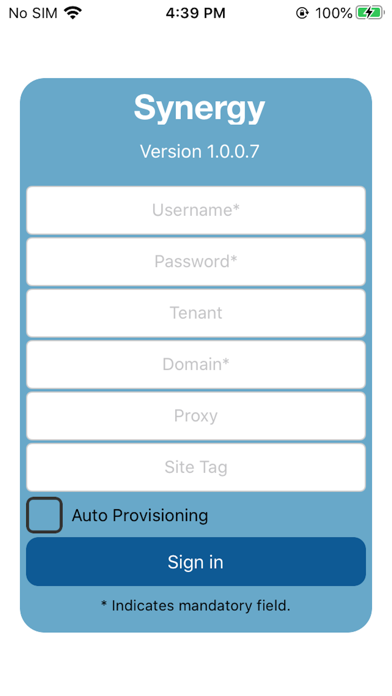
The user can be configured with over-the-air activation link that supplies username, password and other configuration as well as any roles and policies