Universal TV Remote Control

Universal TV Remote Control Summary
Universal TV Remote Control is a free, ad-supported, with in-app purchases iOS app in Tools by Codematics Services. Released in Dec 2019 (6 years ago). It has 18K ratings with a 3.69★ (average) average. Based on AppGoblin estimates, it reaches roughly 45K monthly active users and generates around $<10K monthly revenue (25% IAP / 75% ads). Store last updated Sep 11, 2026
Recent activity: 2.00 new ratings this week View trends →
Universal TV Remote Control SDKs Summary
App not yet scanned for SDKs.
3.69★
Ratings: 18K
Screenshots


App Description
Turn Your iPhone Into a Universal TV Remote
Lost your TV remote or tired of battery issues? Control your TV directly from your iPhone with ease — no physical remote needed.
**Fast & Simple Setup**
- Connect your iPhone and TV on the same Wi-Fi network
- Automatic discovery lists your TVs instantly
- Start controlling immediately — no pairing codes required
**Intuitive TV Controls**
- Power on/off, Mute & Volume
- Input selection, Home & Menu navigation
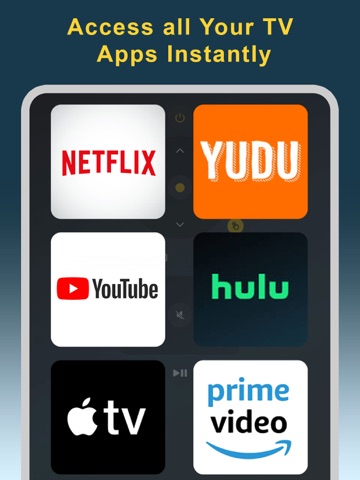
- Access apps installed on your TV
- Channel Up/Down, Media Playback (Play, Pause, Stop, Rewind, Fast Forward)
- Directional navigation: Up, Down, Left, Right
** Works With All TV Brands**
Top Brands: Samsung TV Remote, LG, Sony, TCL TV Remote, Roku, Fire TV Remote, Vizio
Other Brands: RCA TV Remote, Element, Sceptre TV Remote, Insignia, Toshiba, Hisense TV, Sharp, Panasonic, Philips TV Remote, Skyworth, Onn, Sanyo TV Remote, Westinghouse and Android TV Remote.
Supports TVs running Roku OS, Fire TV OS, Android TV OS, Samsung Tizen OS, Viziacast OS, Vidaa OS.
No matter the brand, the Universal TV Remote app simplifies your entertainment experience.
** Continuous Updates & Support**
- New brands and features added regularly
- Dedicated support team ready to help with any issues
** Disclaimer**
Codematics is not affiliated with Samsung, LG, Sony, Roku, Vizio, or any other TV brand. This app is not an official product of any brand.
Download now and turn your iPhone into a Universal TV Remote for all your devices!
Terms of Use: https://www.apple.com/legal/internet-services/itunes/dev/stdeula/