Scanner App: Docs Scan & Sign

Scanner App: Docs Scan & Sign Summary
Scanner App: Docs Scan & Sign is a free, ad-supported, with in-app purchases iOS app in Business by UNA Consulting GmbH. Released in Jan 2020 (6 years ago). It has 33K ratings with a 4.56★ (excellent) average. Based on AppGoblin estimates, it reaches roughly 187K monthly active users and generates around $10K+ monthly revenue (25% IAP / 75% ads). Store last updated Sep 16, 2025
Recent activity: 4.00 new ratings this week View trends →
SDK intelligence: AppGoblin detected 4 development tools(e.g. Google), 3 ad networks, 2 analytics: attribution,and 1 analytics: product integrated into Scanner App: Docs Scan & Sign. View full SDK list →
Scanner App: Docs Scan & Sign SDKs Summary
Scanner App: Docs Scan & Sign was last scanned for SDKs on 2026-07-27. Below is the overview of third-party companies detected in the app. The full list of SDKs, permissions and unknowns is available here.
 Google
 Facebook
 AdMob
AdMob nanopb
 Alamofire
 SDWebImage
 AppsFlyer
 Branch
 Firebase
4.56★
Ratings: 33K
Screenshots
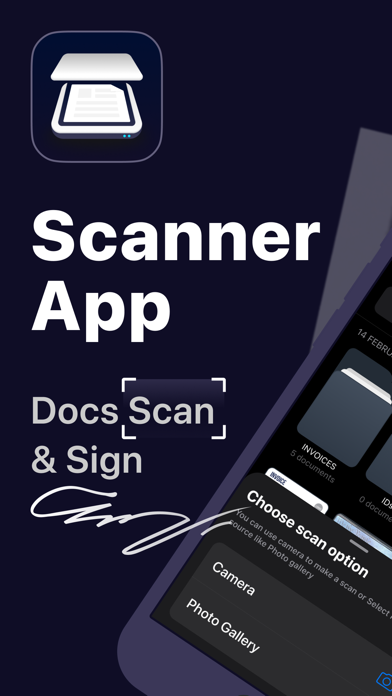


App Description
Scanner App is a handy app that allows to scan documents, store your IDs and manage multi-page documents on the go.
- Scan any document, automaticaly detecting it borders
- Export it to PDF or JPEG
- Sign or add watermark to your document
- Share it anywhere
Scanner app is portable, easy-to-use but powerful mobile scanner. Forget cumbersome and big office scanners, scan docs at home or on the go. It will help you to manage all your workflow wherever you are. It will become your everyday tool to work, manage all your documents and keep them in hand.
Just place your document in front of a camera: app automaticaly detects borders, crops it and saves as a clean document in HD size. You can quickly scan a lot of pages or add pages to existing document. Then you can sign, edit, share it or store important docs on your device.
What you can do:
- Scan one or multi-page documents
- Add signature or watermarks
- Scan things, you need to keep records of: receipts, notes or sketches
- Export documents in different formats
- Keep your IDs with you at all times
- Share documents to email or clouds
- Turn handwritten notes into digital copies
- Store business cards
- Print any document via local Wi-Fi printers
Various powerful tools will allow your to scan, manage, store, organize and share all important documets anywhere you are.
--
Privacy Policy: http://p.scannerapp.me/com.una.scanner
Terms of Use: http://p.scannerapp.me/com.una.scanner.terms