bProgress - Manage Daily Tasks
bProgress - Manage Daily Tasks Summary
bProgress - Manage Daily Tasks is a mobile iOS app in Productivity by Huizhou Walden Information Technology Co., Ltd.. Released in Jan 2020 (6 years ago). It has 35 ratings with a 4.46★ (good) average. Based on AppGoblin estimates, it reaches roughly 98 monthly active users . Store metadata: updated Jan 13, 2022.
Store info: Last updated on App Store on Jan 13, 2022 .
4.46★
Ratings: 35
Screenshots

App Description
bProgress is a productivity tool that combines progress management with schedule planning, bringing comfortable experience for users
※ Introduction
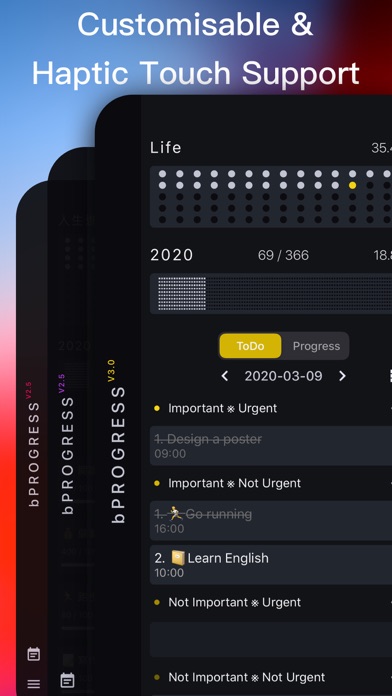
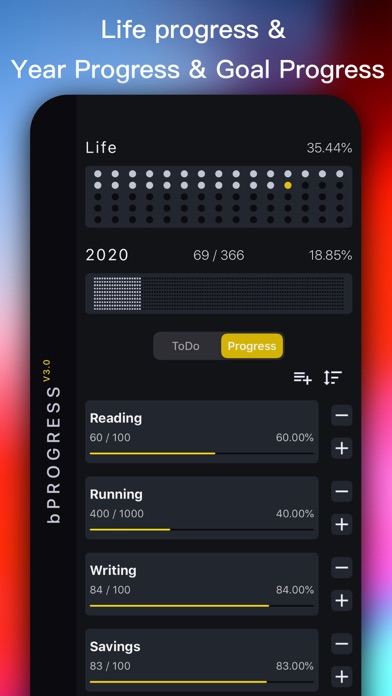
- Create your goals, quantify them in numbers, percentages, and progress bars, and support archiving (recovery) your goals
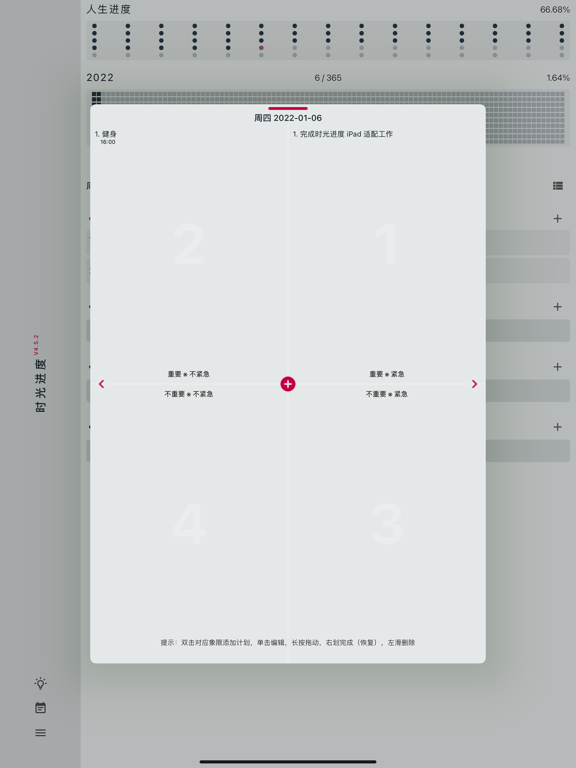
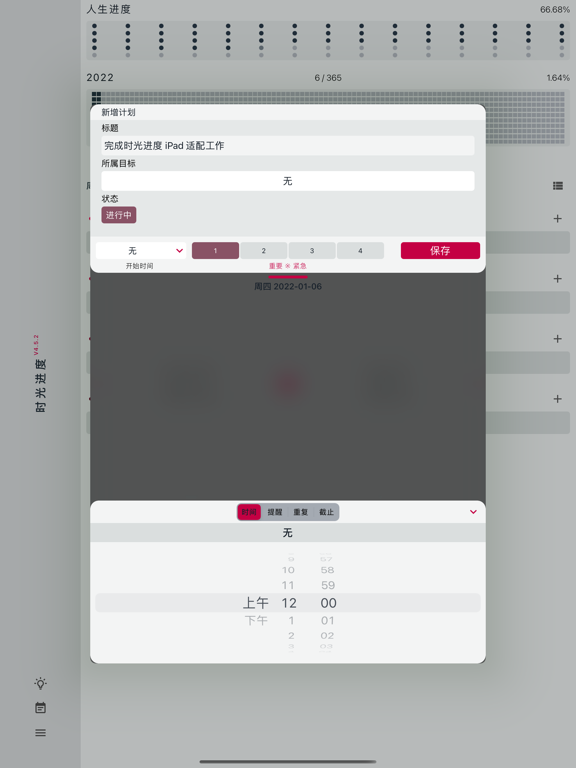
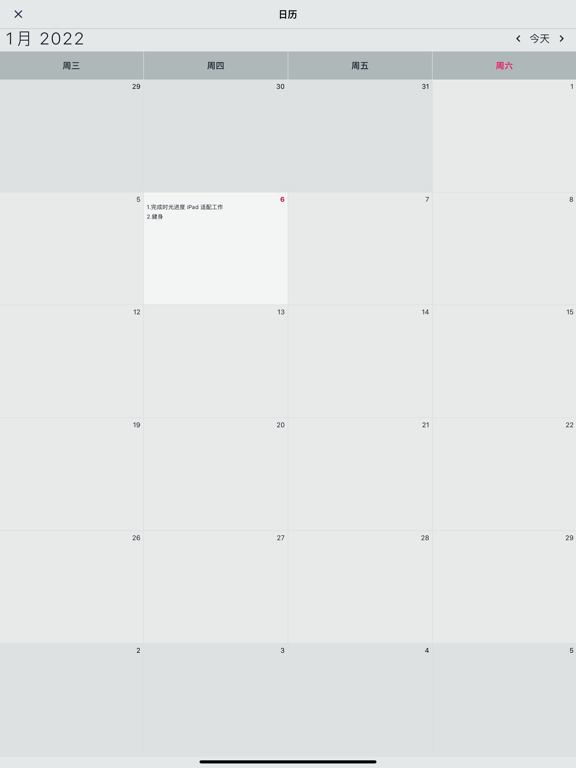
- Working calendar, can set your daily ToDo items or plans, with a four-quadrant model (see below for details) which can be provided for priority management of ToDo items(plans), and can be associated with the progress of the goal. When the task is completed, the goal can be updated
- Special feature: life progress, set your birth date, know how your life has gone
- Special feature: annual progress, you can see how much the year has passed, you can click on the annual progress area to enter the "working calendar"
Does feature
- Haptic Touch Touch experience, all gestures will trigger the phone's own vibration feedback. After countless tests, by adjusting the vibration feedback strength for making the feedback more comfortable
- Support iCloud data backup, through the data synchronization of multiple devices, make real-time synchronization easier, no longer need to worry about losing data. (Setup steps: 1. [Settings] 2. [Apple ID] 3. [iCloud] 4. Enable [iCloud cloud disk] & [bProgress]. Make sure the network is turned on and iCloud has enough space left)
※ Suitable for people
- love lightweight management tools, fear of complex tools, and don't want to spend too much time fiddling with fancy features, then it's for you!
- freelancer, I'm a freelancer, every day I will be in my calendar on the wall to record their daily work plan, in order to bring the work flow, so "time schedule" is developed as a daily work plan management tools, convenient own at the same time, also hope to bring the same need user help.
I want to develop good habits and self-monitoring. Quantifying my goals is a very straightforward way. There are no extra steps.
Other Introduction
-four quadrant work rules
The four-quadrant rule is a time management theory put forward by Stephen covey, a famous management scientist. Stephen covey has divided work into two different degrees of importance and urgency, basically into four quadrants: [urgent and important], [important but not urgent], [urgent but not important], [neither urgent nor important]. In order of processing: first urgent and important, then importa