Time To Wake Night Light Alarm

Time To Wake Night Light Alarm Summary
Time To Wake Night Light Alarm is a with in-app purchases iOS app in Tools by Runpoint LLC. Released in Jan 2020 (6 years ago). It has 55 ratings with a 4.84★ (excellent) average. Based on AppGoblin estimates, it reaches roughly 155 monthly active users and generates around $<10K monthly revenue (100% IAP / 0% ads). Store metadata: updated Jul 13, 2024.
Store info: Last updated on App Store on Jul 13, 2024 .
4.84★
Ratings: 55
Screenshots
App Description
OK to Wake Green Light Alarm & Timer! Two simple things that make parenting a whole lot easier.
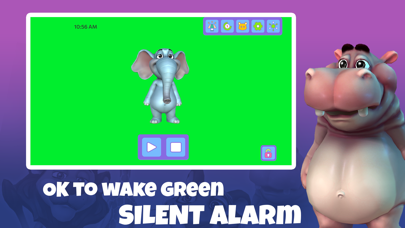
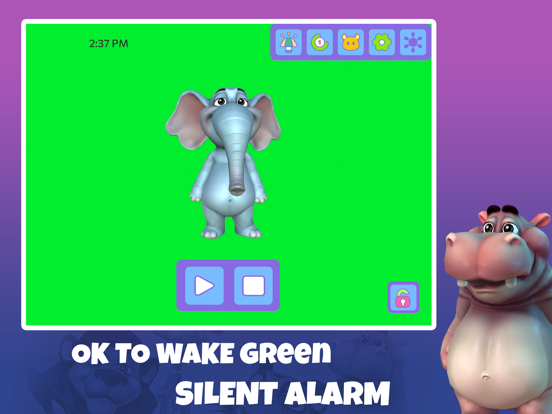
Let your child know when it's OK to wake up in the morning with a green light. Sleep training has never been easier.
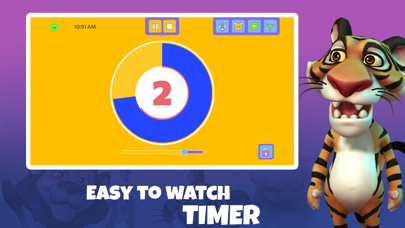
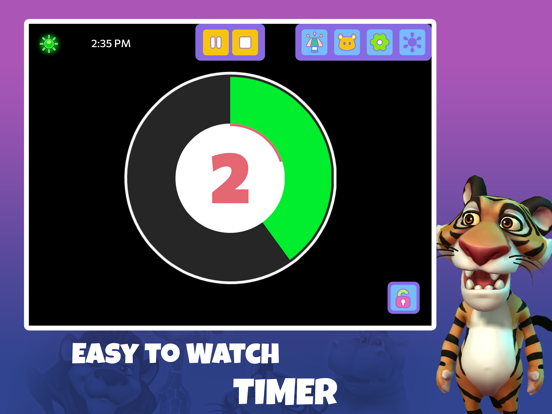
Then use a Timer to let them know visually, how much time before they need to transition. 'Cause transitions are tough! Weather it's how long before leaving for school, how much screen time is left, or the other 1,000 transitions your child has to make in a day, help show them when the next one is coming.
Or race the clock! Can you get dressed before the Elephant shows up? Make those difficult tasks fun with a simple timer.
** NOTE : The Alarm has NO sound **
It is only a visual light that turns on to let your child know it's okay to get out of bed. It has no audio alarms that would wake anyone up from sleeping.
Great for at home or travel when you don't want to pack a large physical sleep training clock or night light. Just setup an iPad or iPhone in the child's room, set the time when it's okay for them to get out of bed, and optionally turn on the night light. Then, at the specified time, the screen will glow green letting your child know it's OK to wake up and get out of bed.
Give your child a sense of accomplishment by helping them get up at the right time, letting them turn off their green light, and even helping them learn to tell time by leaving the clock on (it can be turned off).
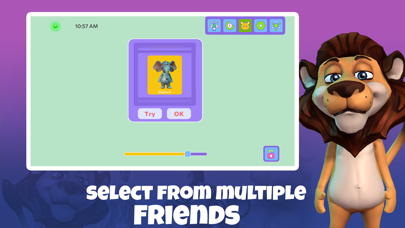
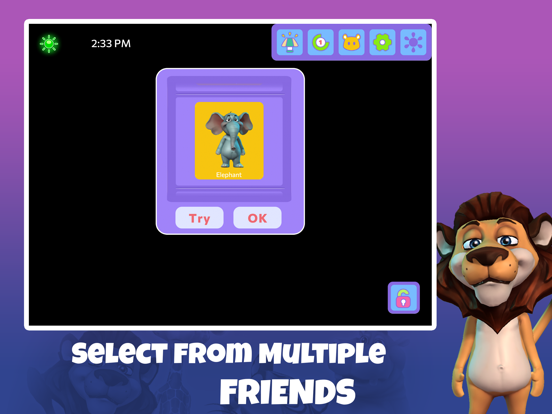
You can specify an interactive friend to make waiting to get out of bed even more exciting. When the green light comes on, a smiley face or cute animal can optionally show up on the screen, with two simple buttons:
- PLAY button to interact with their wake up friend
- STOP button to turn off their green light
Brightness
==========
Night Light brightness can be adjusted with a simple slider at the bottom of the screen. Once set, whenever the Night Light is enabled the brightness will dim to this setting. When the green light alarm is displayed, brightness can be set to full (optional in settings) so your child can easily tell it's now OK to get out of bed.
When the green light is turned off, your brightness will return to the original brightness that it was when you started the app.
To keep the screen brightness from going to full during an alarm, uncheck the "Bright Awake" setting and the brightness will not change when the alarm goes off.
Optio