DelayCam: Instant Replay

DelayCam: Instant Replay Summary
DelayCam: Instant Replay is a free, ad-supported, with in-app purchases iOS app in Sports by Meanterm Inc.. Released in Jan 2020 (6 years ago). It has 297 ratings with a 4.57★ (excellent) average. Based on AppGoblin estimates, it reaches roughly 1.9K monthly active users and generates around $<10K monthly revenue (27% IAP / 73% ads). Store last updated Oct 23, 2026
Recent activity: 1.00 new ratings this week View trends →
SDK intelligence: AppGoblin detected 2 ad networks(e.g. Google) integrated into DelayCam: Instant Replay. View full SDK list →
DelayCam: Instant Replay SDKs Summary
DelayCam: Instant Replay was last scanned for SDKs on 2026-11-03. Below is the overview of third-party companies detected in the app. The full list of SDKs, permissions and unknowns is available here.
 Google
 AdMob
AdMob4.57★
Ratings: 297
Screenshots


App Description
1. Simple yet Powerful Delay Camera
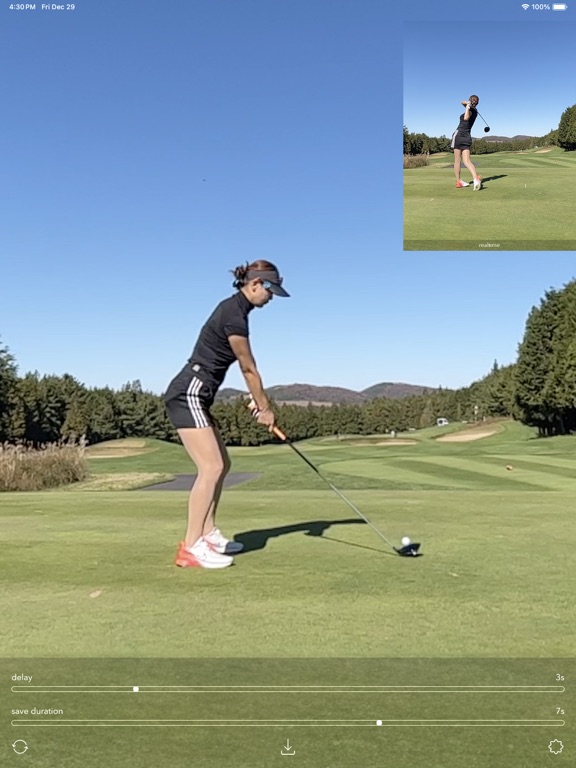
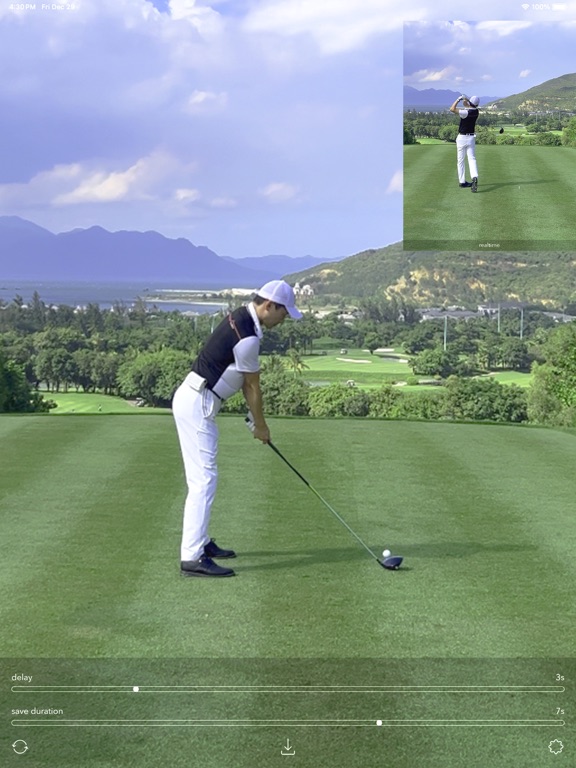
DelayCam shows your camera feed a set number of seconds late. Finish your movement, look at the screen, and you see exactly what you just did, every time, without touching your phone.
2. Made for Sports Practice and Coaching
Great for checking movements you can't see yourself: golf swings, tennis serves, pitching and batting, dance, workout form.
- Instant Replay: Set the delay to match your movement, and watch what you just did right after you finish.
- Self-feedback: Check your form after every attempt and fix it on the next one.
- Coaching: Coaches and athletes can review each attempt together on the spot.
3. Key Features
- Delay: Choose how many seconds behind real time the screen shows.
- Save Duration: Separately from the delay, choose how many seconds to save. Tap save to keep the most recent seconds, with sound, in your photo library.
- Realtime Window: A small window shows the live feed alongside the delayed view. Move it to any corner.
- Camera Selection: Cycle through all front and back cameras on your device with the camera button.
- Big Screen: Mirror to a TV or monitor to watch on a large screen. Landscape is supported on iPhone too.
- Mac Support: Also runs on Mac, and can use your iPhone as a camera with Continuity Camera.
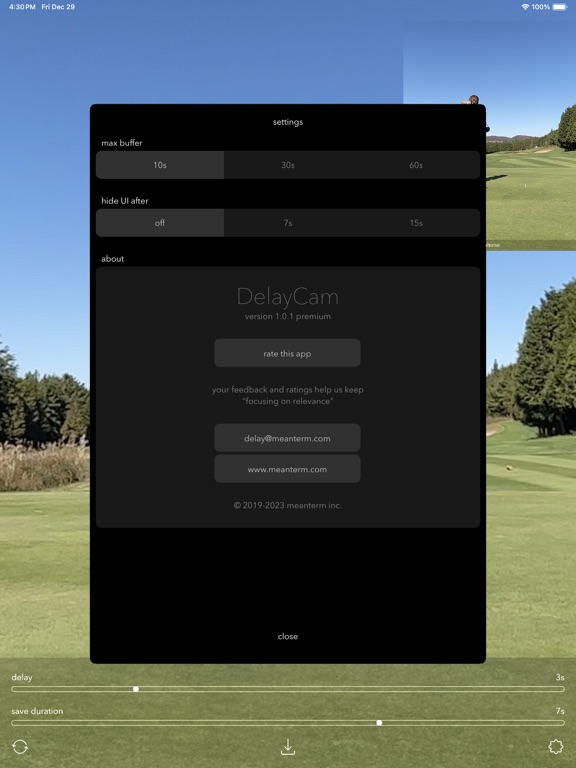
- Max Buffer: Choose 10, 30, or 60 seconds.
- Hide UI: Let the controls hide automatically after a few seconds.