Screen Mirroring - TV Cast Air

Screen Mirroring - TV Cast Air Summary
Screen Mirroring - TV Cast Air is a free, ad-supported, with in-app purchases iOS app in Tools by EVOLLY.APP. Released in Feb 2020 (6 years ago). It has 11K ratings with a 3.52★ (average) average. Based on AppGoblin estimates, it reaches roughly 29K monthly active users and generates around $<10K monthly revenue (28% IAP / 72% ads). Store last updated Apr 20, 2026
Recent activity: 9.00 new ratings this week View trends →
SDK intelligence: AppGoblin detected 6 development tools(e.g. Google), 2 ad networks,and 1 analytics: product integrated into Screen Mirroring - TV Cast Air. View full SDK list →
Screen Mirroring - TV Cast Air SDKs Summary
Screen Mirroring - TV Cast Air was last scanned for SDKs on 2026-07-28. Below is the overview of third-party companies detected in the app. The full list of SDKs, permissions and unknowns is available here.
 Google
 Snap
Snap nanopb
 Alamofire
 Starscream
 Firebase
3.52★
Ratings: 11K
Screenshots



App Description
Screen Mirroring Z enables users to mirror their phone's screen to any smart TV wirelessly and in real-time without any delays. The app is ideal for making presentations, watching movies, or playing games on your TV. It supports TVs with web browsers and those that support the following discovery protocols: DLNA, DIAL, Chromecast, and UDAP.
It is important to note that Screen Mirroring Z is not affiliated with any TV brands such as Samsung, LG, Sony, Roku, and others.
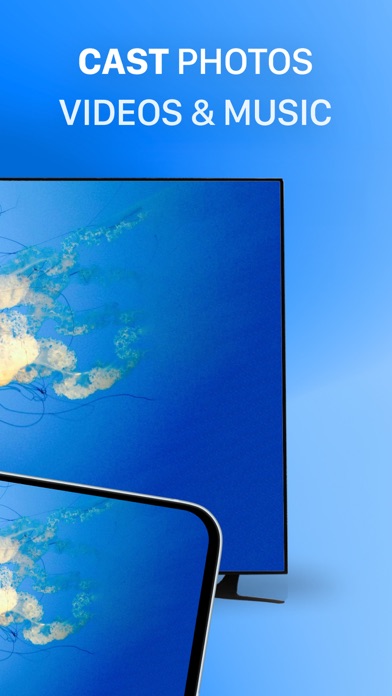
The app has several features, including the ability to mirror your phone's screen to your TV, cast photos and videos from your photo library to your TV, and mirror your phone's camera to your TV.
To mirror your phone's screen to your TV, you need to connect your phone and your TV to the same WIFI network. Then, open the app and connect it to your TV. After that, tap the "Screen Mirroring" button and follow the instructions to start mirroring.
Screen Mirroring Z offers a premium version that allows users to remove ads and unlock all features. You can choose to make a one-time payment or opt for a yearly or monthly subscription (with a 3-day free trial). Payment will be charged to your iTunes account at the confirmation of purchase, and subscriptions automatically renew unless auto-renew is turned off at least 24-hours before the end of the current period. Subscriptions may be managed by the user, and any unused portion of a free trial period will be forfeited when the user purchases a subscription to that publication, where applicable.
The app's privacy policy and terms of service can be found on the developer's website at https://evolly.app/privacy-policy/ and https://evolly.app/terms-of-service/, respectively.