Markdown゜

Markdown゜ Summary
Markdown゜ is a free iOS app in Productivity by Teleprompter LLC. Released in Jan 2020 (6 years ago). It has 2.7K ratings with a 4.74★ (excellent) average. Based on AppGoblin estimates, it reaches roughly 8.7K monthly active users . Store last updated Sep 30, 2026
Recent activity: 7.00 new ratings this week View trends →
Markdown゜ SDKs Summary
App not yet scanned for SDKs.
4.74★
Ratings: 2.7K
Screenshots


App Description
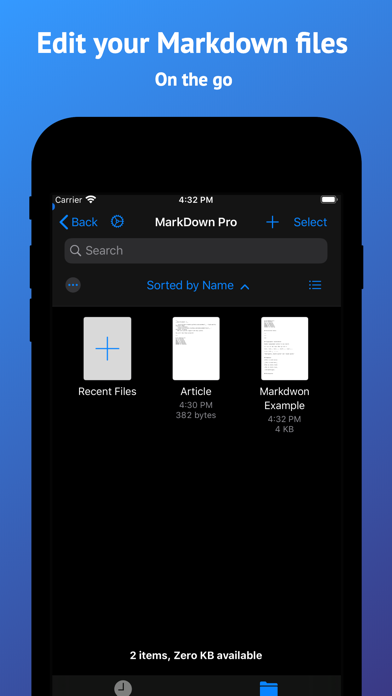
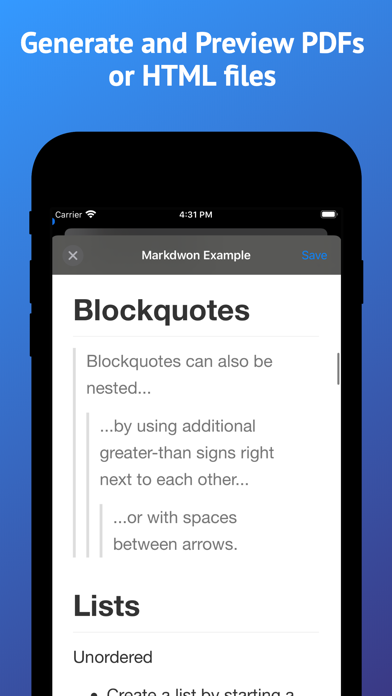
Markdown Pro is a fast, focused Markdown editor for iPhone, iPad and Mac. Write in plain Markdown, or turn on the prettified editor and watch headings, lists, tables, images and task lists render as you type. When you're done, export a polished PDF, an HTML file, or the raw Markdown.
WRITE THE WAY YOU LIKE
• Prettified editor renders headings, lists, quotes, code blocks and images inline while you type
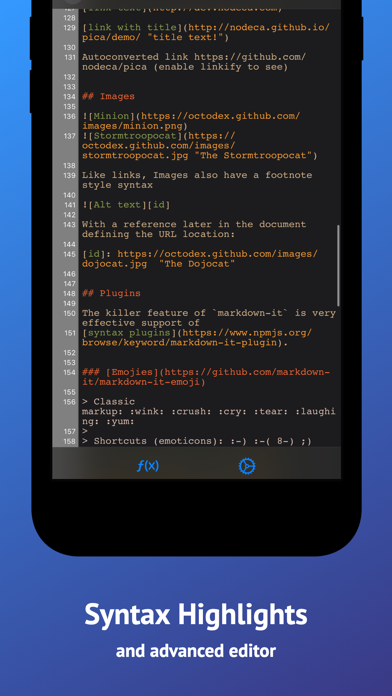
• Or stay in raw Markdown with syntax highlighting and line numbers
• Switch between the two with a single tap
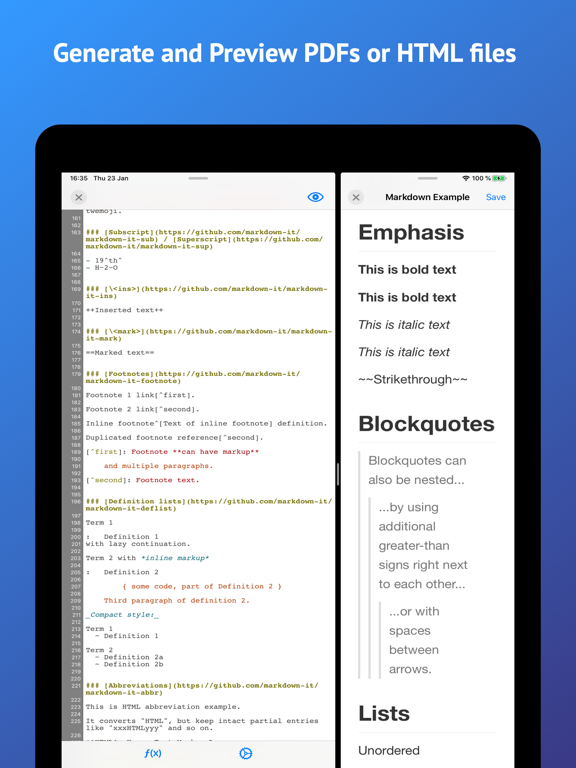
• Live preview beside your text on iPad and Mac
• Smart list continuation and a caret that stays where you put it
• Task lists with tappable checkmarks
TABLES WITHOUT THE PAIN
• Tap the pencil on any rendered table to open the graphical table editor
• Add and remove rows and columns without counting pipes
• Multiline cells and column alignment
• Tables render inline as you edit
EXPORT ANYWHERE
• Export to PDF, HTML or raw Markdown
• Send to any other app, or save straight to Files
• Your documents and exports stay on your device
AT HOME ON EVERY DEVICE
• One app for iPhone, iPad and Mac
• Full keyboard support, with menu bar commands and keyboard shortcuts
• Multiple windows, and documents as native tabs on Mac
• Drag and drop, and open several files at once
• Works with the Files app, iCloud Drive, Dropbox, Box, Google Drive and other file providers
• iCloud and Recents right on the Mac home screen
MAKE IT YOURS
• Full light and dark mode support
• Pick your syntax highlighting theme
• Choose a custom editor font and size
• Built-in snippets for headings, links, lists and tables
• Find and replace
• Autosave, always on
Whether you're keeping a journal, writing documentation, drafting a README, taking notes in a meeting or working through a code snippet, Markdown Pro stays out of the way and lets you write.